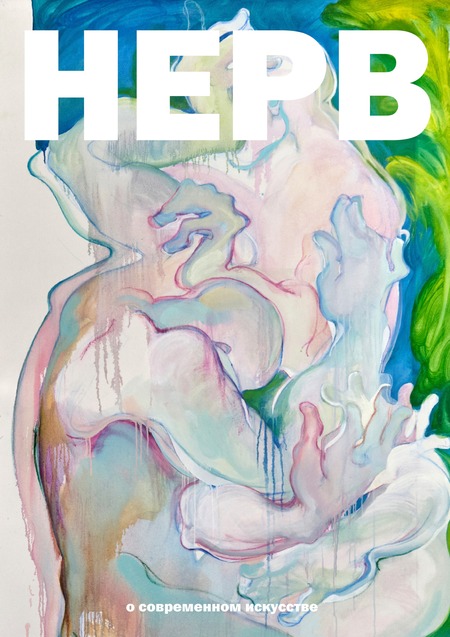
НЕРВ — медиа о современном визуальном искусстве, где мы исследуем искусство на двух пересекающихся уровнях.
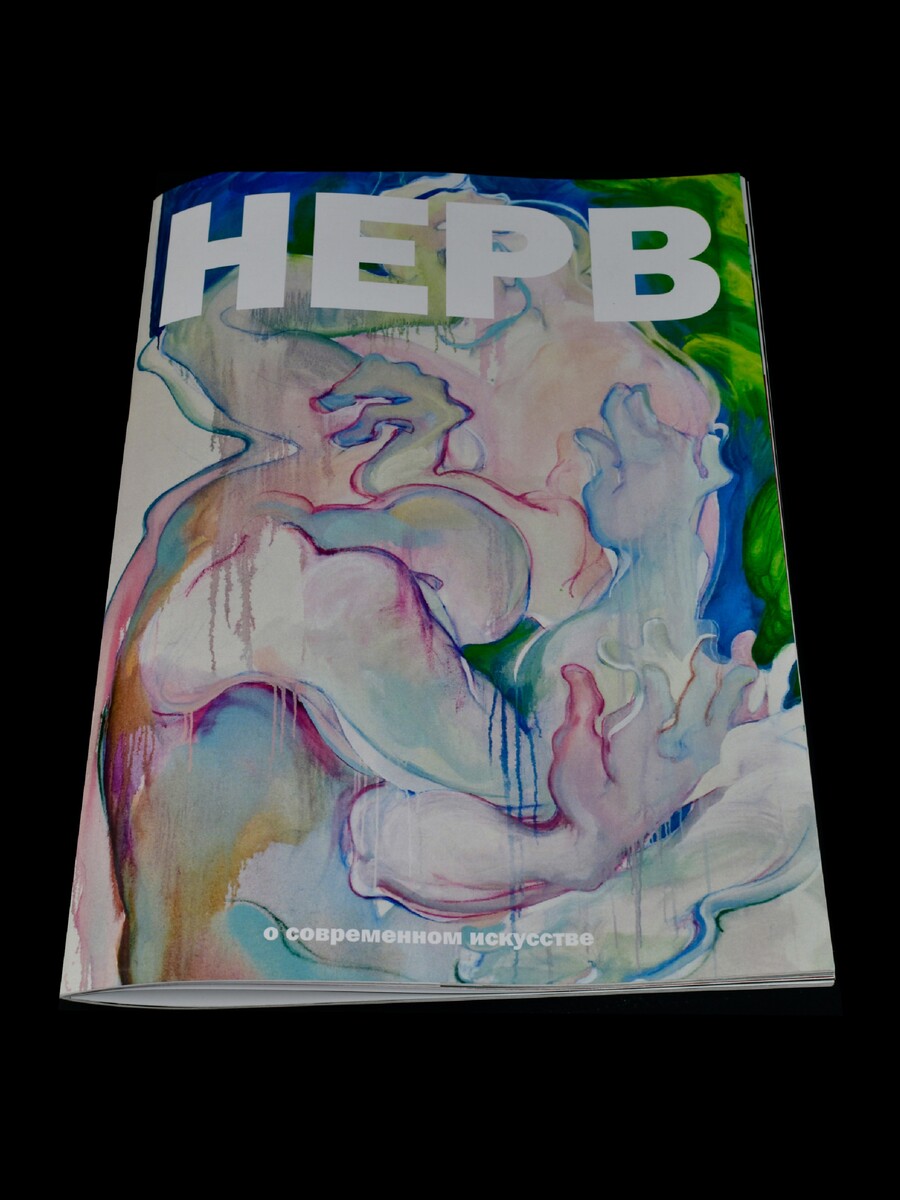
Исходный размер 2440x3253
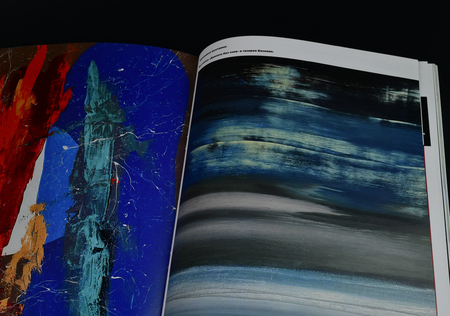
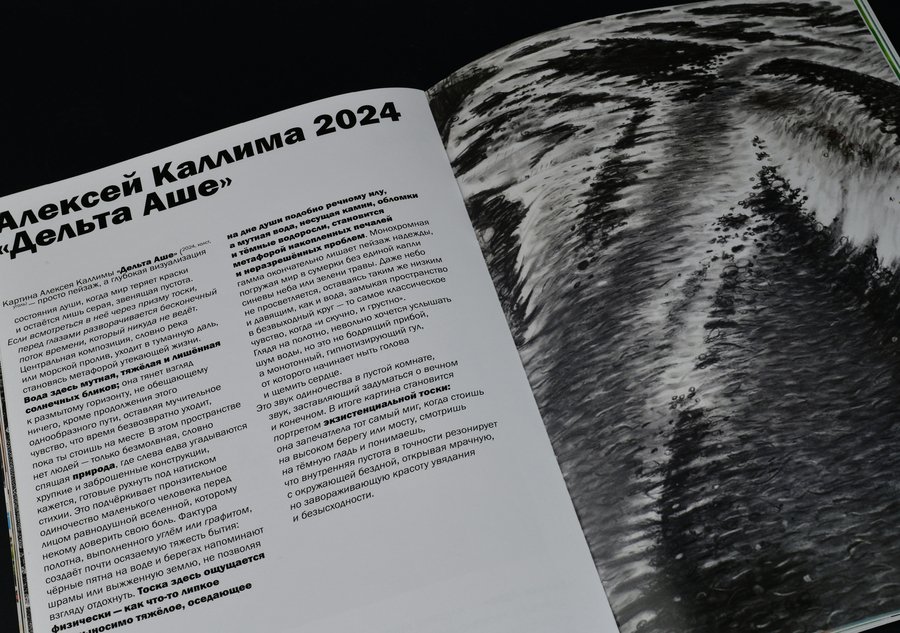
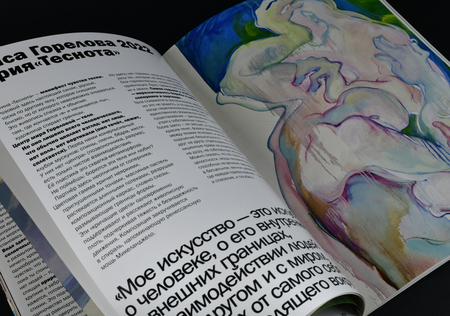
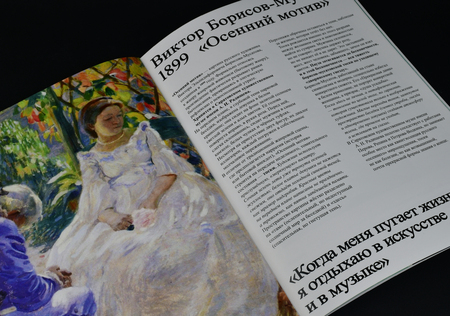
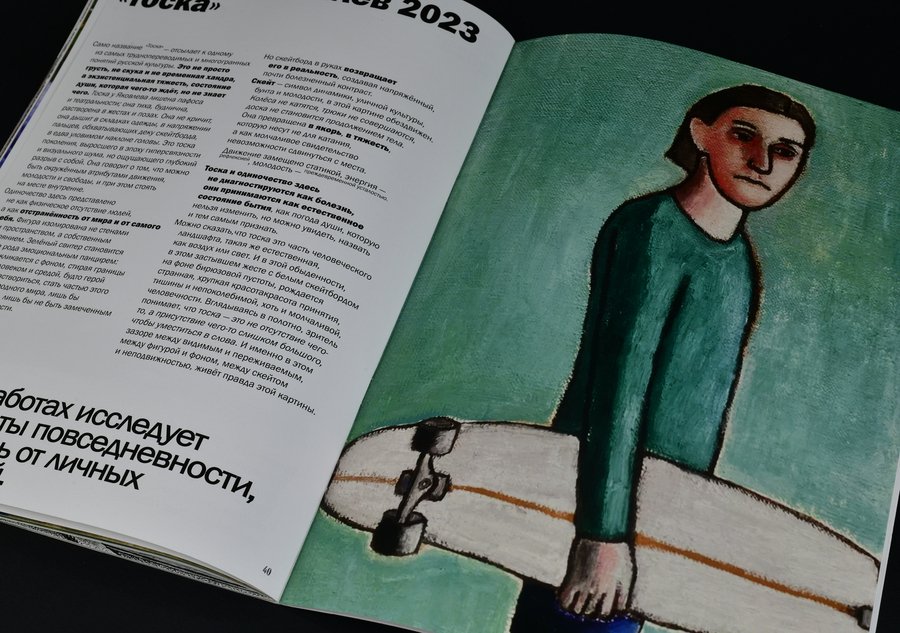
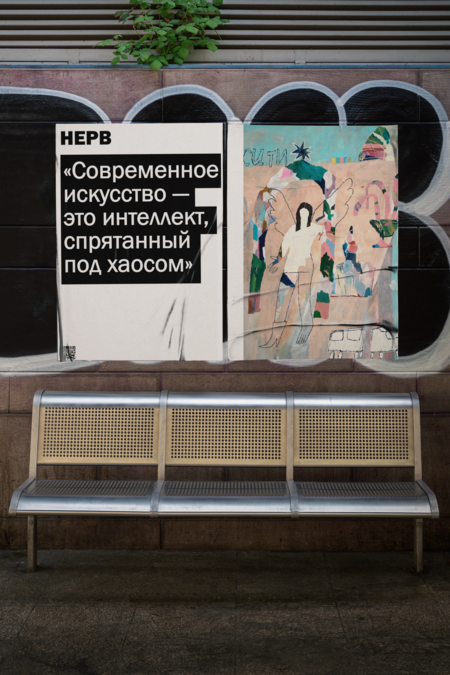
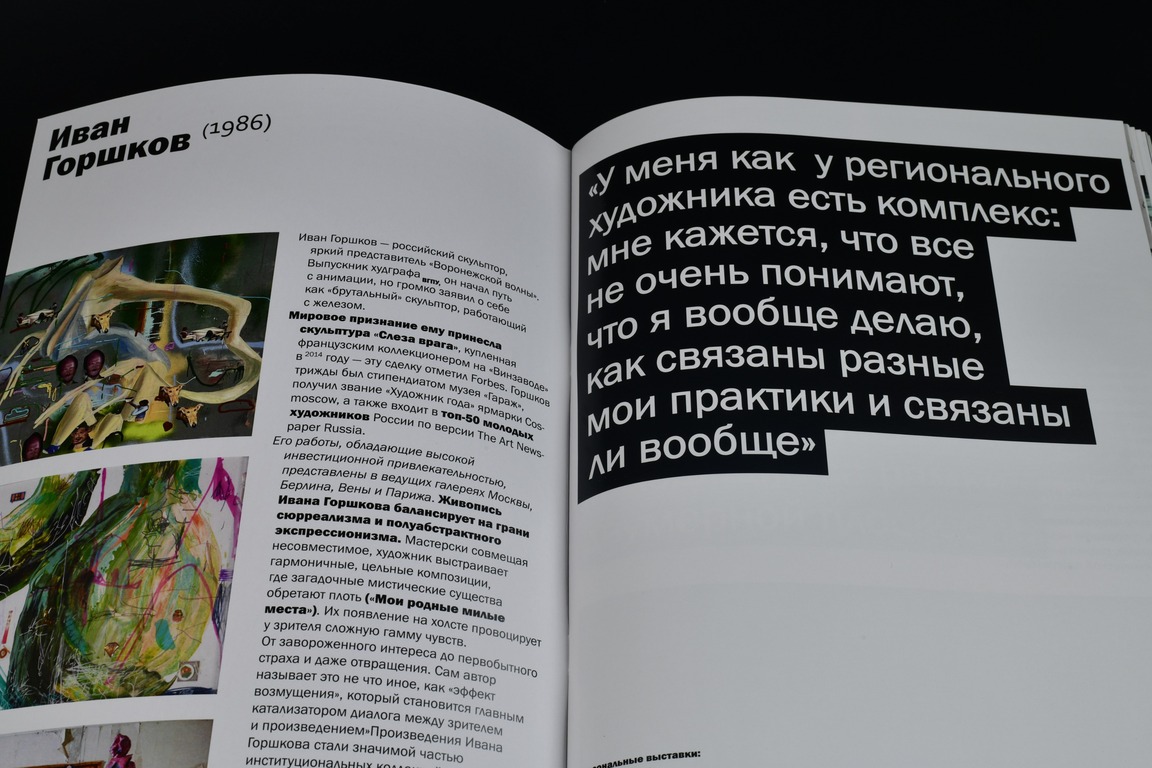
С одной стороны, это открытие новых и знаковых имен: тех, кто только входит в контекст, а также уже обладает собственным, важным языком.
0
0
0
0
0
0
0
0
0
0
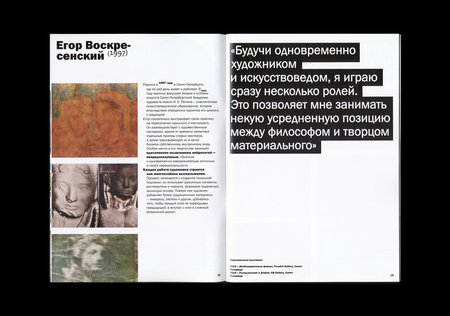
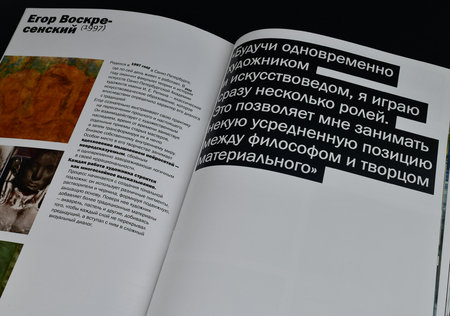
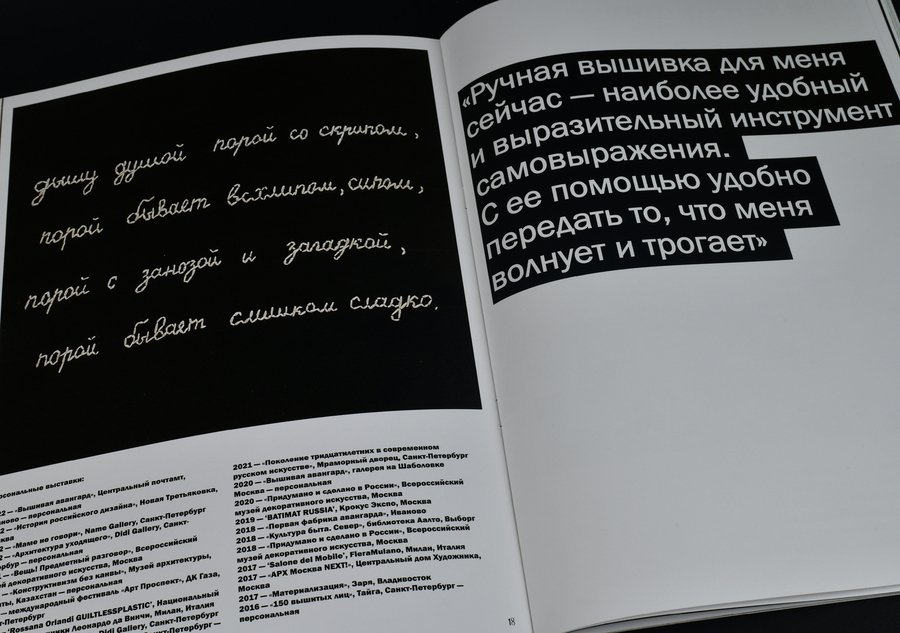
Мы показываем не просто работы, а фиксируем метод, биографию взгляда и авторское высказывание.
Исходный размер 3461x2433
0
0
0
0
0
0
0
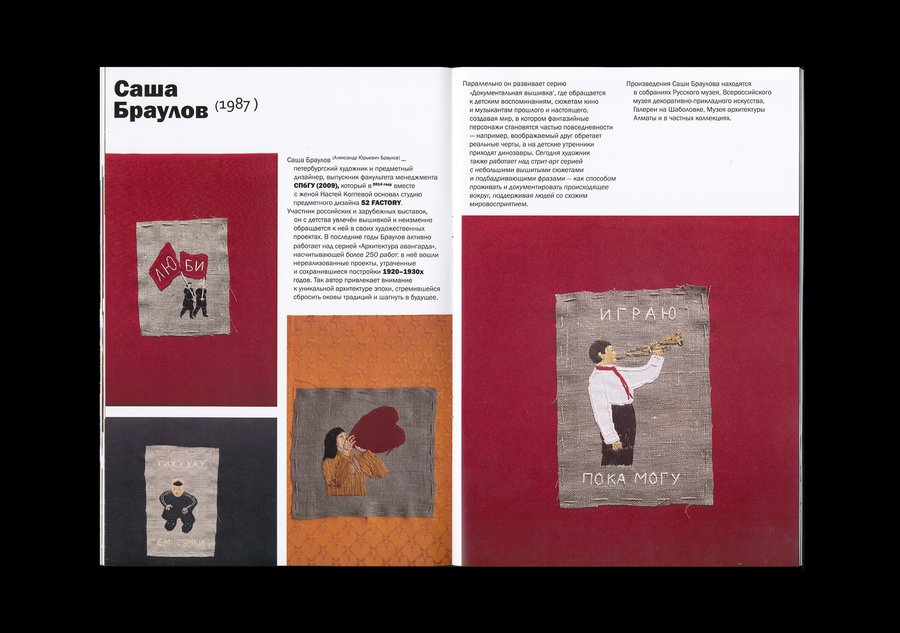
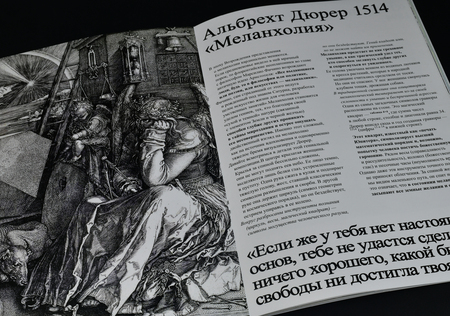
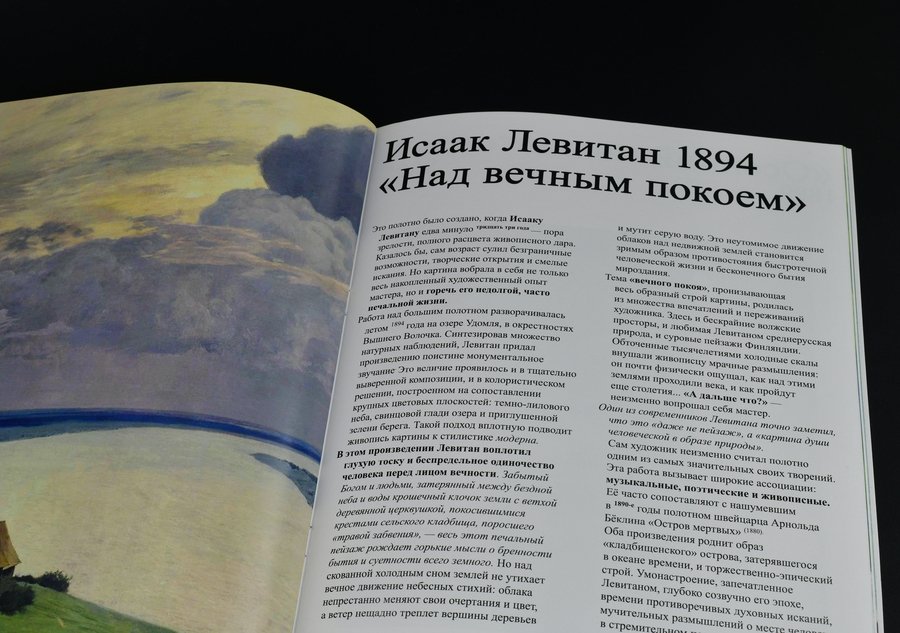
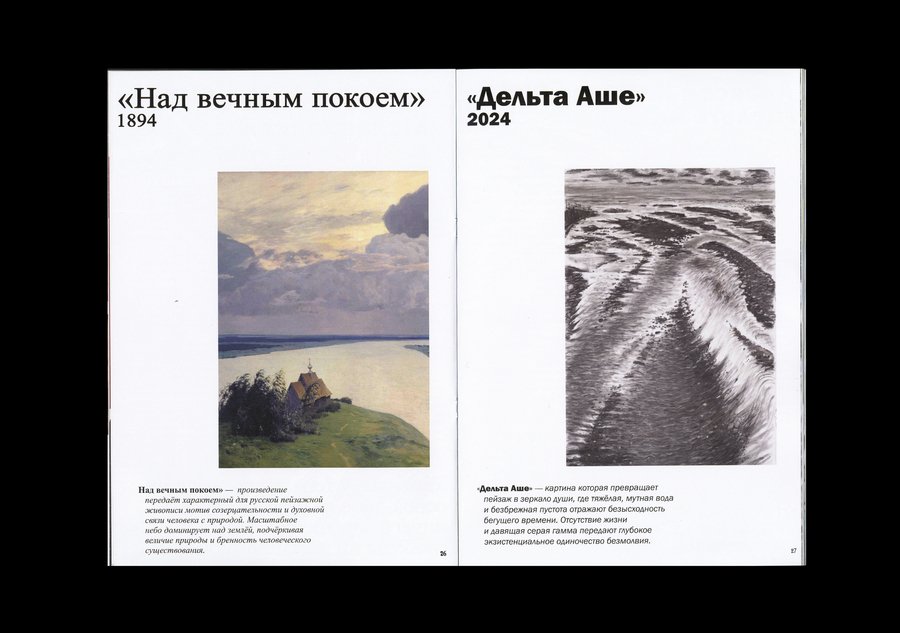
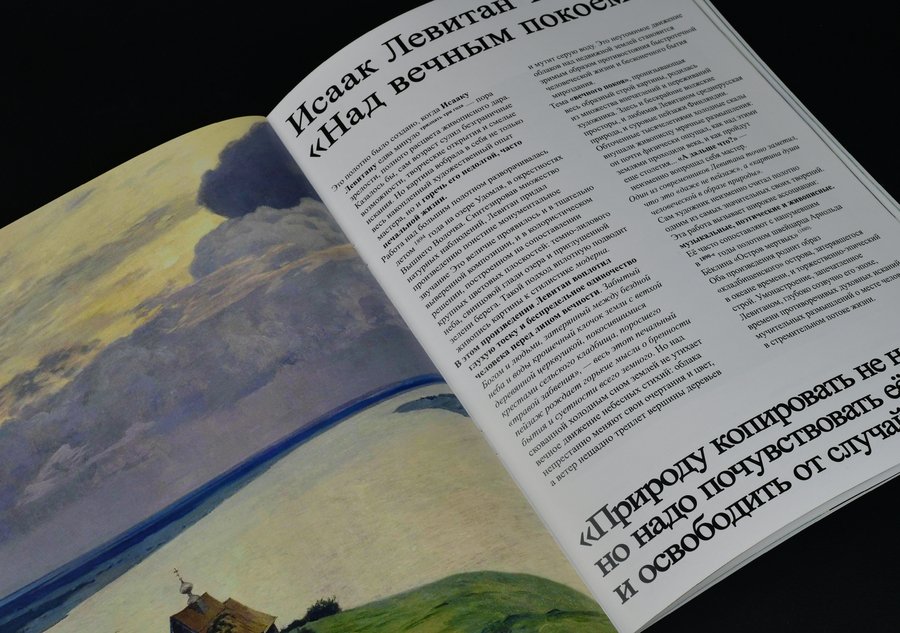
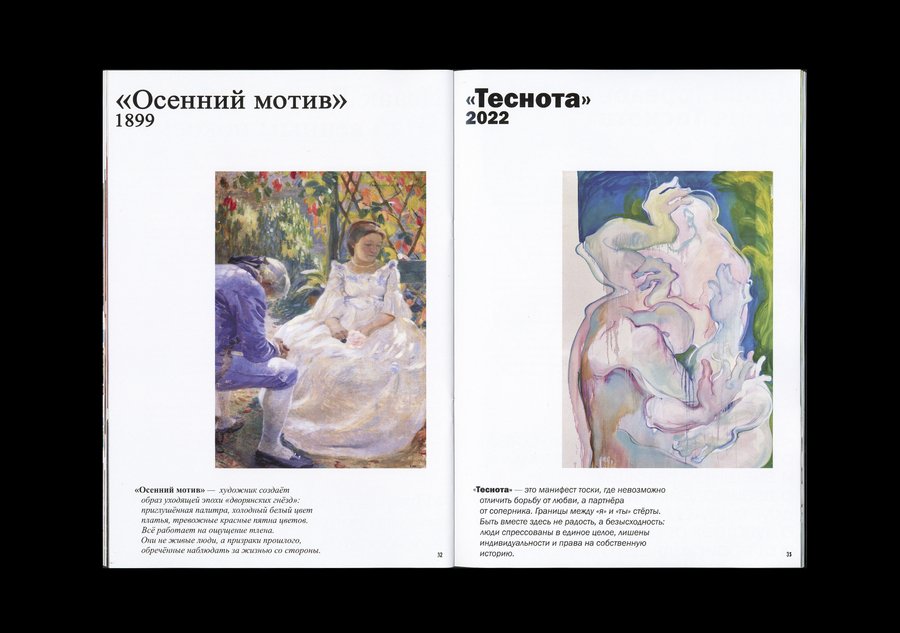
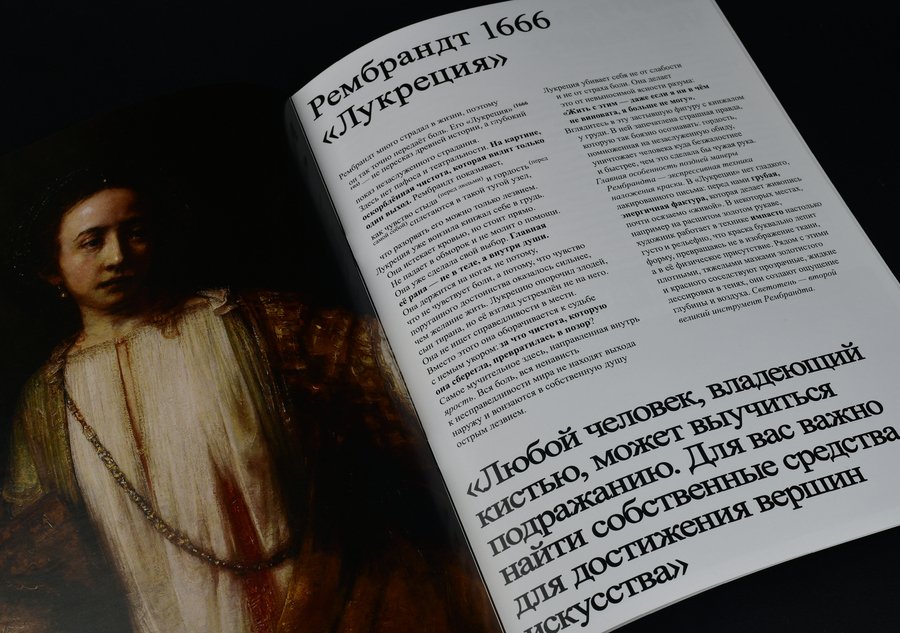
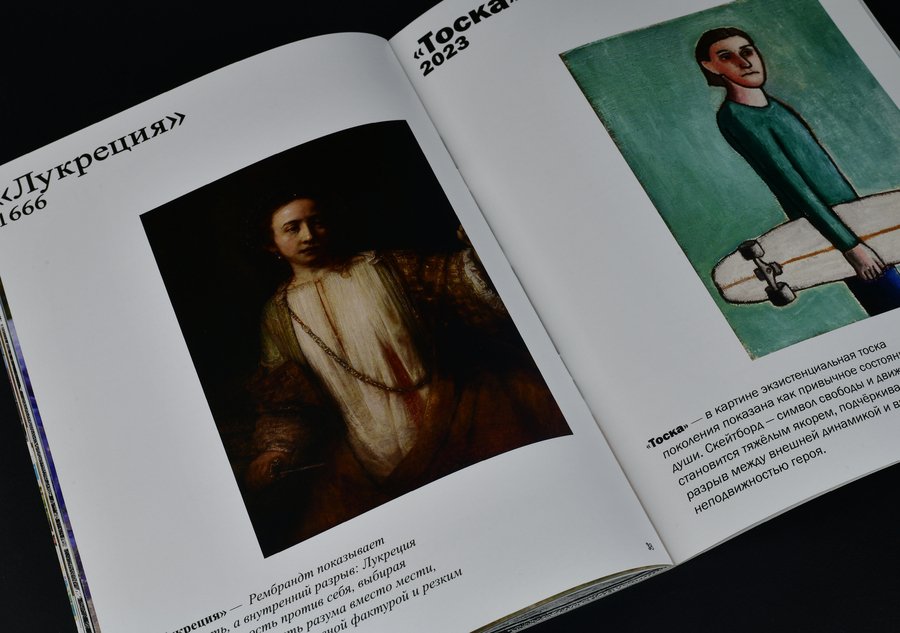
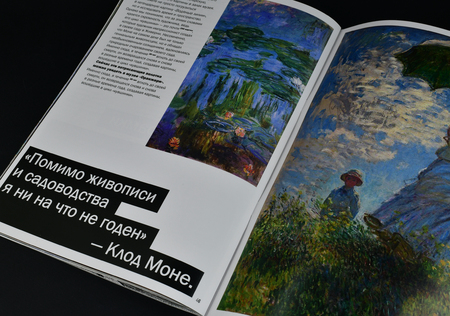
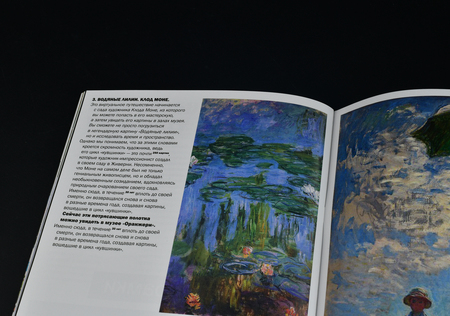
С другой стороны, это постоянный диалог между современностью и классикой.
Исходный размер 3461x2433
0
0
0
0
0
0
0
0
0
0
0
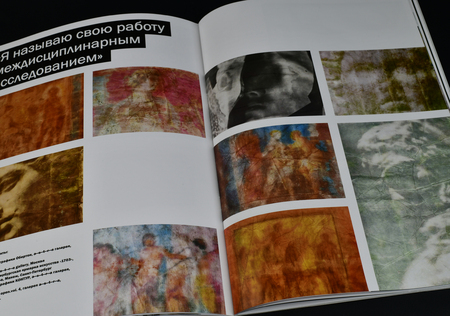
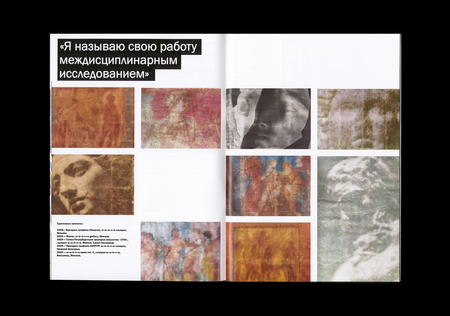
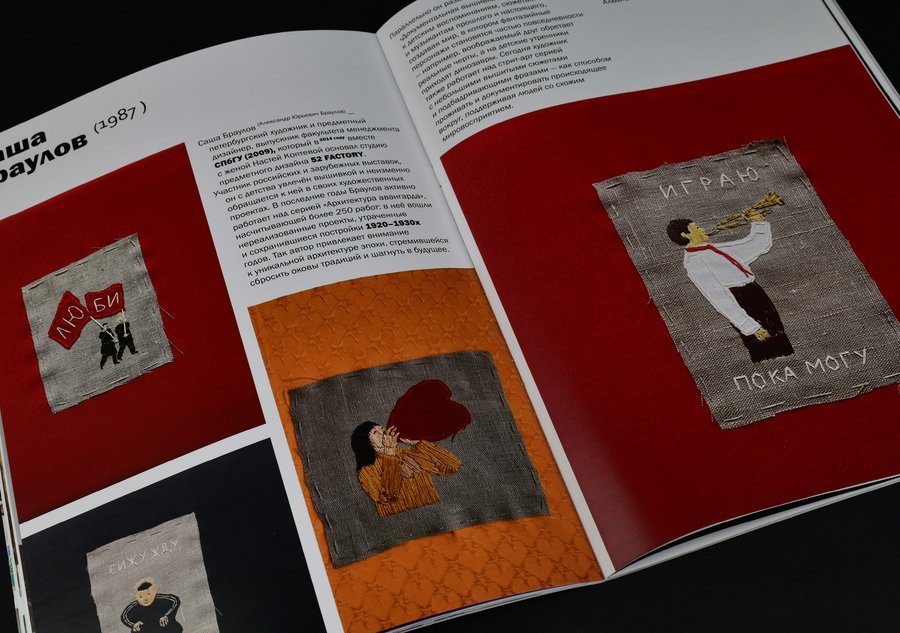
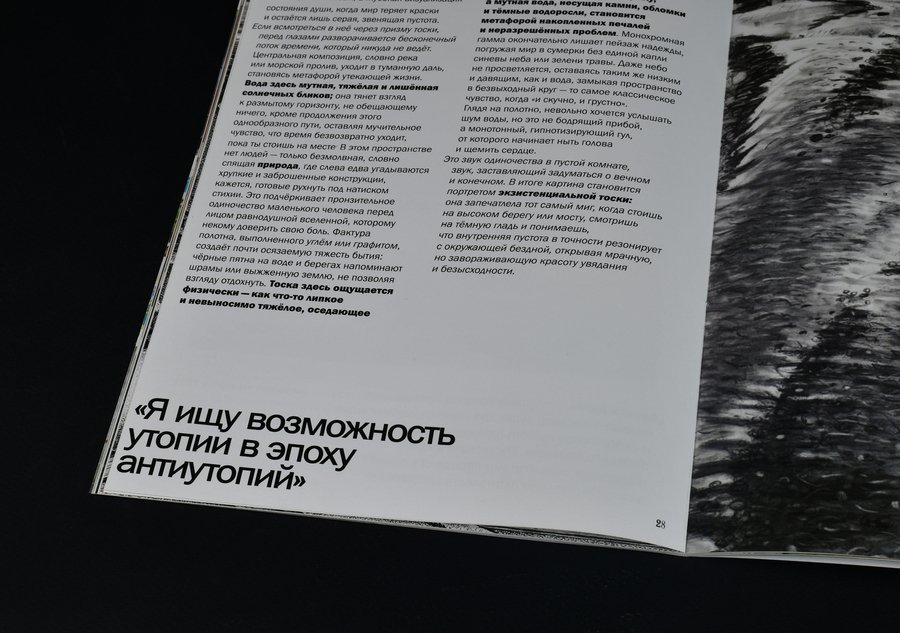
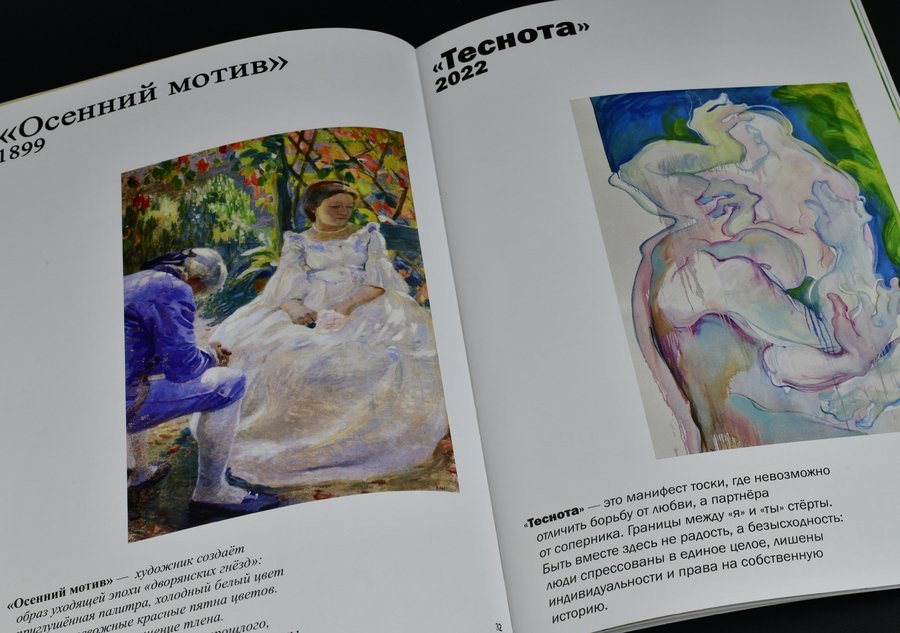
Нас интересует, как сегодняшние авторы переосмысляют наследие мастеров прошлого, какие темы оказываются объединяющими для разных эпох и как рождается этот разговор в актуальных выставочных проектах.
0
0
0
0
0
0
0
0
0
0
0
0
Исходный размер 3461x2433
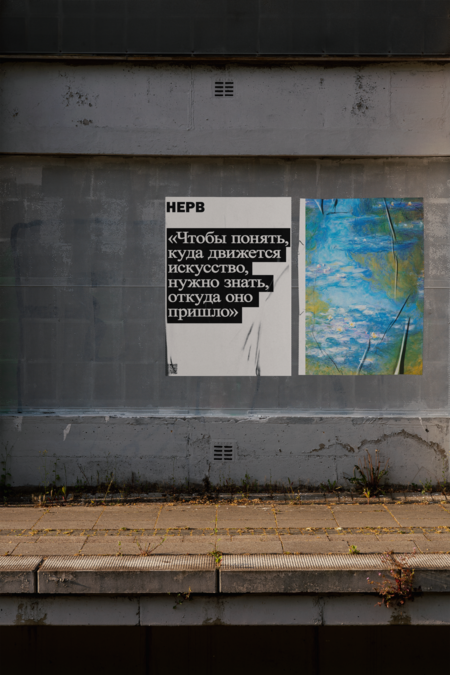
Мы верим, что искусство становится по-настоящему понятным только на пересечении взглядов — вчерашнего и сегодняшнего, известного и только зарождающегося.
Press space bar to start a drag.
When dragging you can use the arrow keys to move the item around and escape to cancel.
Some screen readers may require you to be in focus mode or to use your pass through key
Press space bar to start a drag.
When dragging you can use the arrow keys to move the item around and escape to cancel.
Some screen readers may require you to be in focus mode or to use your pass through key
Press space bar to start a drag.
When dragging you can use the arrow keys to move the item around and escape to cancel.
Some screen readers may require you to be in focus mode or to use your pass through key
Press space bar to start a drag.
When dragging you can use the arrow keys to move the item around and escape to cancel.
Some screen readers may require you to be in focus mode or to use your pass through key
Press space bar to start a drag.
When dragging you can use the arrow keys to move the item around and escape to cancel.
Some screen readers may require you to be in focus mode or to use your pass through key
Press space bar to start a drag.
When dragging you can use the arrow keys to move the item around and escape to cancel.
Some screen readers may require you to be in focus mode or to use your pass through key
Press space bar to start a drag.
When dragging you can use the arrow keys to move the item around and escape to cancel.
Some screen readers may require you to be in focus mode or to use your pass through key
Press space bar to start a drag.
When dragging you can use the arrow keys to move the item around and escape to cancel.
Some screen readers may require you to be in focus mode or to use your pass through key
Press space bar to start a drag.
When dragging you can use the arrow keys to move the item around and escape to cancel.
Some screen readers may require you to be in focus mode or to use your pass through key
Press space bar to start a drag.
When dragging you can use the arrow keys to move the item around and escape to cancel.
Some screen readers may require you to be in focus mode or to use your pass through key
Press space bar to start a drag.
When dragging you can use the arrow keys to move the item around and escape to cancel.
Some screen readers may require you to be in focus mode or to use your pass through key
Press space bar to start a drag.
When dragging you can use the arrow keys to move the item around and escape to cancel.
Some screen readers may require you to be in focus mode or to use your pass through key