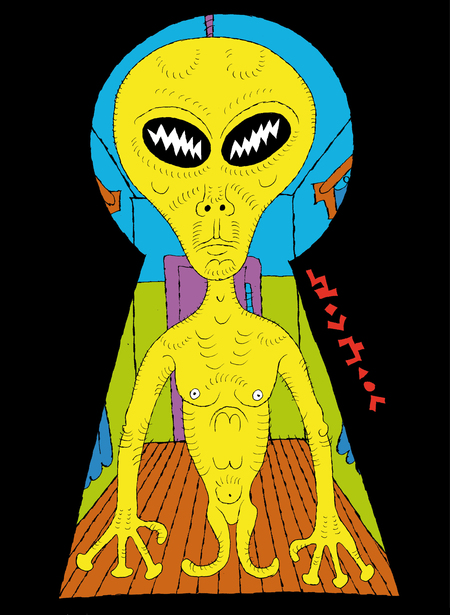
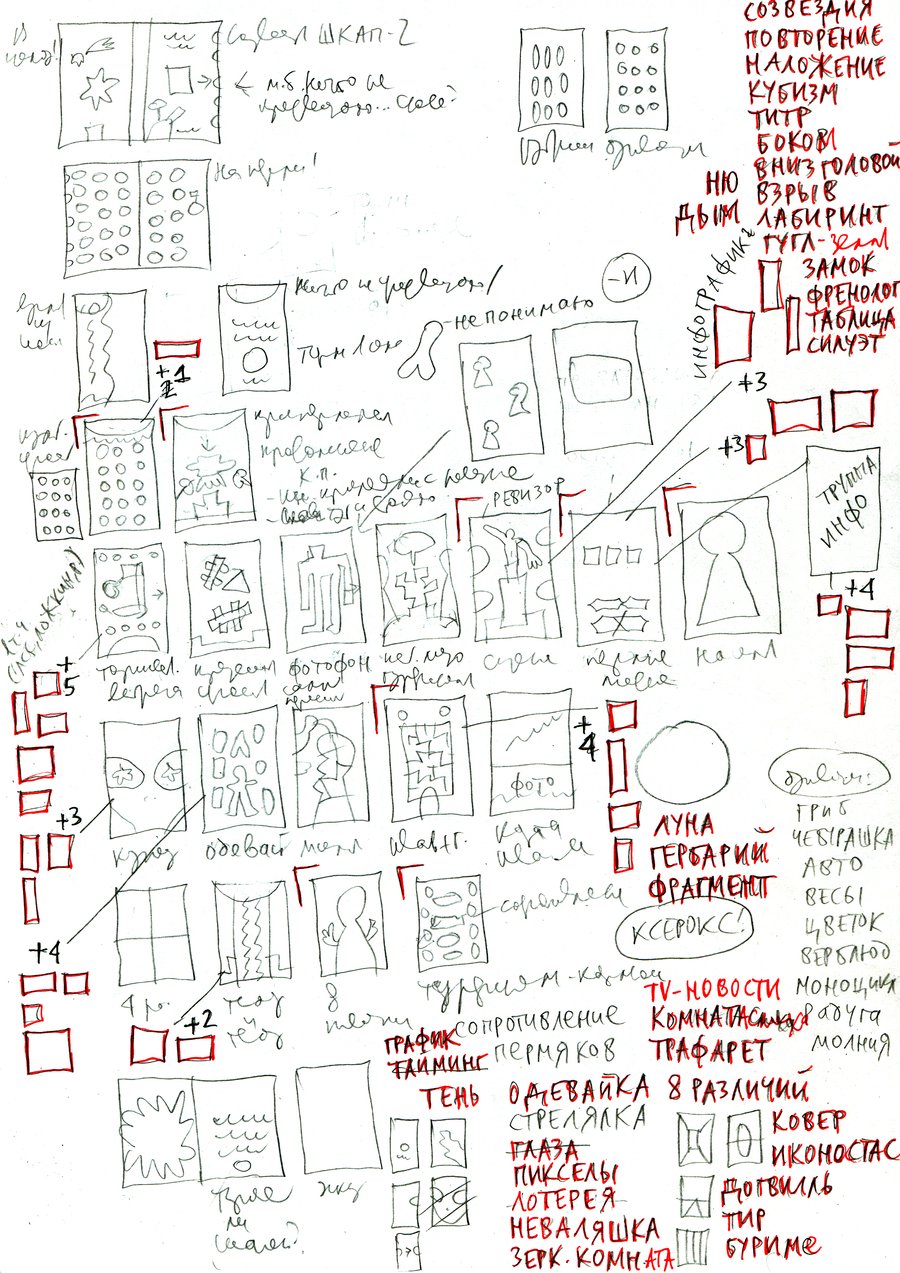
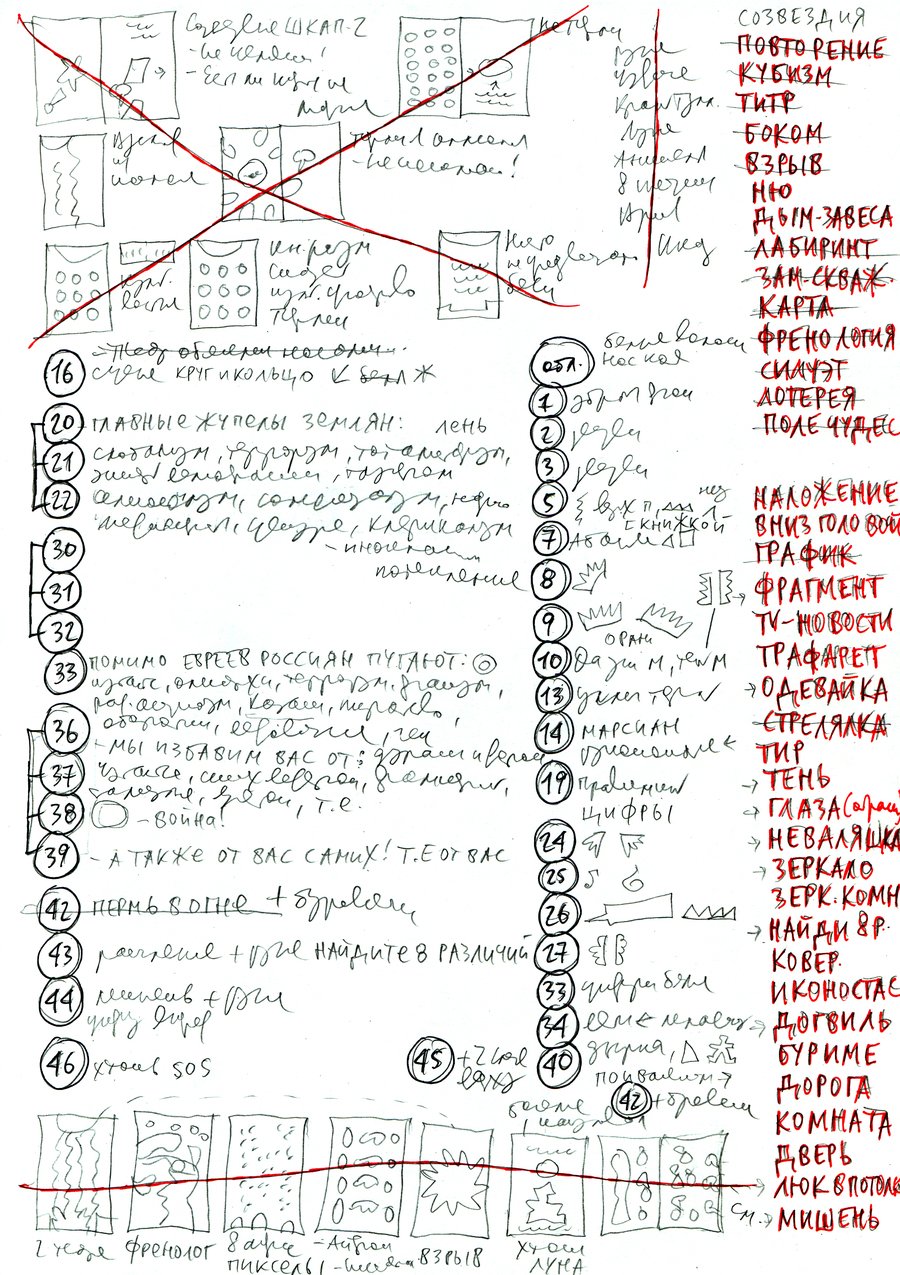
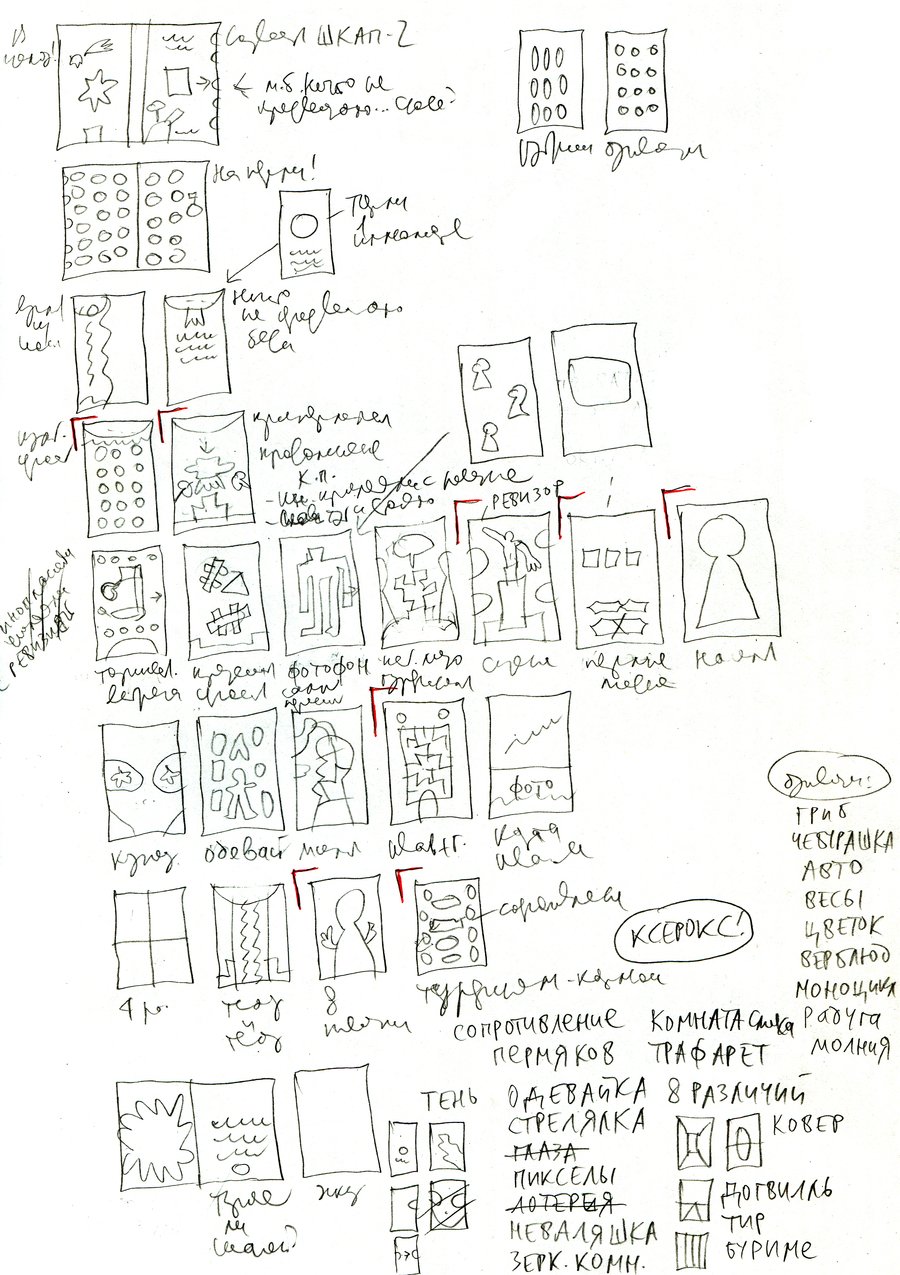
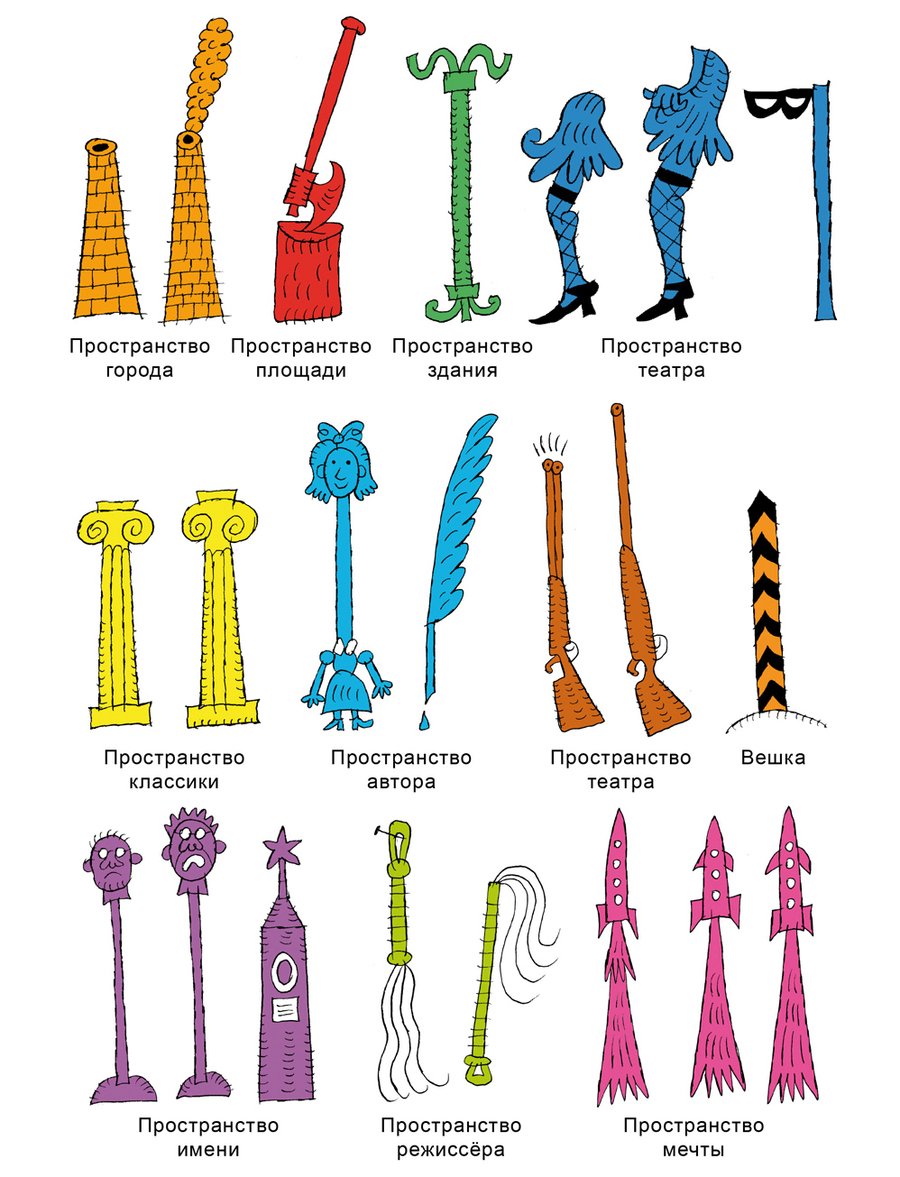
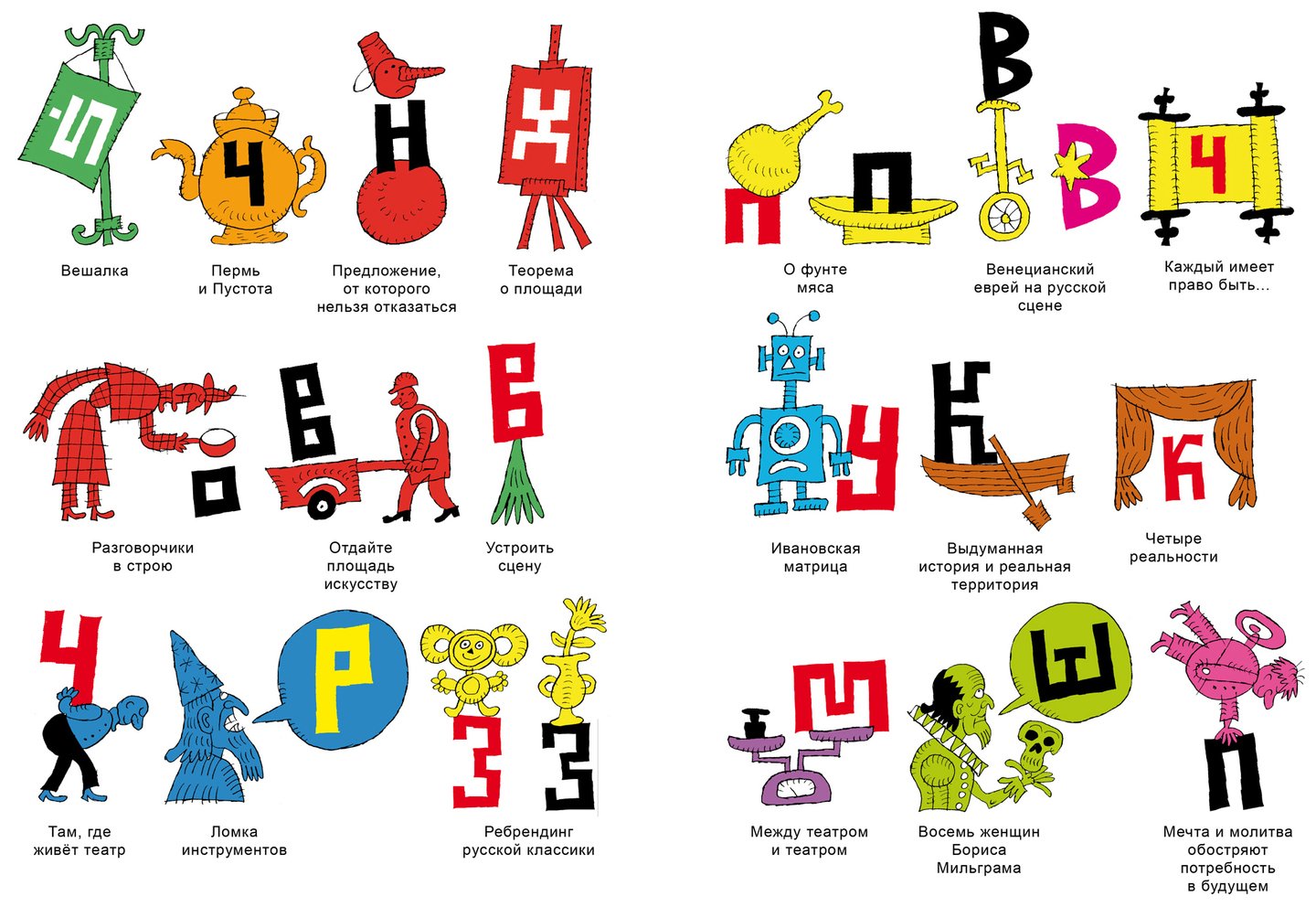
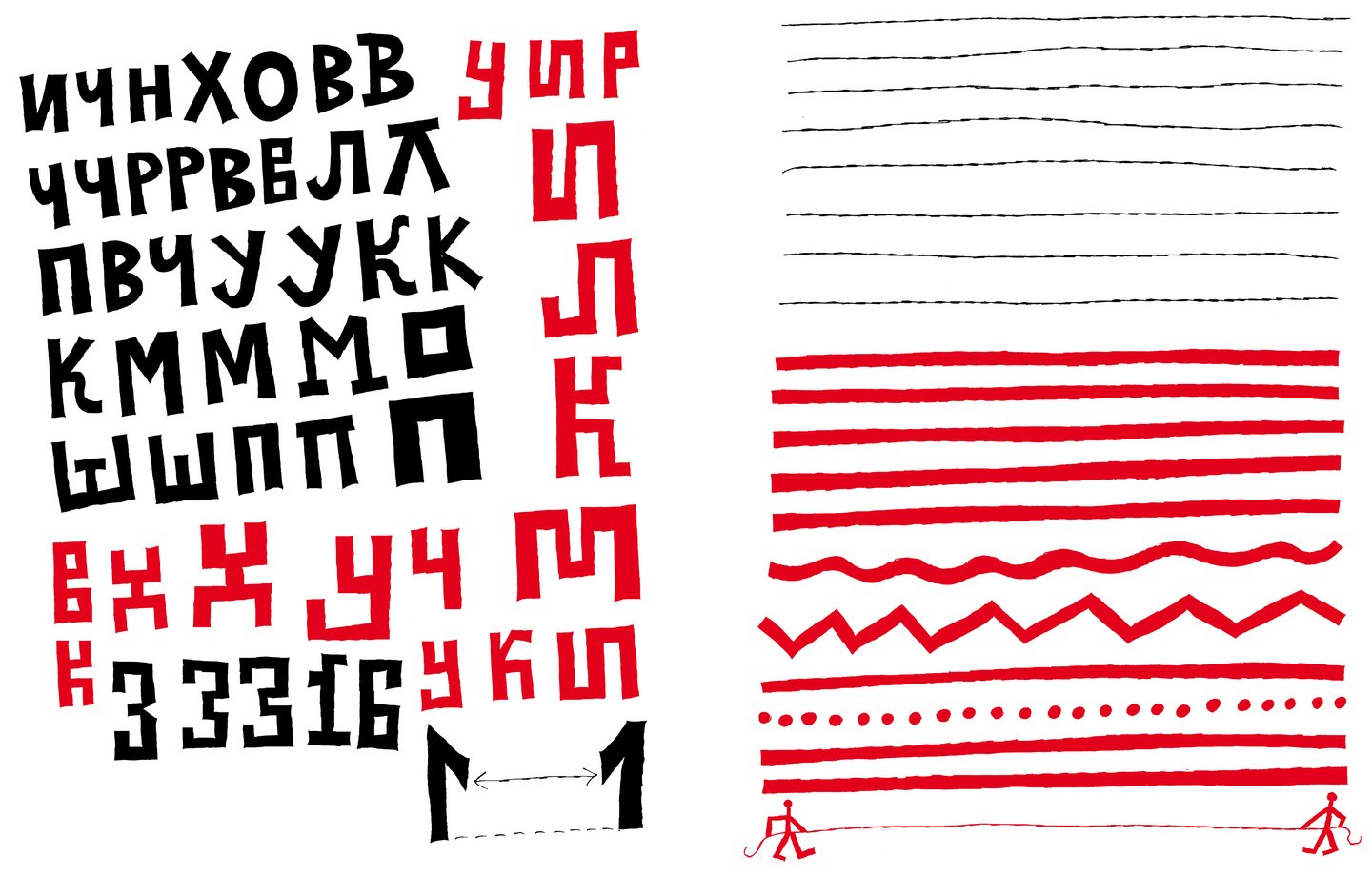
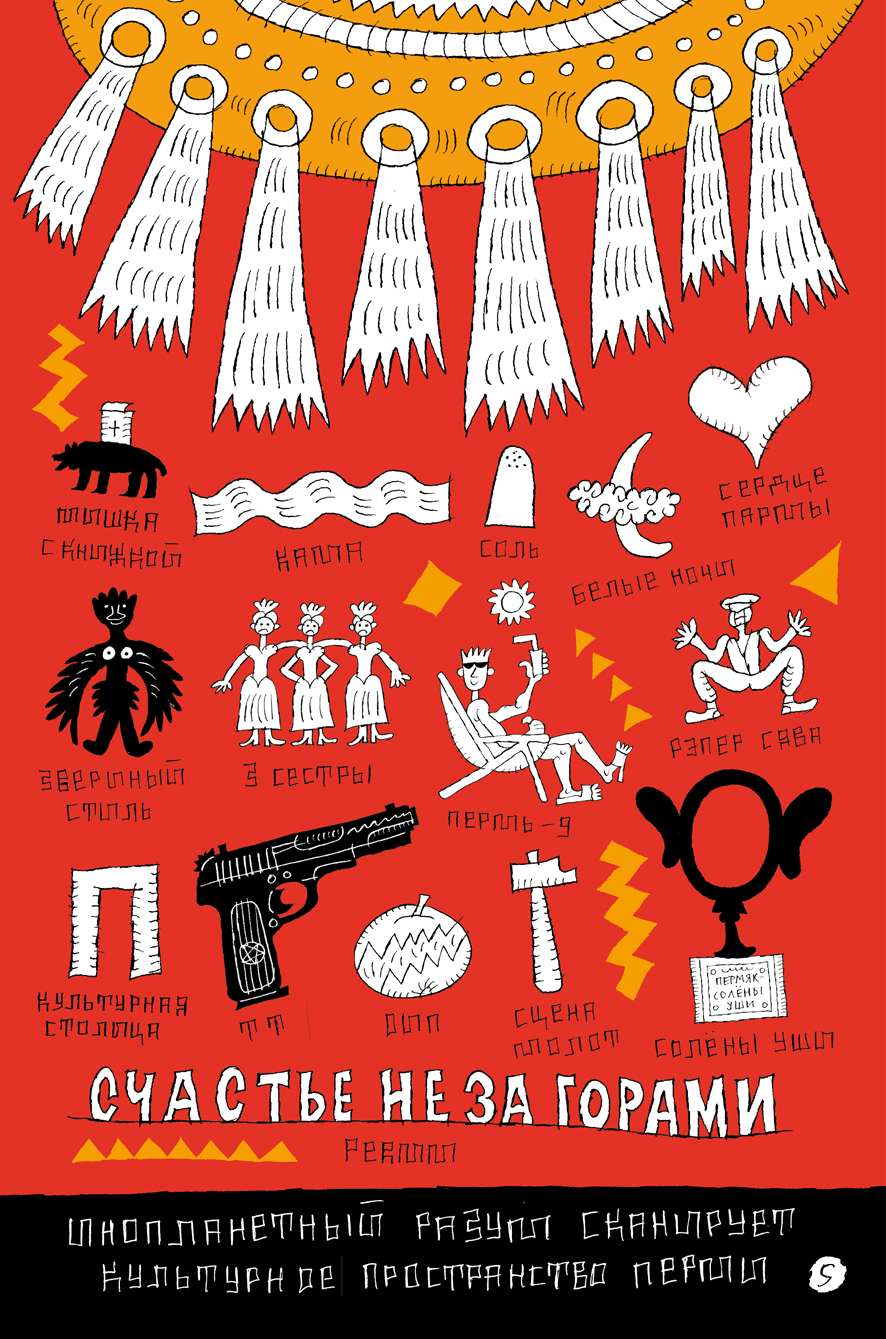
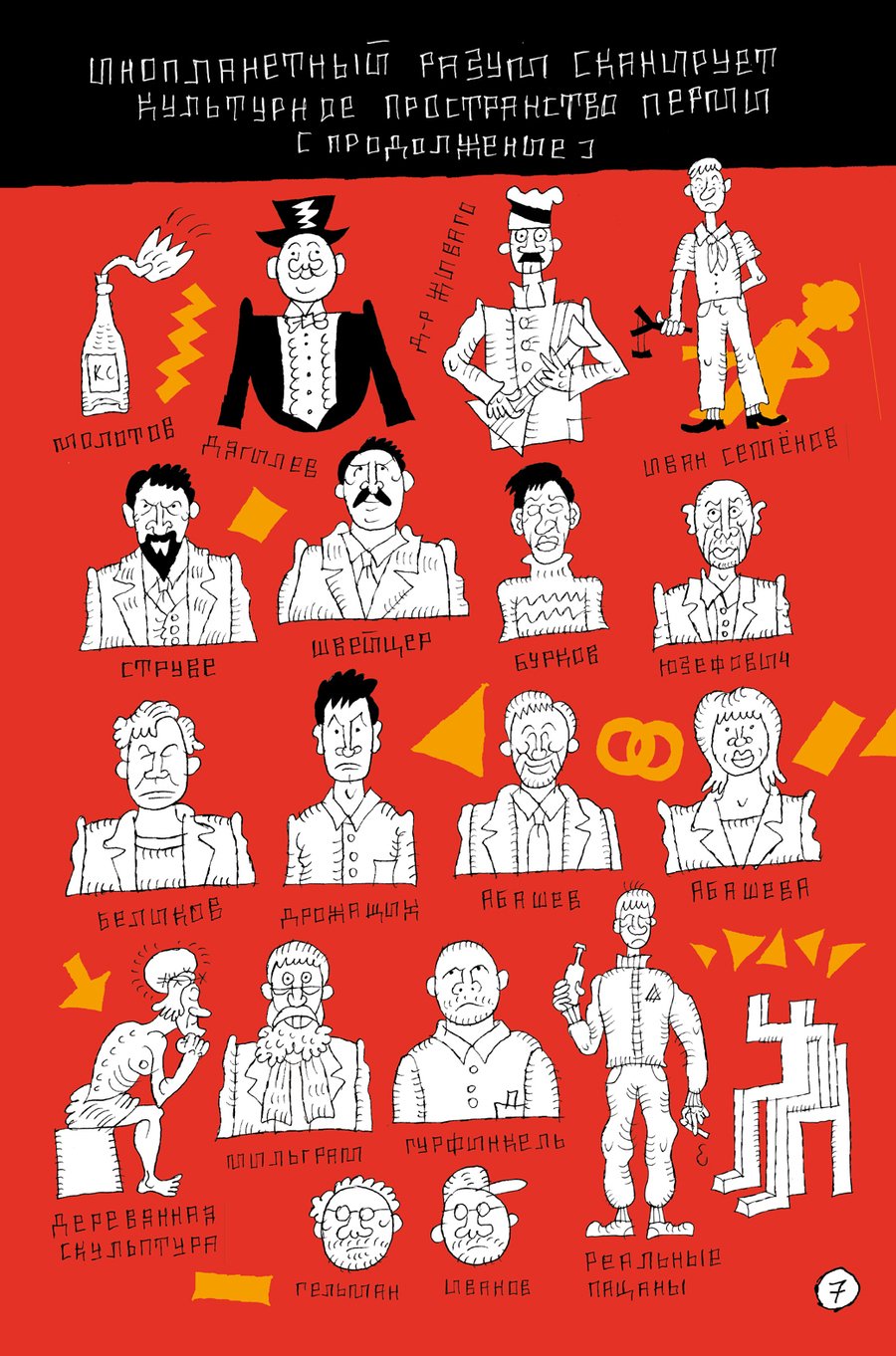
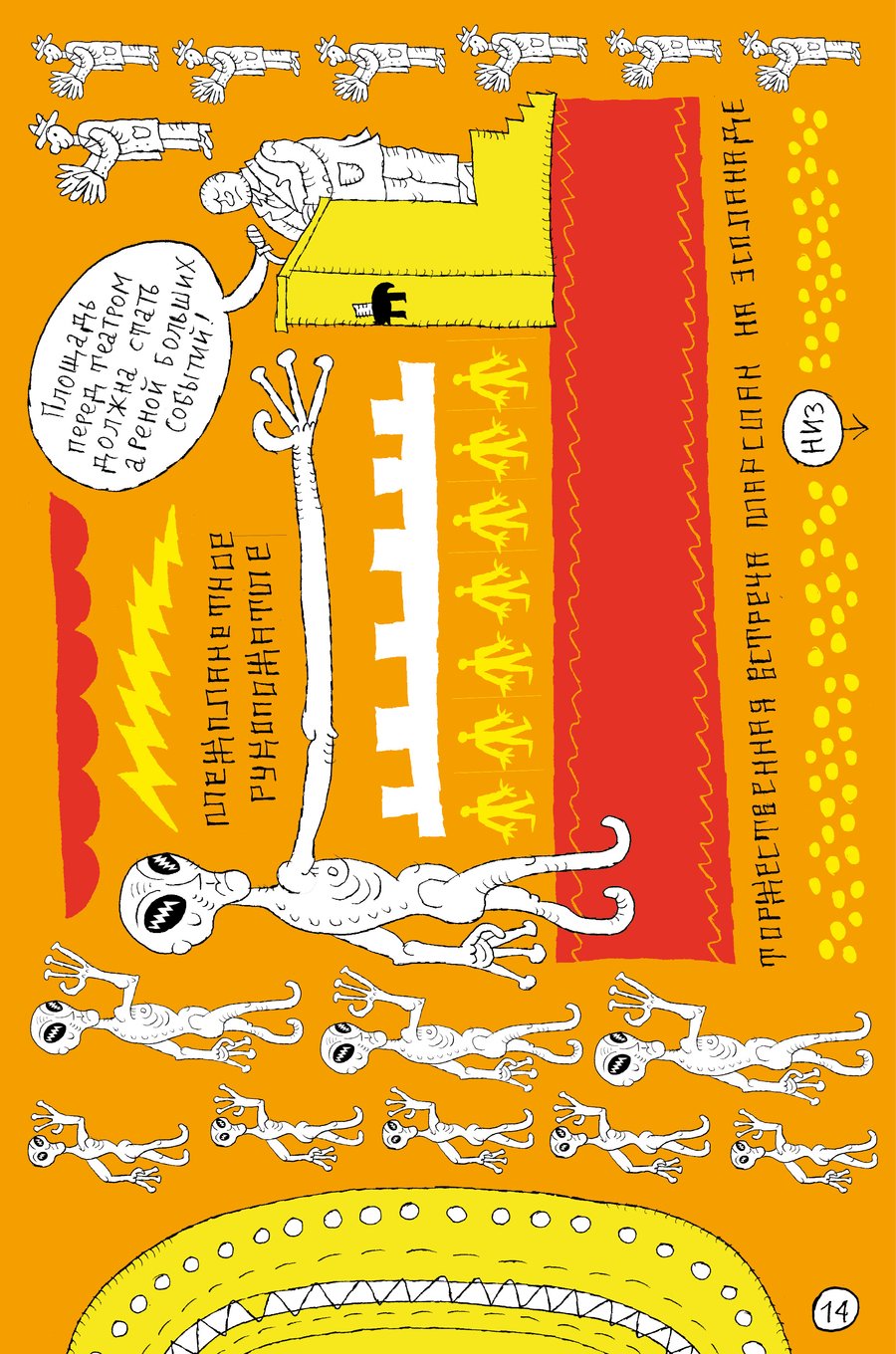
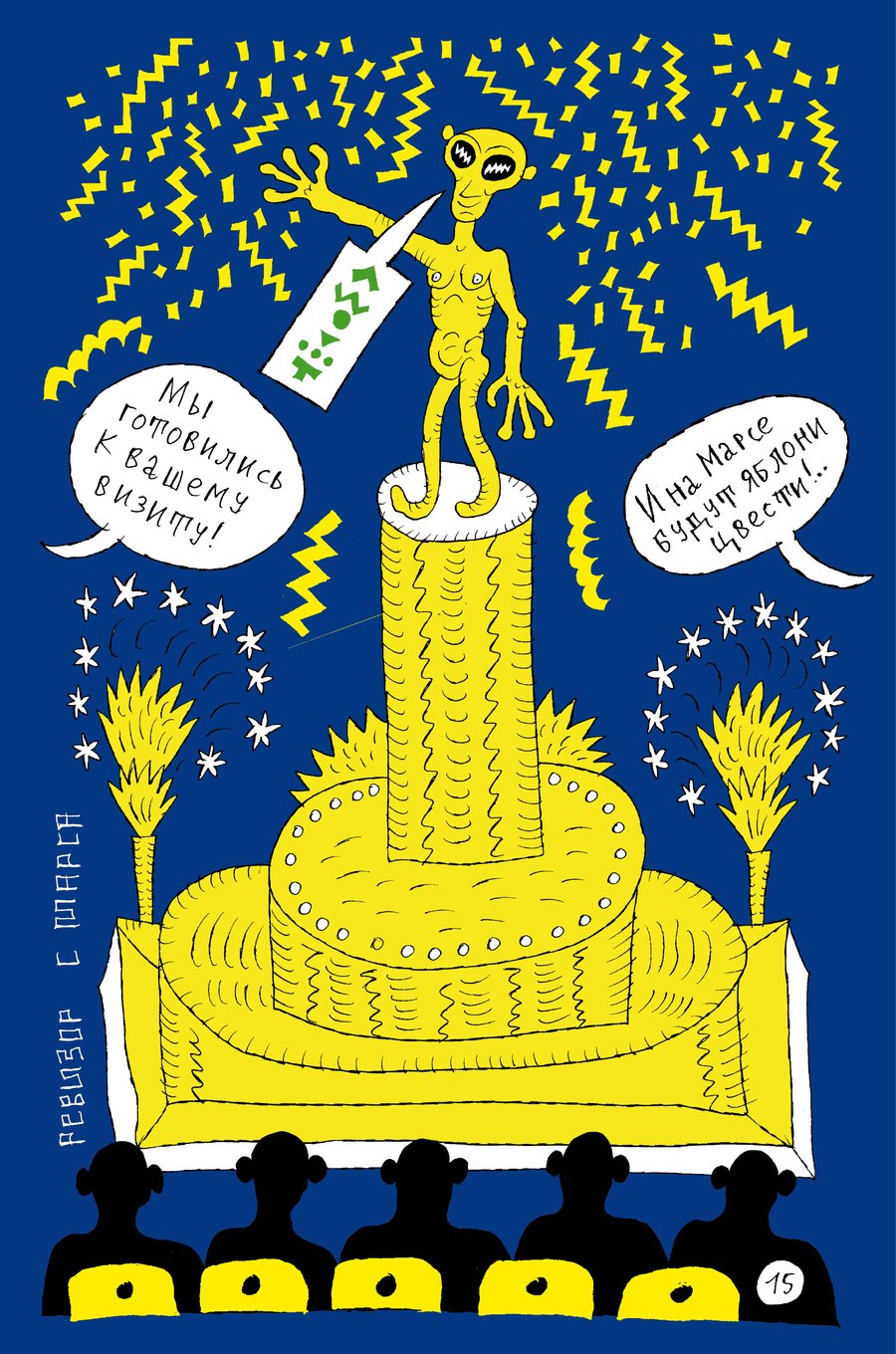
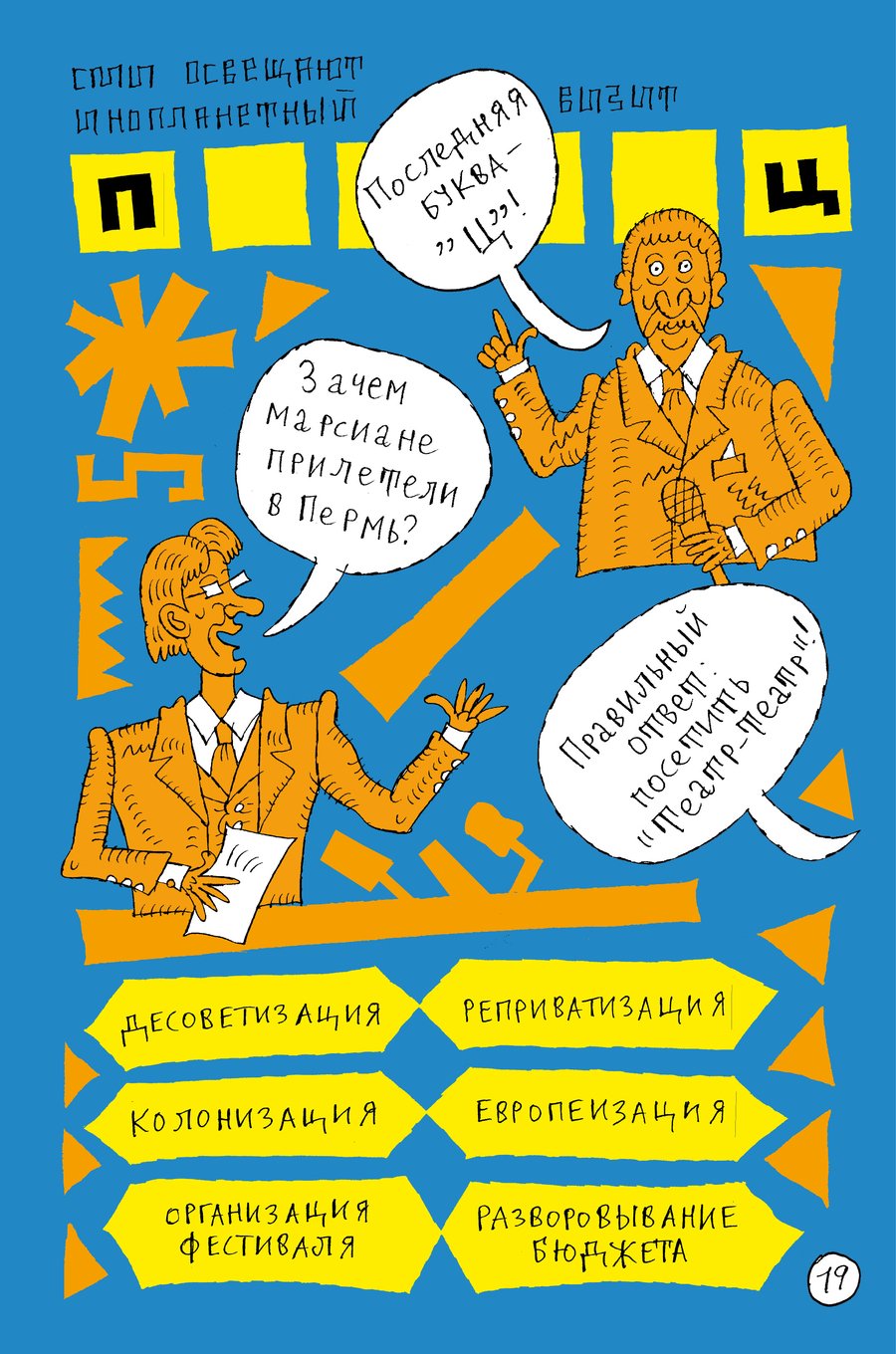
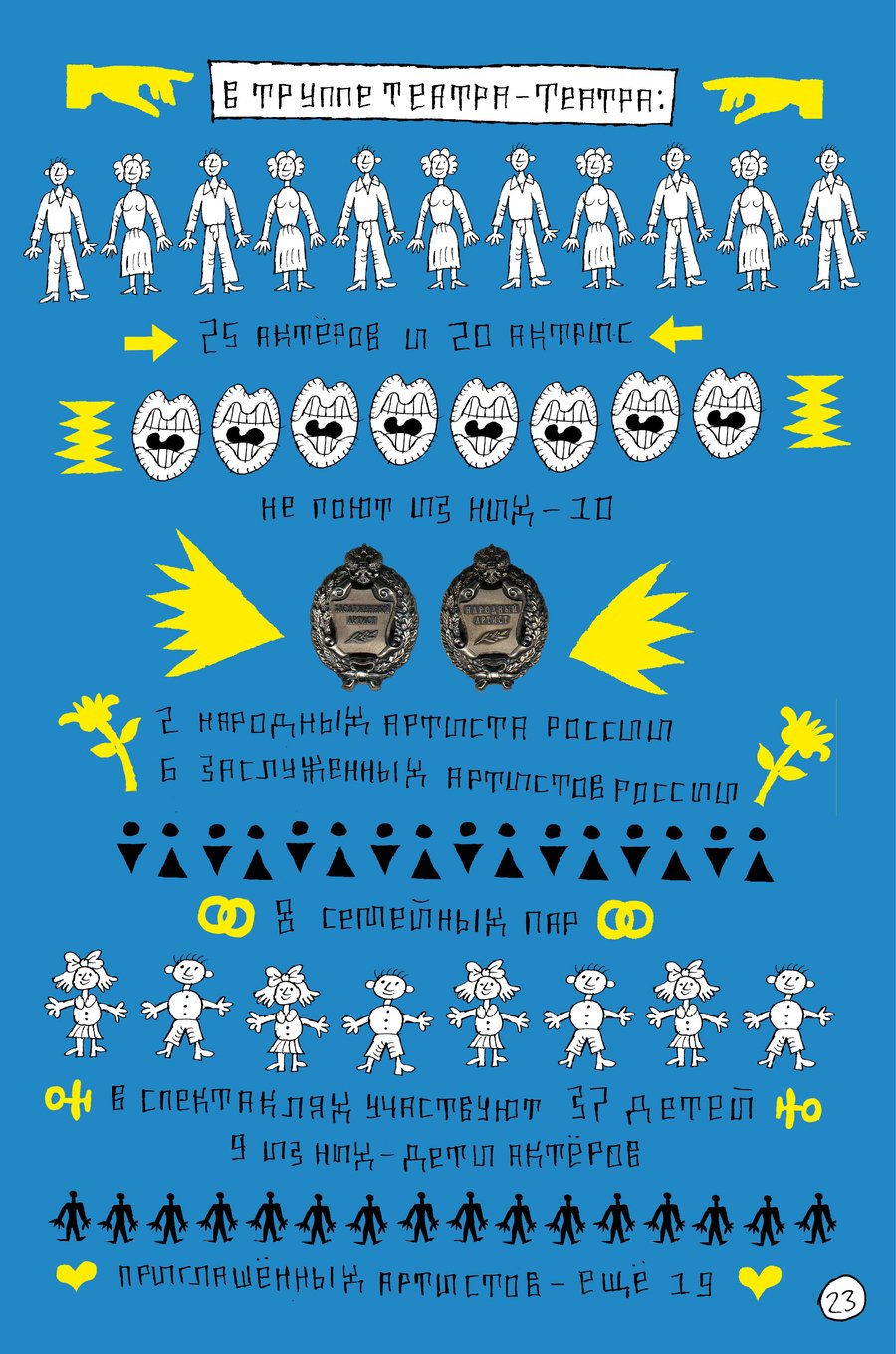
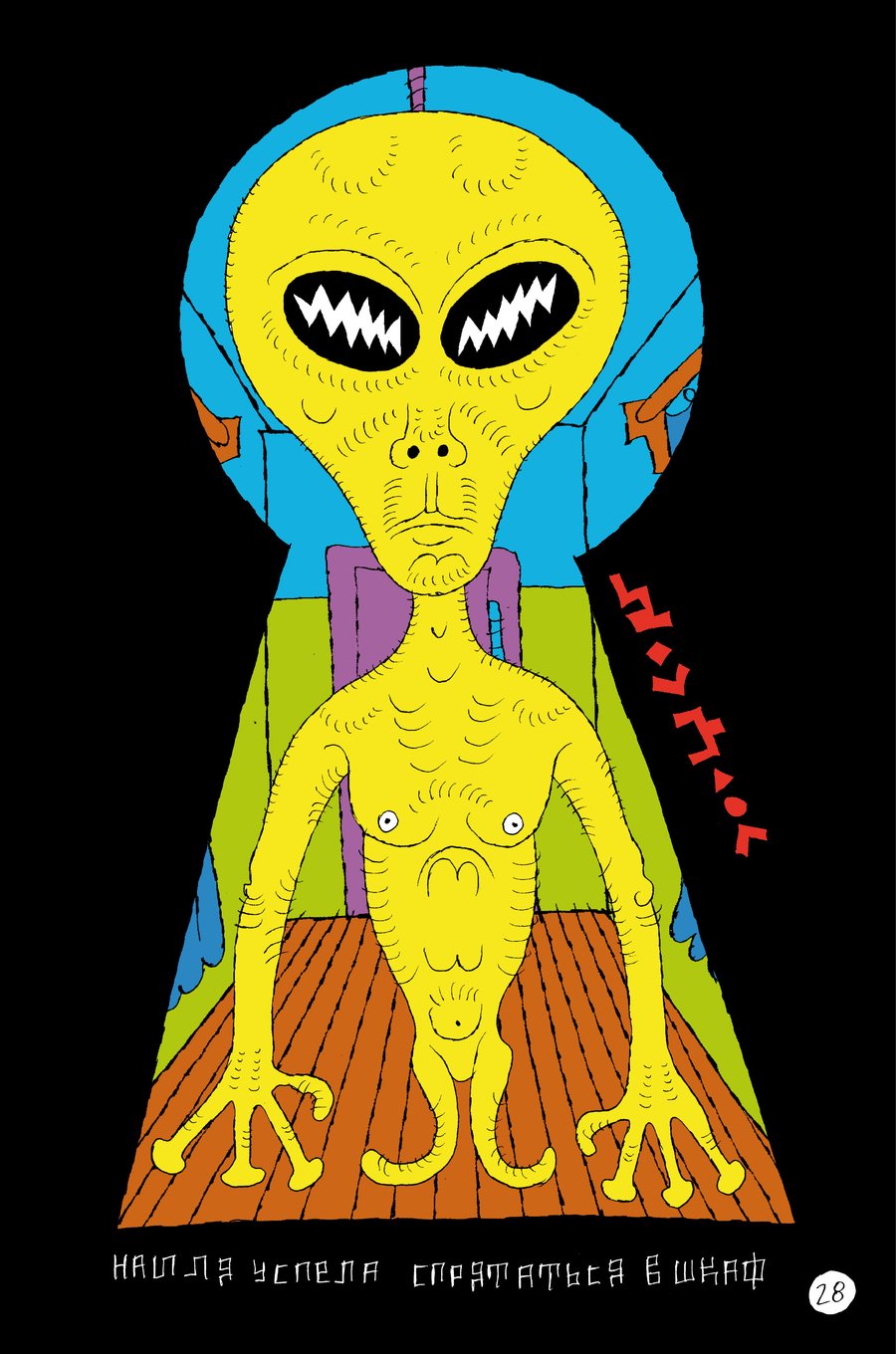
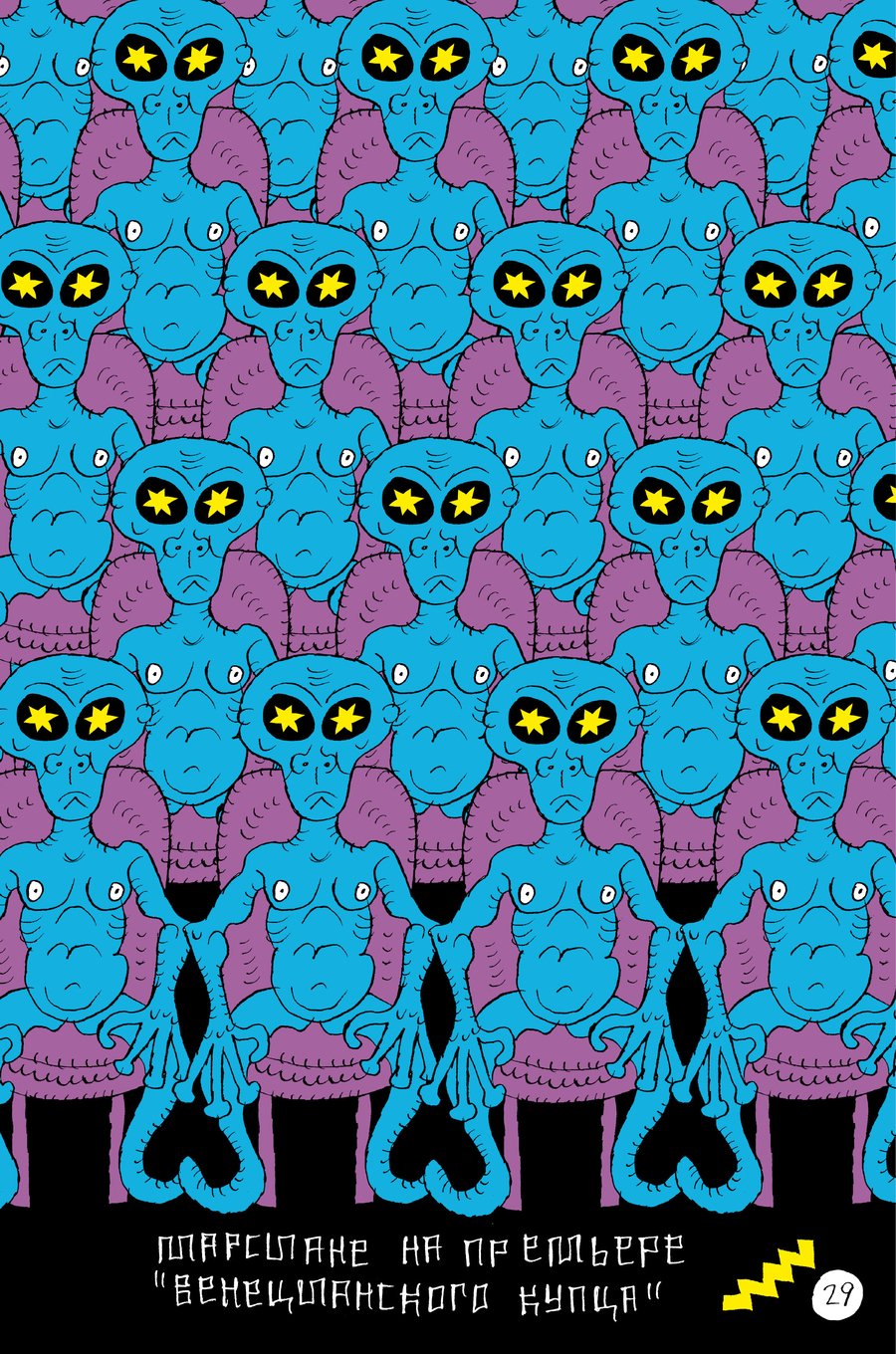
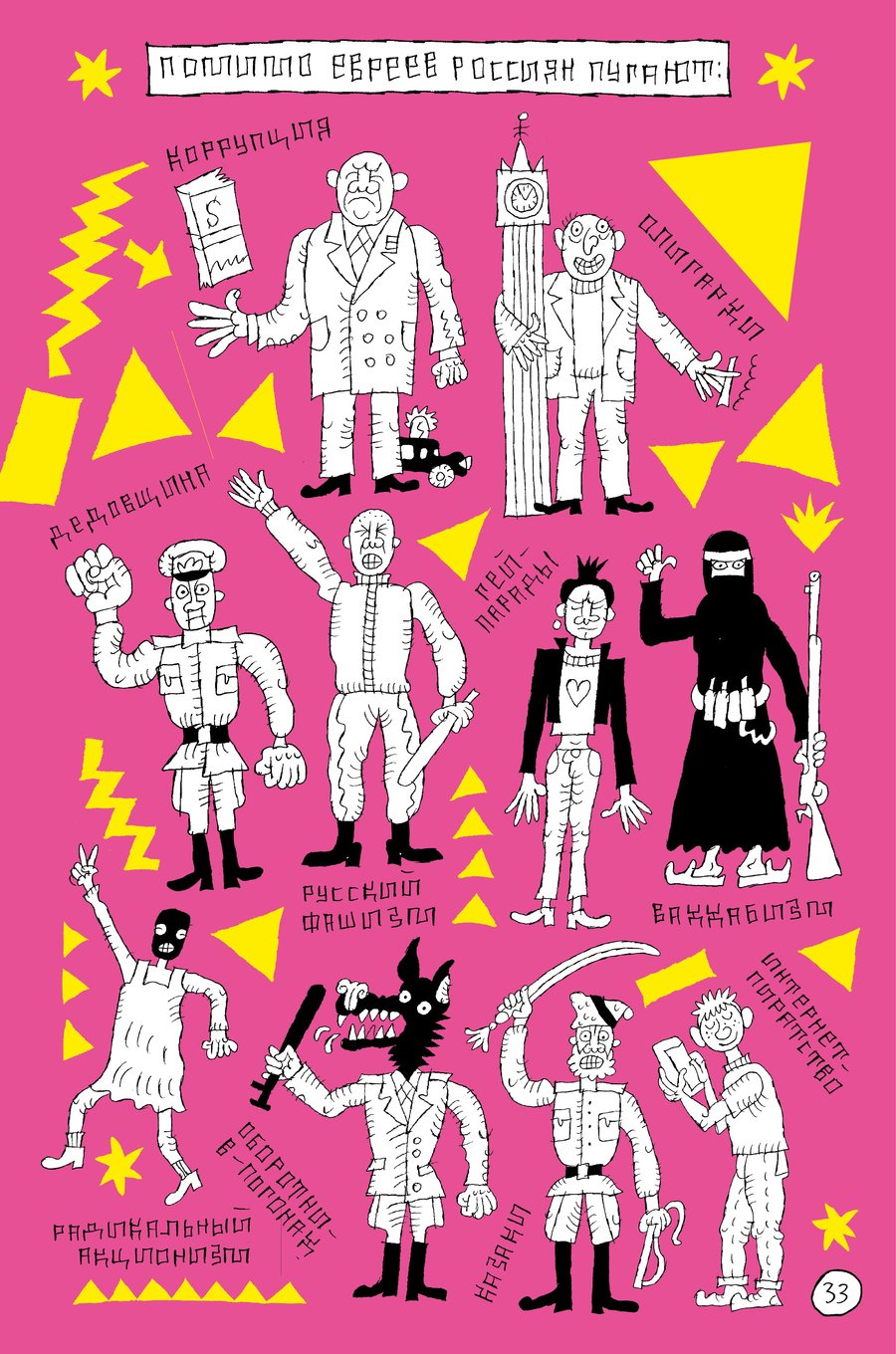
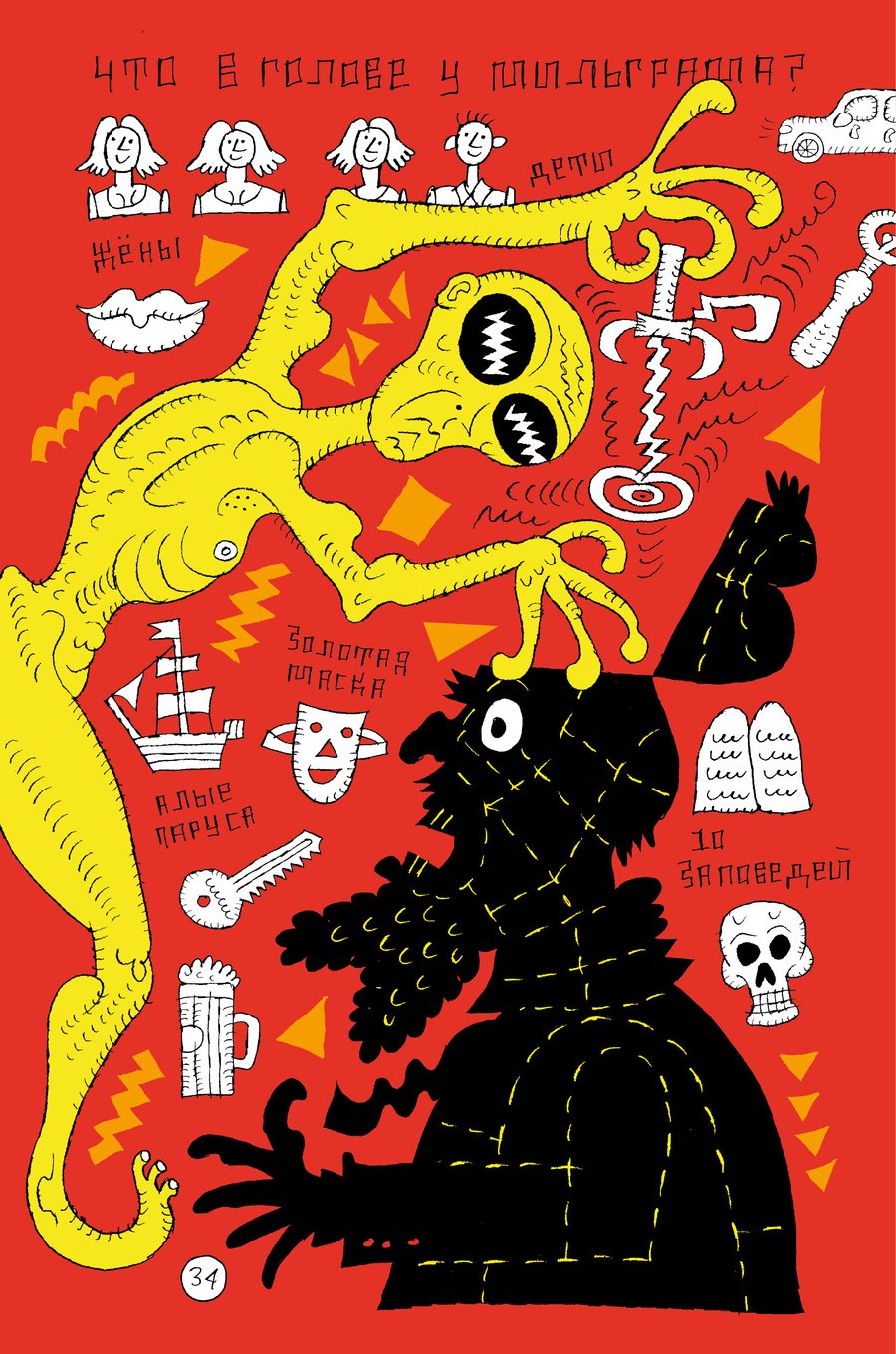
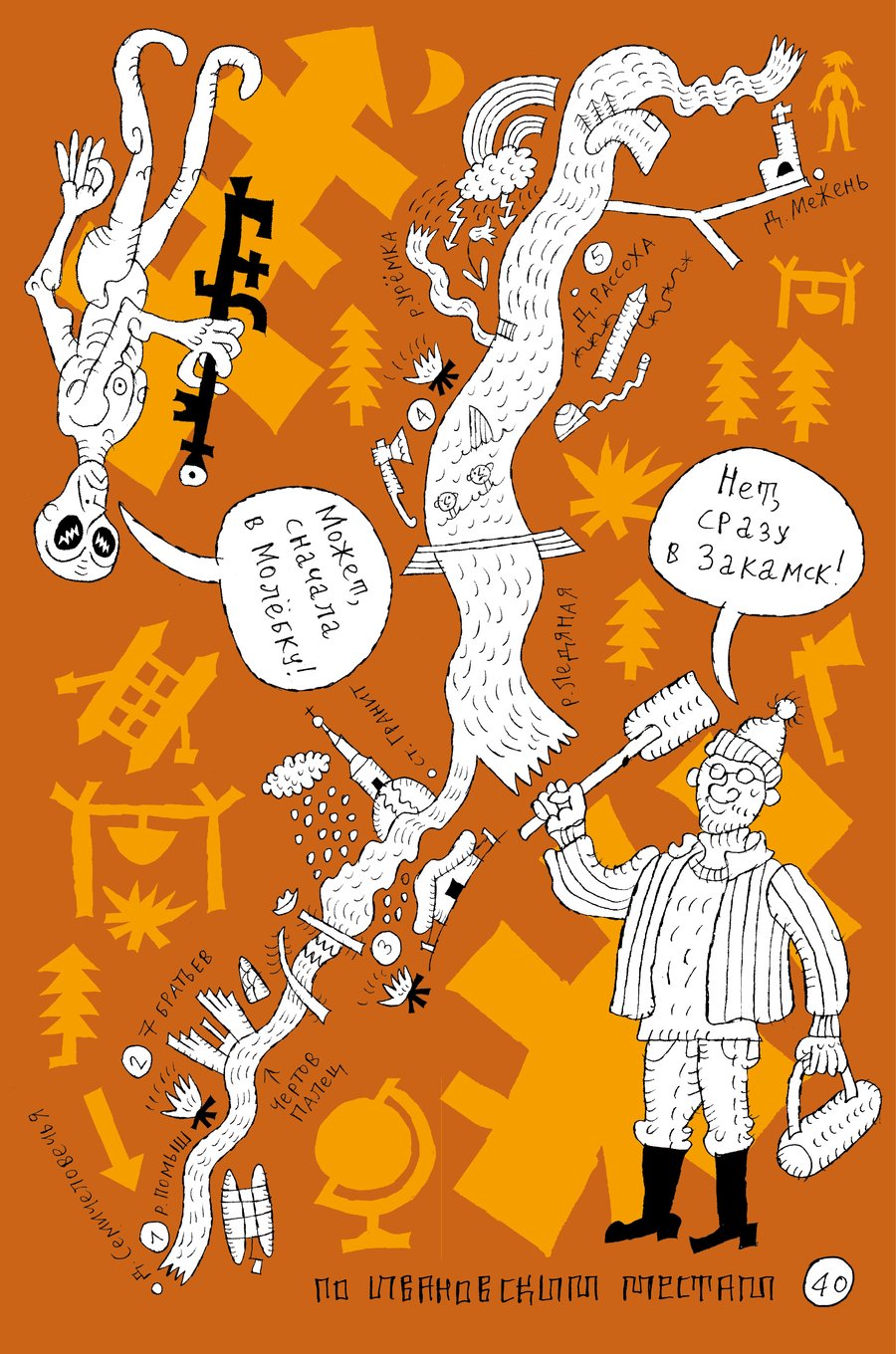
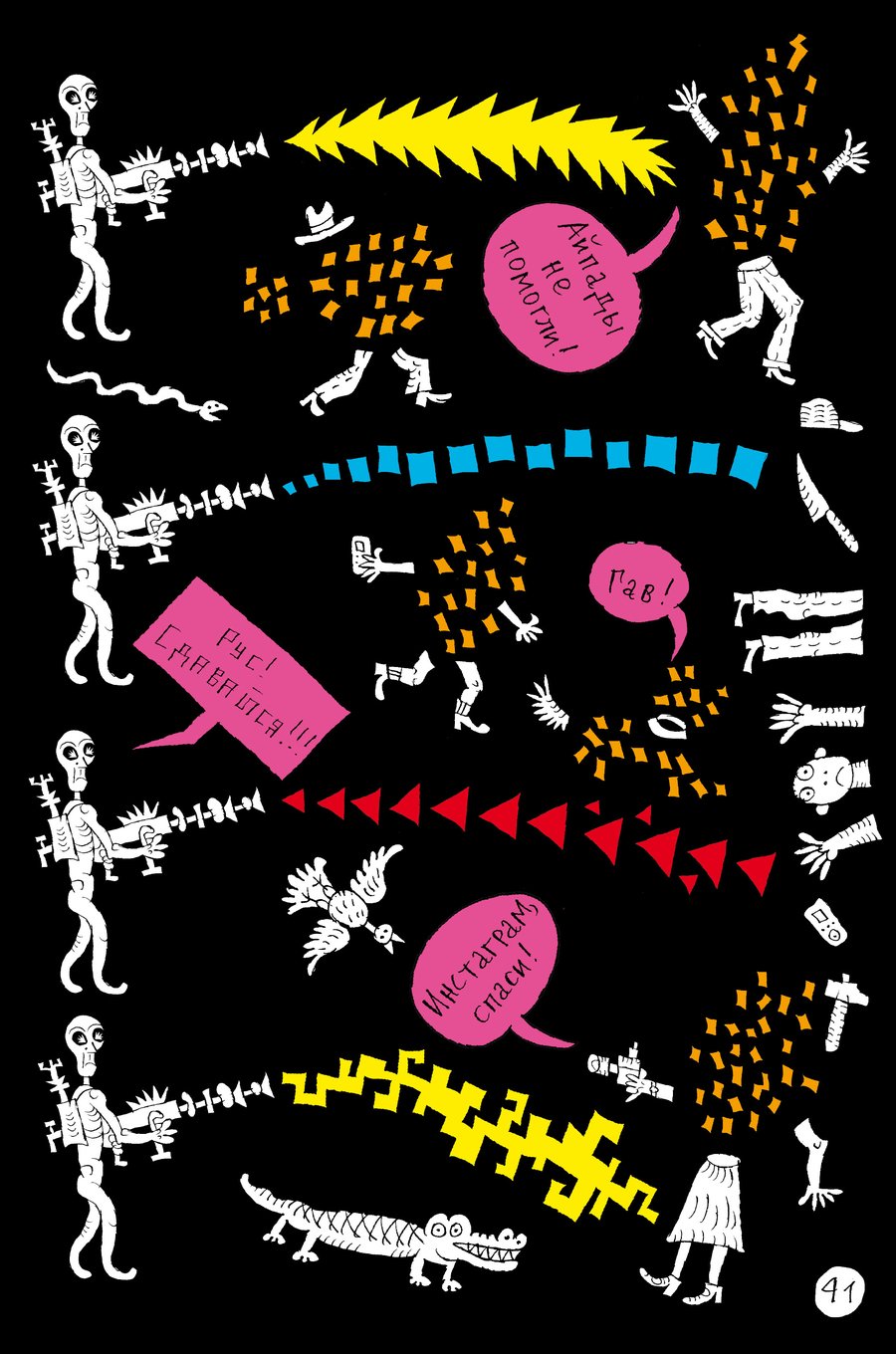
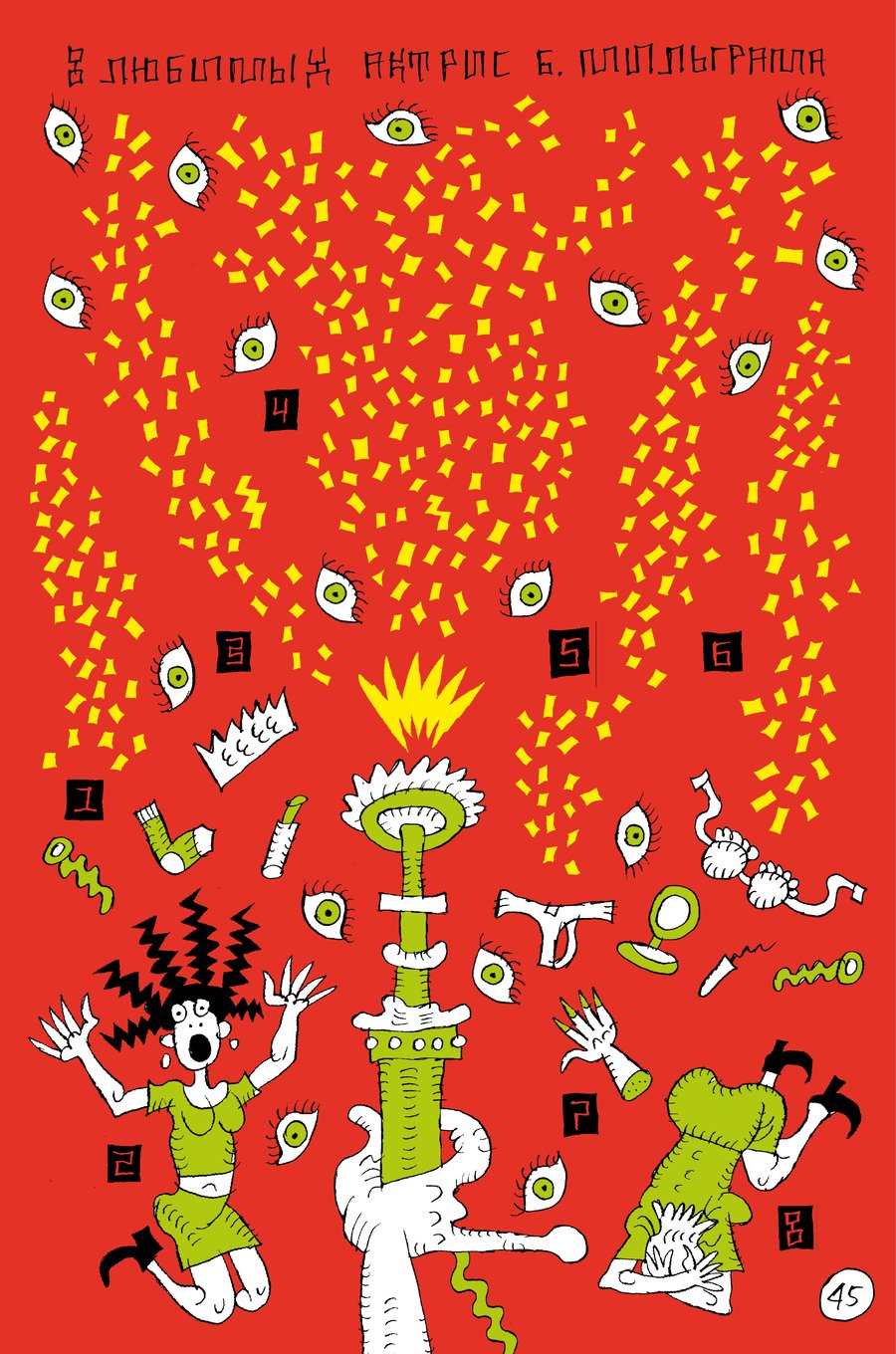
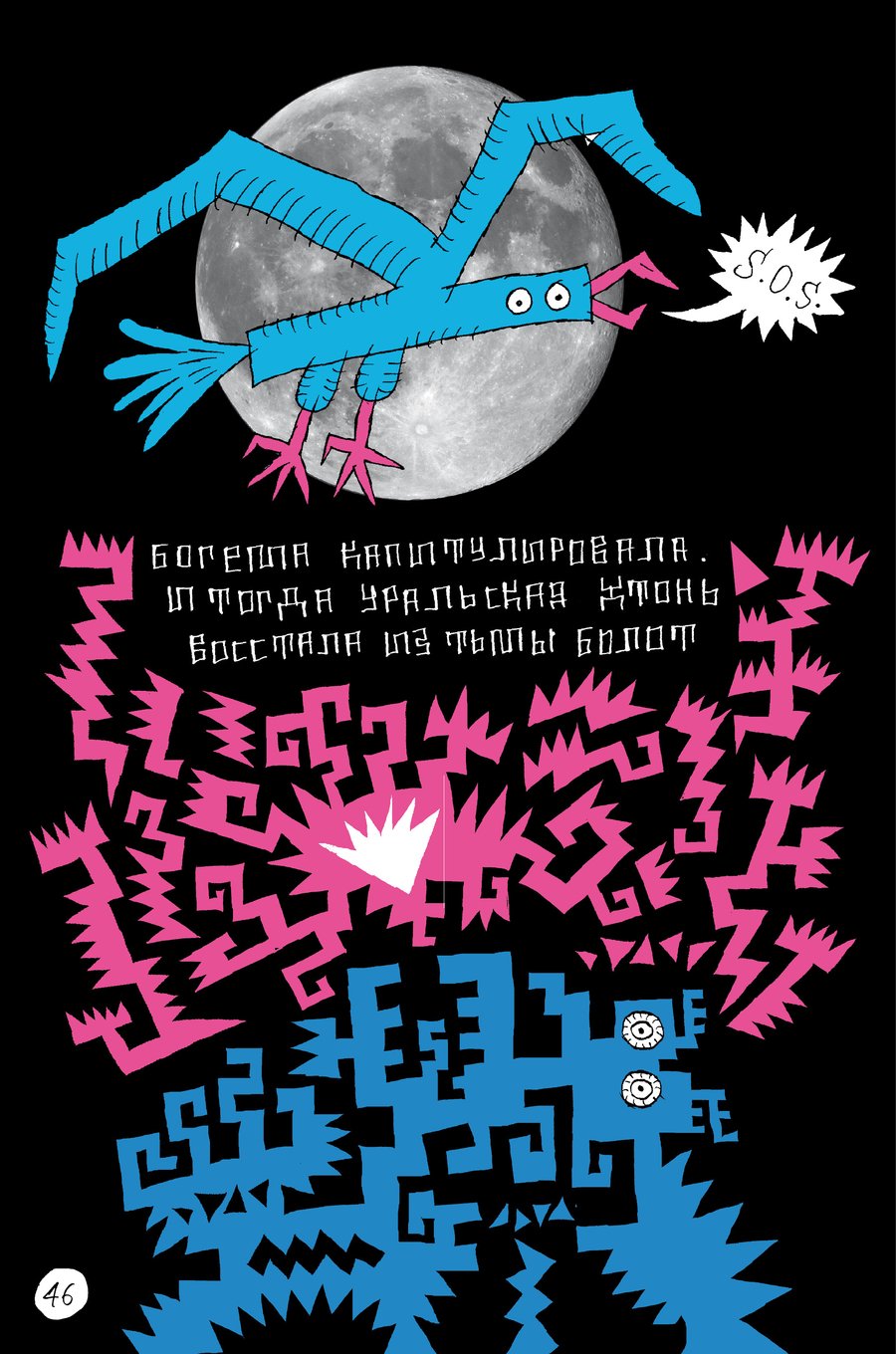
When Arseny Sergeev, who also currently teaches at HSE, asked artist Shaburov to create illustrations for the Perm theatrical almanac, Shaburov decided not to invent separate pictures for every article, but rather to unify them into a single narrative.
The story is about how extraterrestrials unexpectedly arrived in Perm, how the Perm residents met them, showed them local sights, took them to the theater to see «The Venetian Merchant, ” and how they decisively resisted when the aliens revealed their true intentions.
Александр Шабуров создал иллюстрации к альманаху «Шкап», 2013, объединив их в единую историю вместо отдельных картинок к статьям. В проекте рассказывается о неожиданном прилете инопланетян в Пермь и их взаимодействии с местными жителями.
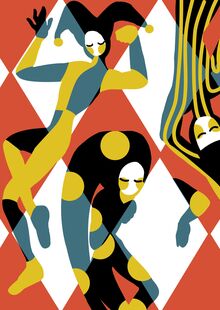
Маргарита Белемир Эрозген создала текст под названием «Клоунада». Проект включает в себя посты о фарфоре, текстиле и носителях, раскрывающие тему смеха и беззаботности в повседневной жизни.
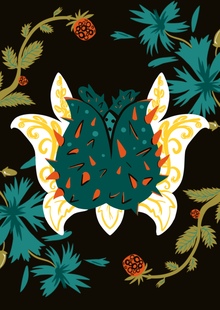
Анна Холодилина создала серию фарфоровых чайных комплектов, вдохновлённых сказами Павла Бажова. Каждый комплект отсылает к отдельному сказу, а растительные узоры включают образы местных уральских растений, таких как брусника и крапива.
HSE Animation is a platform where animation projects become visible to studios, production companies, media, partners, and audiences.
It brings together animators’ portfolios, educational programs, specialized contests, and key events from the professional community.
The platform was created in partnership with HSE Art and Design School and is developing a... Show more
best of the best
news and interviews
author's animation
for children
applied animation
information video
playlist
Press space bar to start a drag.
When dragging you can use the arrow keys to move the item around and escape to cancel.
Some screen readers may require you to be in focus mode or to use your pass through key
Press space bar to start a drag.
When dragging you can use the arrow keys to move the item around and escape to cancel.
Some screen readers may require you to be in focus mode or to use your pass through key
Press space bar to start a drag.
When dragging you can use the arrow keys to move the item around and escape to cancel.
Some screen readers may require you to be in focus mode or to use your pass through key
Press space bar to start a drag.
When dragging you can use the arrow keys to move the item around and escape to cancel.
Some screen readers may require you to be in focus mode or to use your pass through key
Press space bar to start a drag.
When dragging you can use the arrow keys to move the item around and escape to cancel.
Some screen readers may require you to be in focus mode or to use your pass through key
Press space bar to start a drag.
When dragging you can use the arrow keys to move the item around and escape to cancel.
Some screen readers may require you to be in focus mode or to use your pass through key
Press space bar to start a drag.
When dragging you can use the arrow keys to move the item around and escape to cancel.
Some screen readers may require you to be in focus mode or to use your pass through key
Press space bar to start a drag.
When dragging you can use the arrow keys to move the item around and escape to cancel.
Some screen readers may require you to be in focus mode or to use your pass through key
Press space bar to start a drag.
When dragging you can use the arrow keys to move the item around and escape to cancel.
Some screen readers may require you to be in focus mode or to use your pass through key