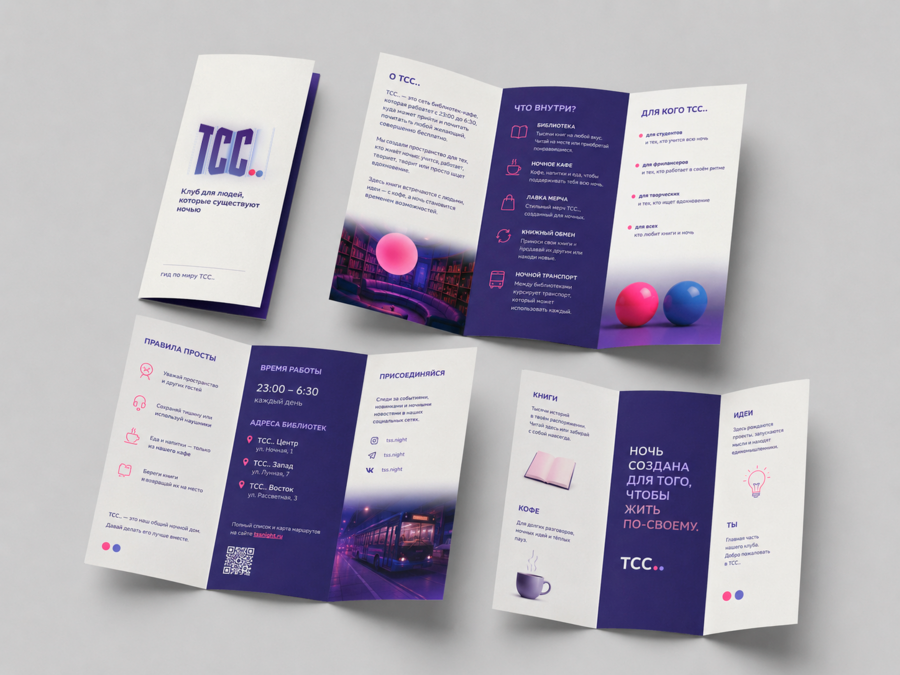
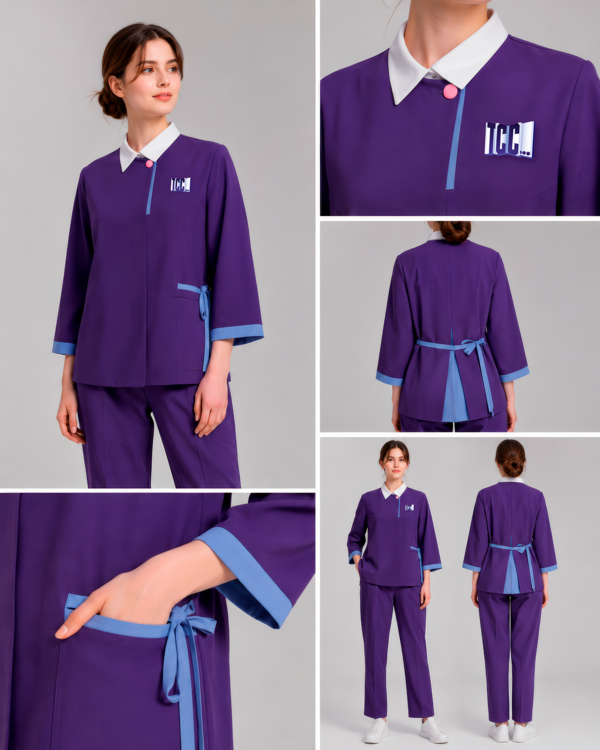
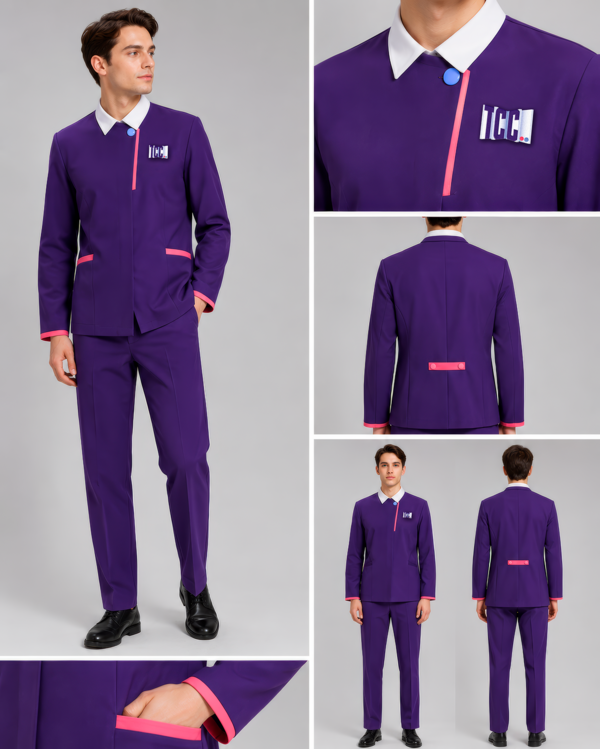
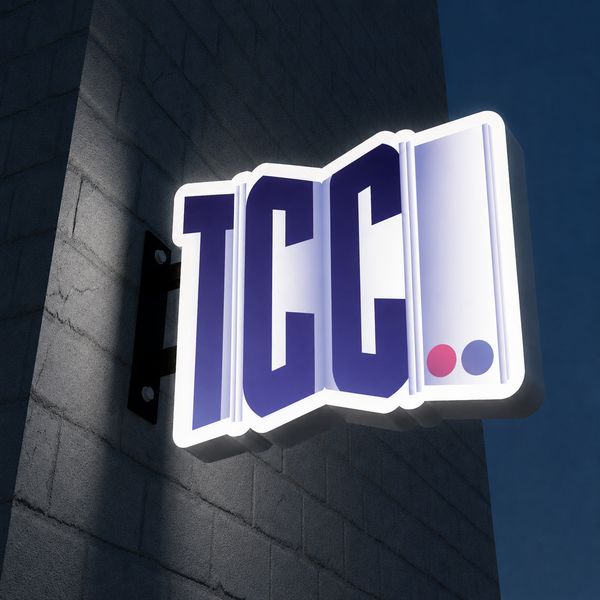
ТСС. — это сеть библиотек-кафе, которая работает с 23:00 до 6:30, куда может прийти и почитать любой желающий, совершенно бесплатно. Также внутри библиотек работают ночные кафе и лавка с мерчем, а любую книгу из библиотеки можно приобрести или же принести и продать свою. Между библиотеками ездит ночной транспорт, который может использовать любой желающий.
«В городе полно шума. У нас — ТСС.»
Это заведение будет привлекать не только студентов или людей с ночным графиком жизни, но и творческих людей, различные клубы по интересам. Люди могут показывать там свое творчество, а так же проводить мероприятия по интересам, курсы и мастер-классы.
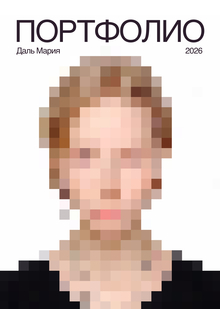
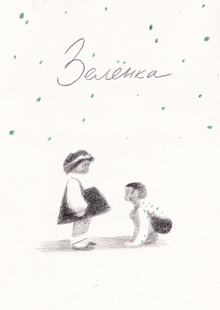
Мария Даль создала портфолио для поступления в магистратуру, отражающее её опыт в графическом дизайне и творческом развитии. Проект включает в себя авторскую книгу-объект, исследующую фольклорные образы через современный графический язык, и концептуальный бренд виниловых пластинок, созданный с использованием AI-инструментов.
Алина Шушкина создала портфолио, включающее дизайн-проекты, анимации и графические работы, демонстрирующие её профессиональные достижения. Одним из ключевых проектов стало приложение «Триада», разработанное на основе теории цвета И. Иттена и опубликованное в научных статьях.
hseanimation
HSE Animation is a platform where animation projects become visible to studios, production companies, media, partners, and audiences.
It brings together animators’ portfolios, educational programs, specialized contests, and key events from the professional community.
The platform was created in partnership with HSE Art and Design School and is developing a... Show more
Press space bar to start a drag.
When dragging you can use the arrow keys to move the item around and escape to cancel.
Some screen readers may require you to be in focus mode or to use your pass through key
Press space bar to start a drag.
When dragging you can use the arrow keys to move the item around and escape to cancel.
Some screen readers may require you to be in focus mode or to use your pass through key
Press space bar to start a drag.
When dragging you can use the arrow keys to move the item around and escape to cancel.
Some screen readers may require you to be in focus mode or to use your pass through key
Press space bar to start a drag.
When dragging you can use the arrow keys to move the item around and escape to cancel.
Some screen readers may require you to be in focus mode or to use your pass through key
Press space bar to start a drag.
When dragging you can use the arrow keys to move the item around and escape to cancel.
Some screen readers may require you to be in focus mode or to use your pass through key
Press space bar to start a drag.
When dragging you can use the arrow keys to move the item around and escape to cancel.
Some screen readers may require you to be in focus mode or to use your pass through key
Press space bar to start a drag.
When dragging you can use the arrow keys to move the item around and escape to cancel.
Some screen readers may require you to be in focus mode or to use your pass through key
Press space bar to start a drag.
When dragging you can use the arrow keys to move the item around and escape to cancel.
Some screen readers may require you to be in focus mode or to use your pass through key
Press space bar to start a drag.
When dragging you can use the arrow keys to move the item around and escape to cancel.
Some screen readers may require you to be in focus mode or to use your pass through key
Press space bar to start a drag.
When dragging you can use the arrow keys to move the item around and escape to cancel.
Some screen readers may require you to be in focus mode or to use your pass through key
Press space bar to start a drag.
When dragging you can use the arrow keys to move the item around and escape to cancel.
Some screen readers may require you to be in focus mode or to use your pass through key