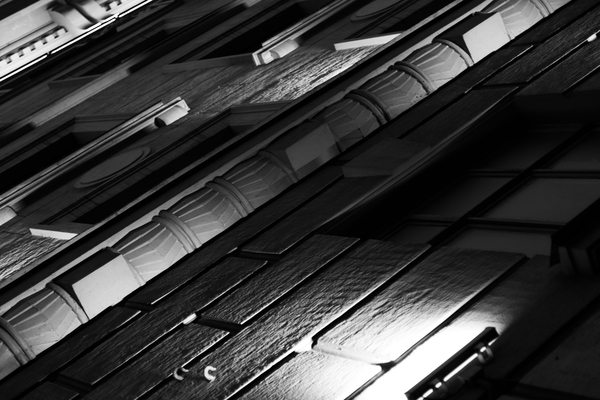
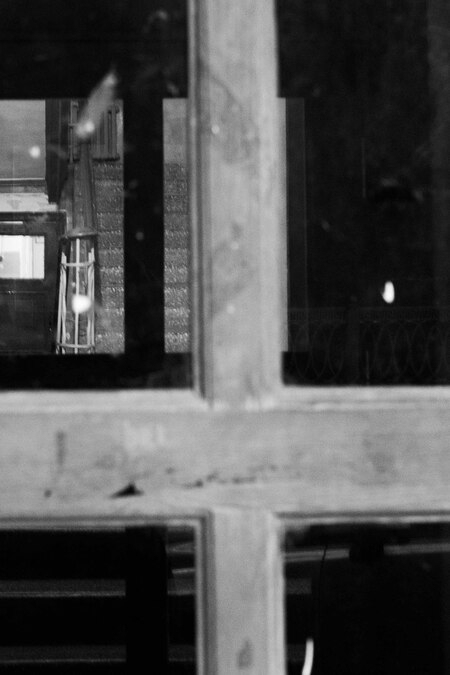
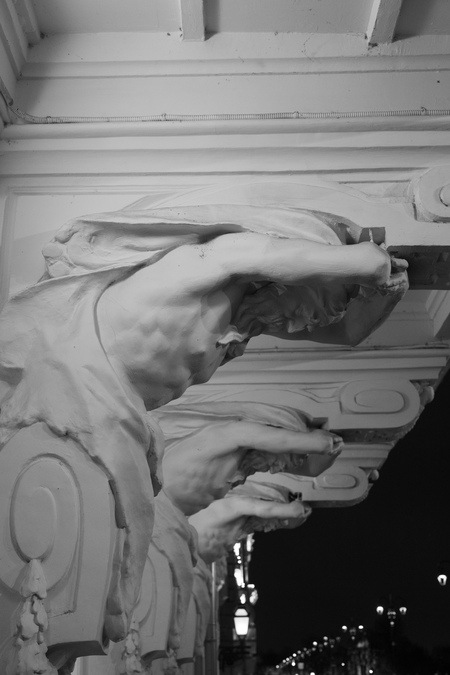
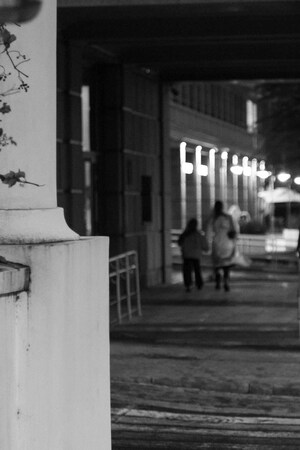
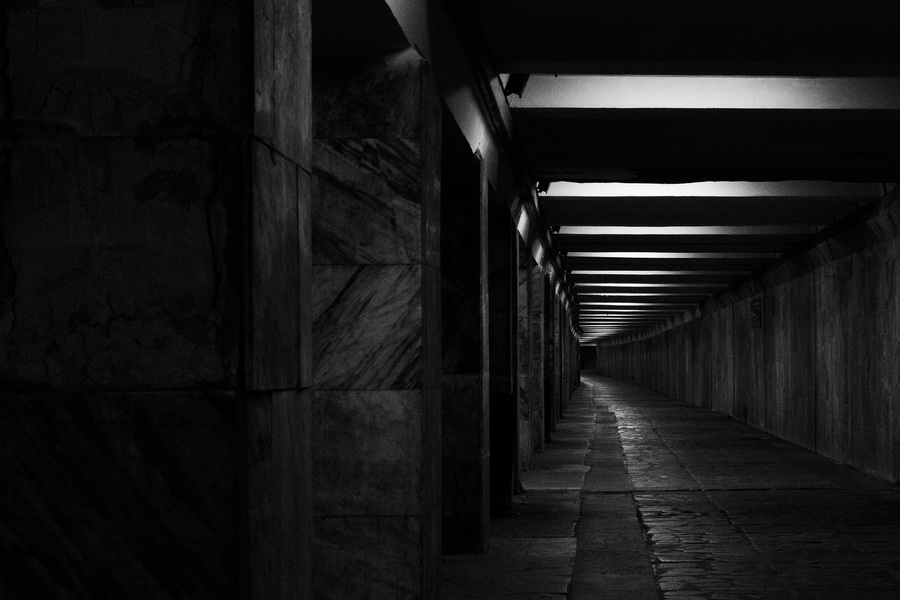
Даша Сальникова создала проект «Зин «Обыденность»», в котором исследует повседневные объекты как носители скрытых историй. Проект представляет собой текст, описывающий, как трещины, надписи и вещи в городе становятся следами прошлого.
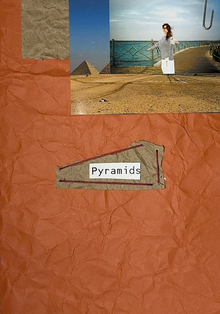
Автор Нина Беляева создала книгу с фотозаметками о поездке в Египет, собранную вручную как личная фиксация прожитого опыта. В издании использованы фотографии, сделанные как на пленочный фотоаппарат, так и на телефон.
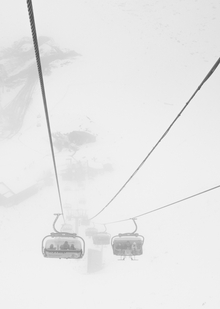
Ирина Коновалова создала проект «Зона неустойчивого воздуха», описывающий хаотичные вихревые движения разреженного воздуха в атмосфере. Проект включает тексты, связанные с высотой полета, температурой и атмосферным давлением, а также отрывки из авиационного сообщения.
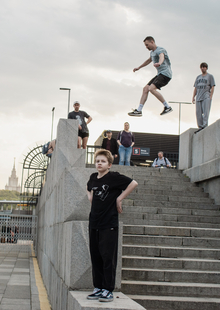
Фотограф Валентина Максимова запечатлела ключевые моменты уличного сезона московского паркур-сообщества 2025 года. Проект включает четыре эпизода, охватывающих открытие сезона, съёмки ТВ-сюжета и строительство паркур-парка в Лужниках.
hseanimation
HSE Animation is a platform where animation projects become visible to studios, production companies, media, partners, and audiences.
It brings together animators’ portfolios, educational programs, specialized contests, and key events from the professional community.
The platform was created in partnership with HSE Art and Design School and is developing a... Show more
Press space bar to start a drag.
When dragging you can use the arrow keys to move the item around and escape to cancel.
Some screen readers may require you to be in focus mode or to use your pass through key
Press space bar to start a drag.
When dragging you can use the arrow keys to move the item around and escape to cancel.
Some screen readers may require you to be in focus mode or to use your pass through key
Press space bar to start a drag.
When dragging you can use the arrow keys to move the item around and escape to cancel.
Some screen readers may require you to be in focus mode or to use your pass through key
Press space bar to start a drag.
When dragging you can use the arrow keys to move the item around and escape to cancel.
Some screen readers may require you to be in focus mode or to use your pass through key
Press space bar to start a drag.
When dragging you can use the arrow keys to move the item around and escape to cancel.
Some screen readers may require you to be in focus mode or to use your pass through key
Press space bar to start a drag.
When dragging you can use the arrow keys to move the item around and escape to cancel.
Some screen readers may require you to be in focus mode or to use your pass through key
Press space bar to start a drag.
When dragging you can use the arrow keys to move the item around and escape to cancel.
Some screen readers may require you to be in focus mode or to use your pass through key
Press space bar to start a drag.
When dragging you can use the arrow keys to move the item around and escape to cancel.
Some screen readers may require you to be in focus mode or to use your pass through key
Press space bar to start a drag.
When dragging you can use the arrow keys to move the item around and escape to cancel.
Some screen readers may require you to be in focus mode or to use your pass through key
Press space bar to start a drag.
When dragging you can use the arrow keys to move the item around and escape to cancel.
Some screen readers may require you to be in focus mode or to use your pass through key
Press space bar to start a drag.
When dragging you can use the arrow keys to move the item around and escape to cancel.
Some screen readers may require you to be in focus mode or to use your pass through key
Press space bar to start a drag.
When dragging you can use the arrow keys to move the item around and escape to cancel.
Some screen readers may require you to be in focus mode or to use your pass through key