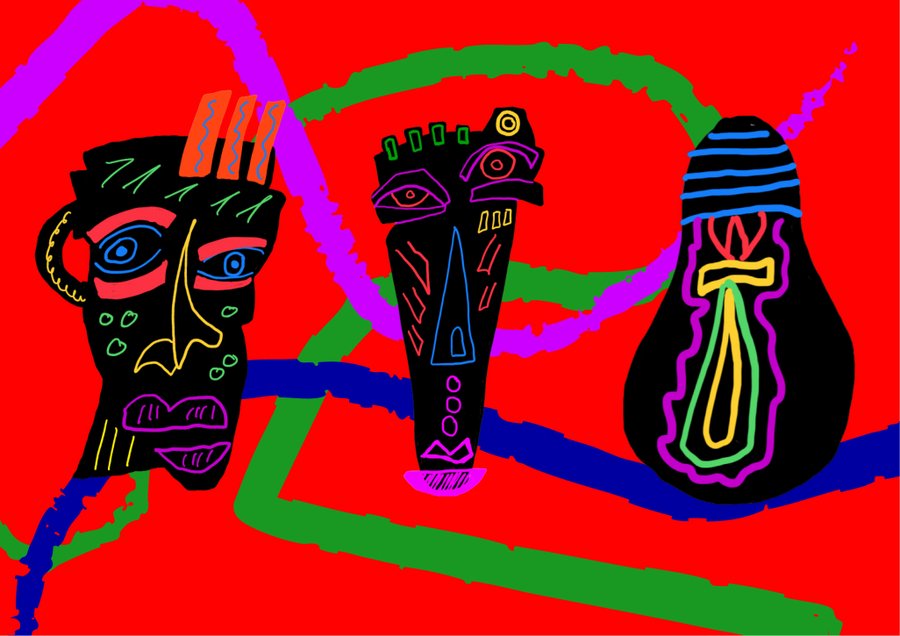
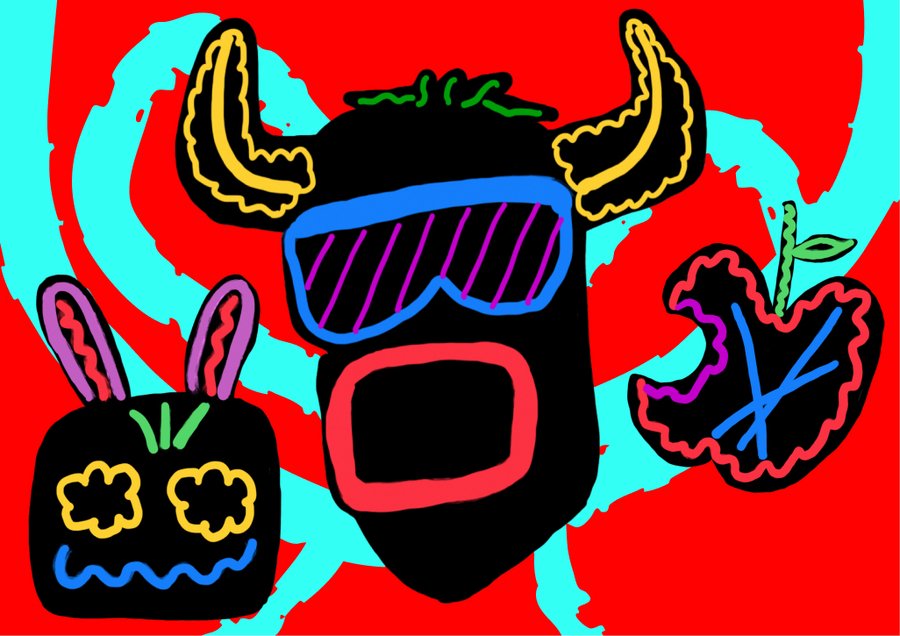
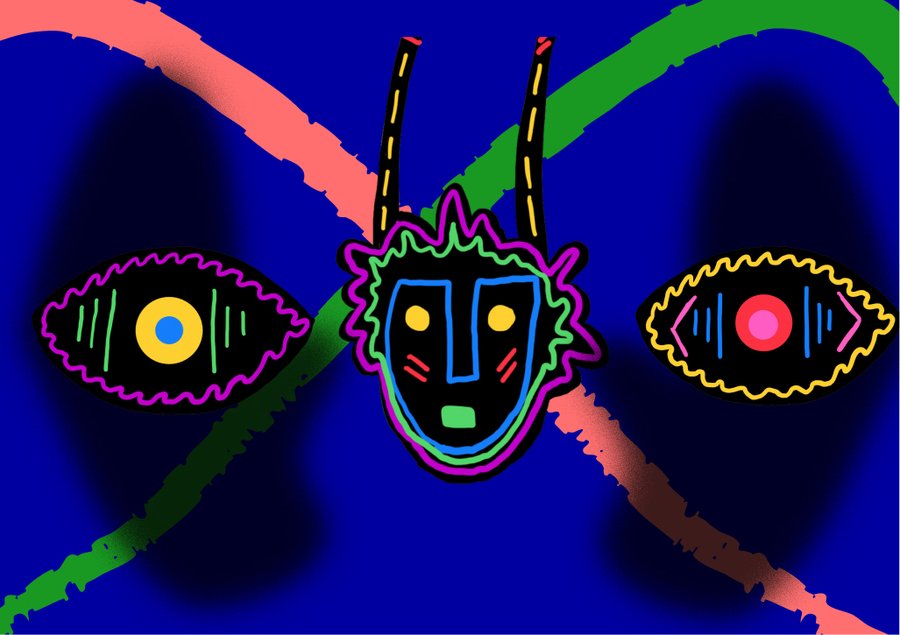
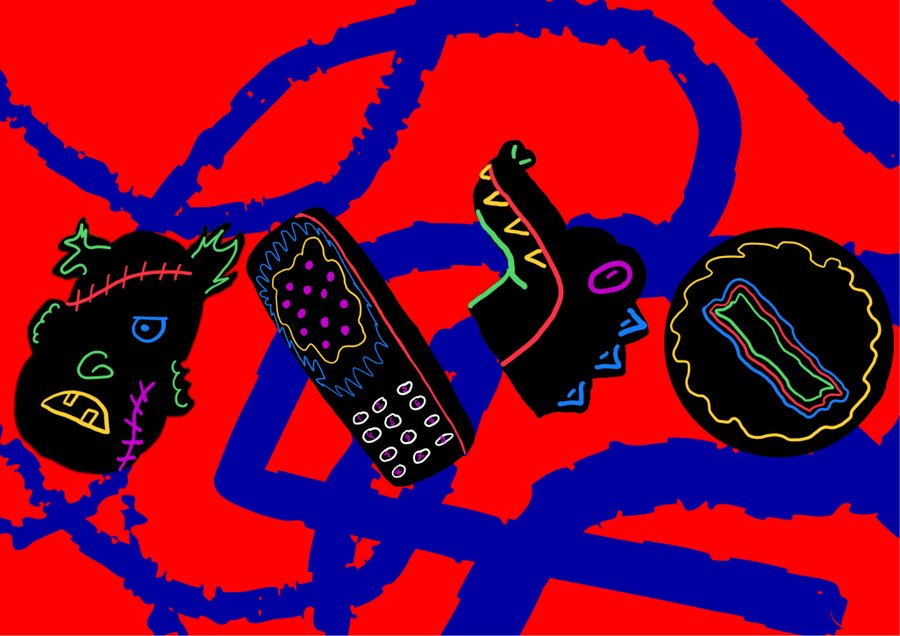
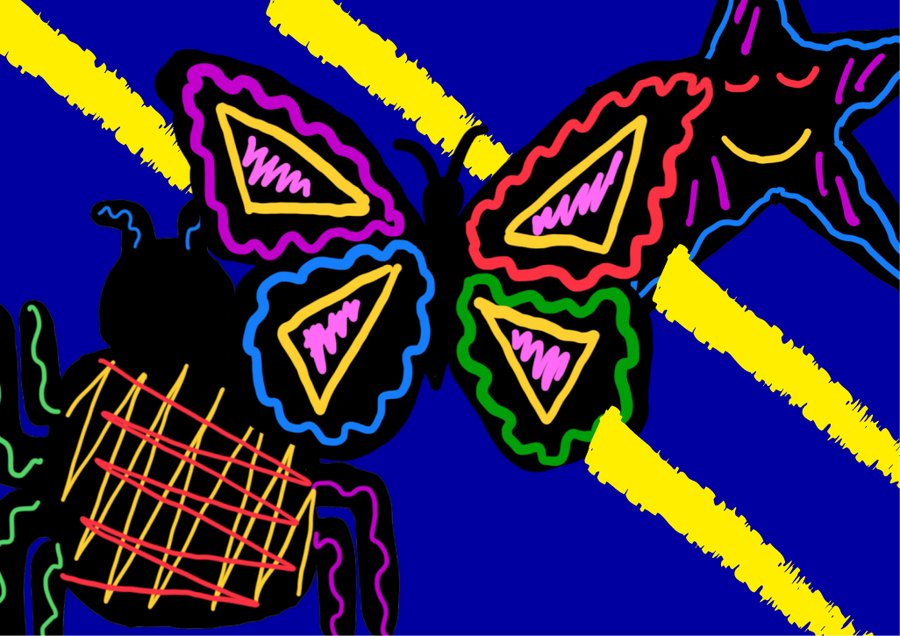
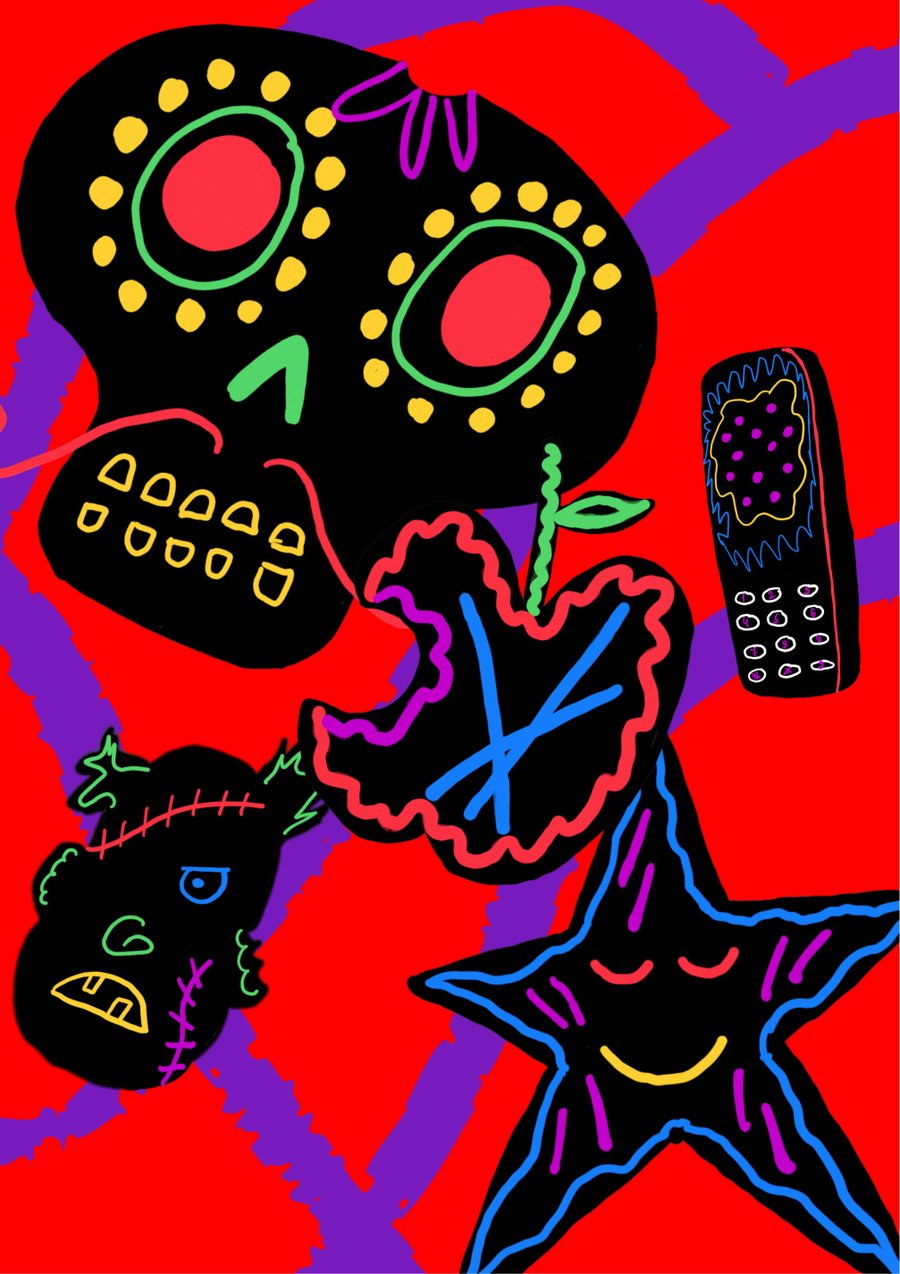
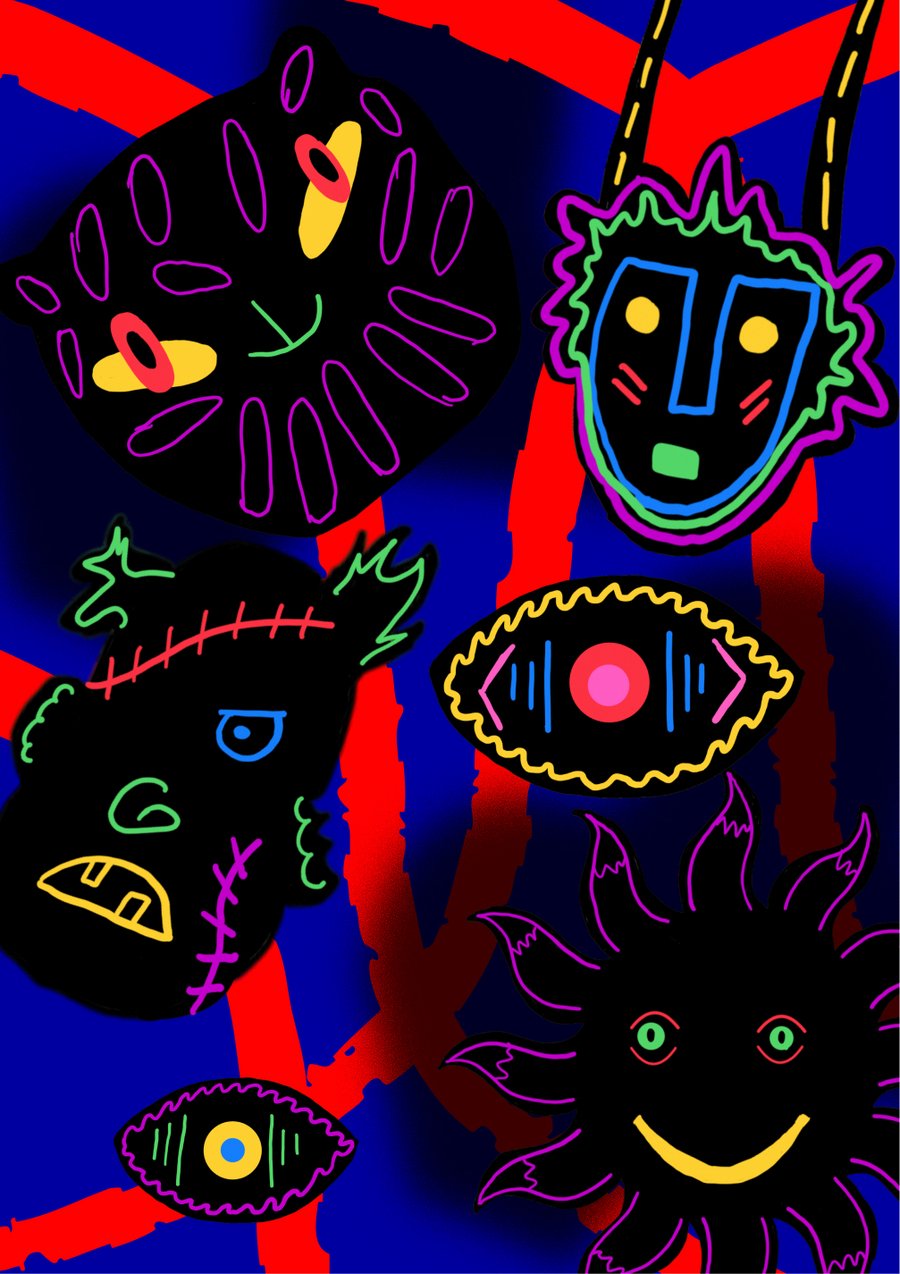
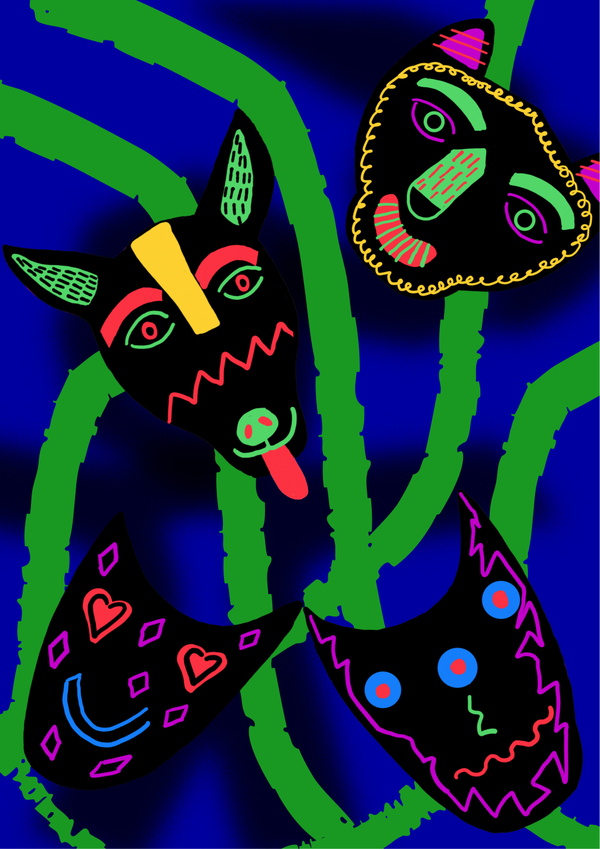
В мире, где тени лишены имени и формы, существует маскарад «силуэтум», где каждая тень может стать кем угодно. Надевая маску, они не прячутся — наоборот, впервые показывают себя.
Исходный размер 3200x2268
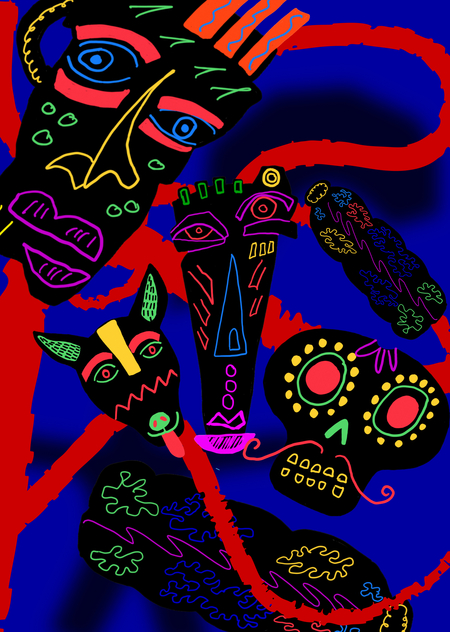
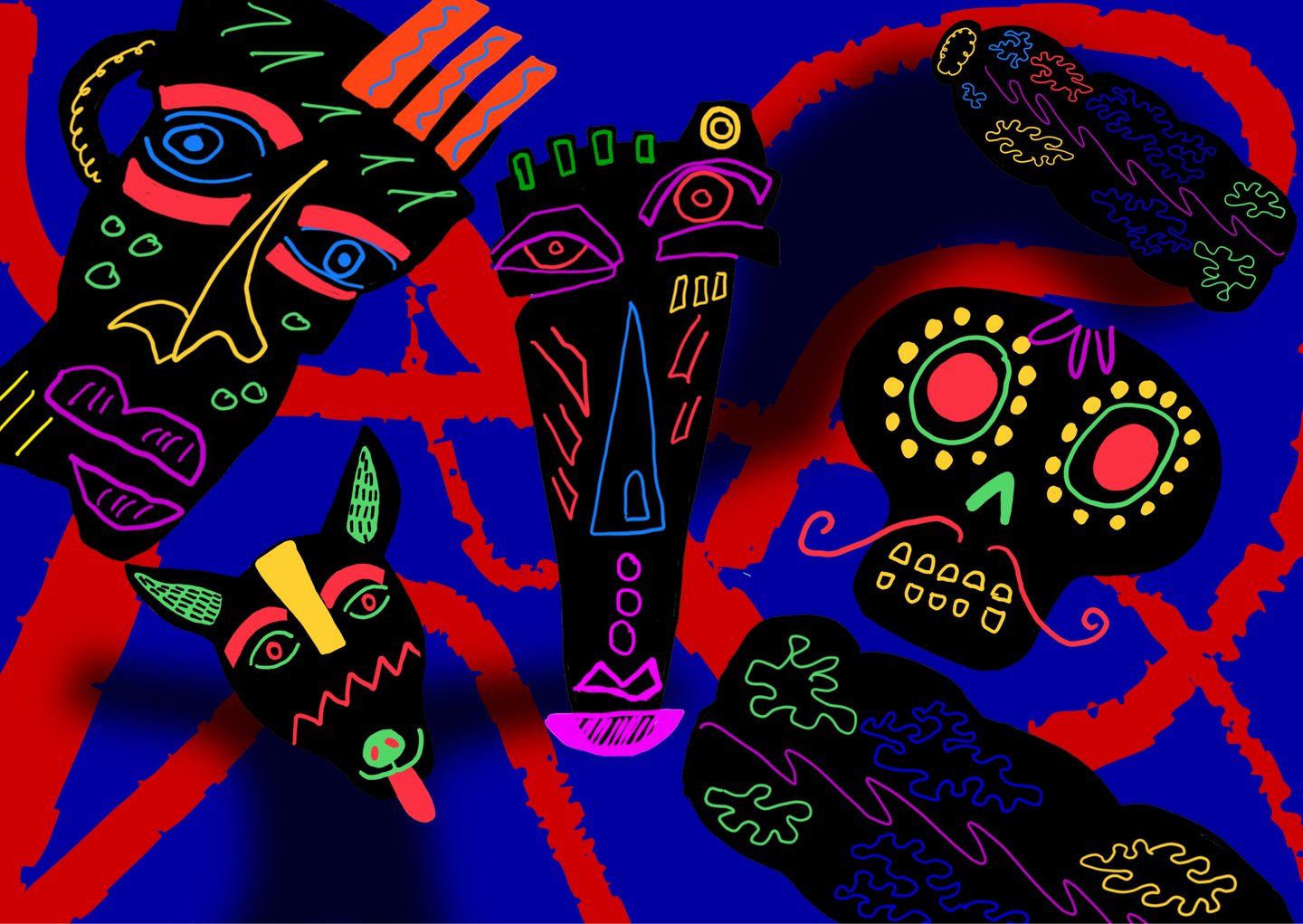
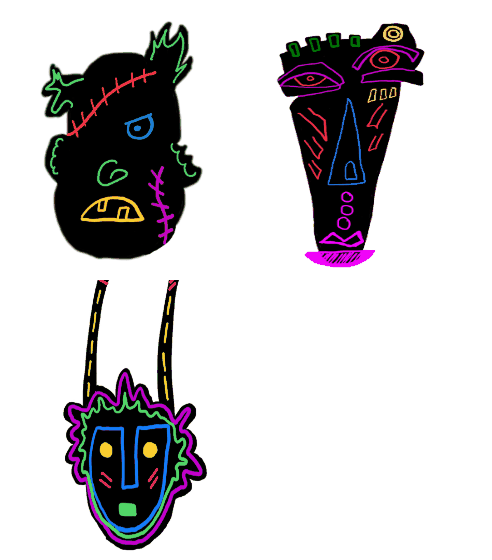
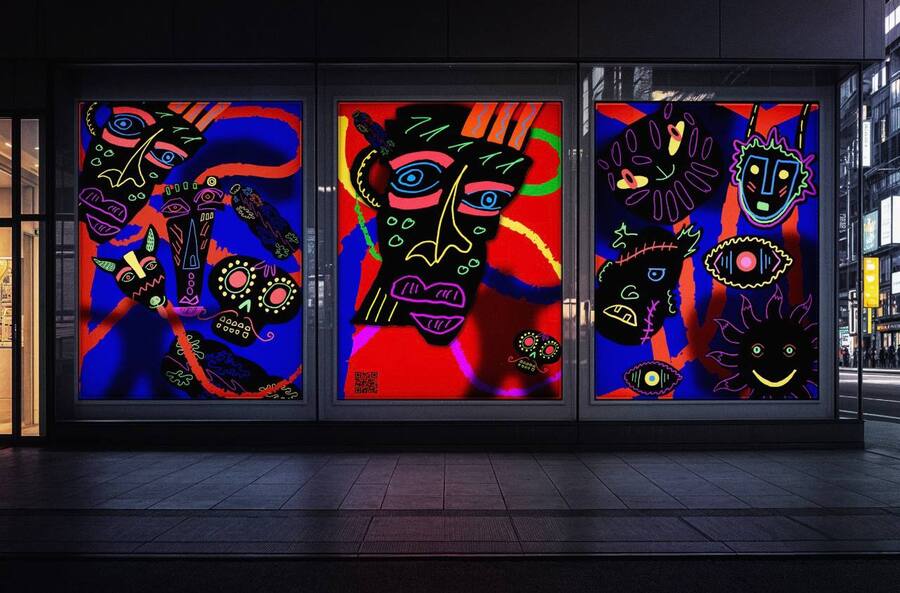
Маскарад теней «силуэтум» — это проект о поиске идентичности. Тени — безлики и бесформенны, они существуют вне признания. Но, надевая маски, обретают возможность стать кем-то, кого замечают. Маска становится их лицом, а роль — их сутью.
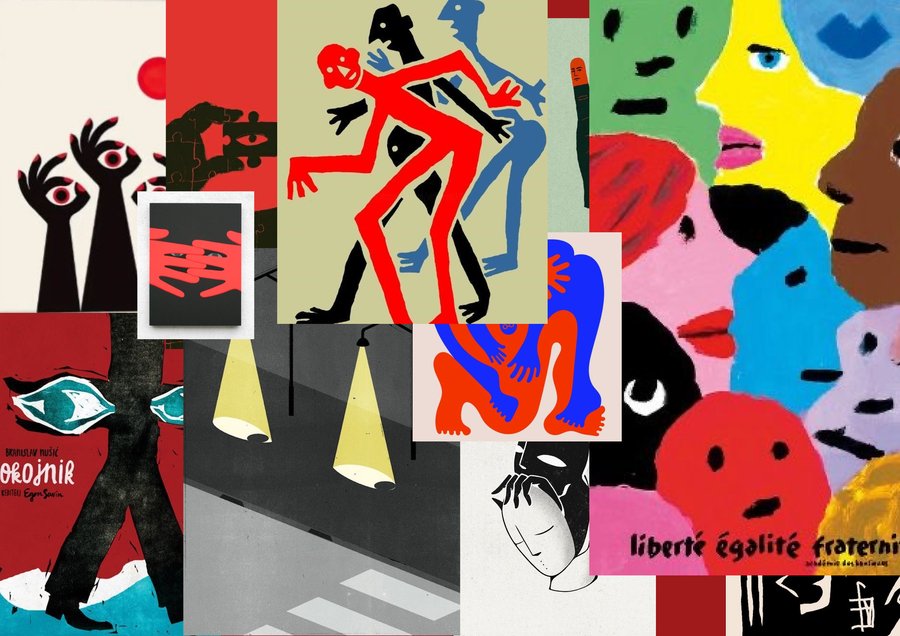
Мудборды
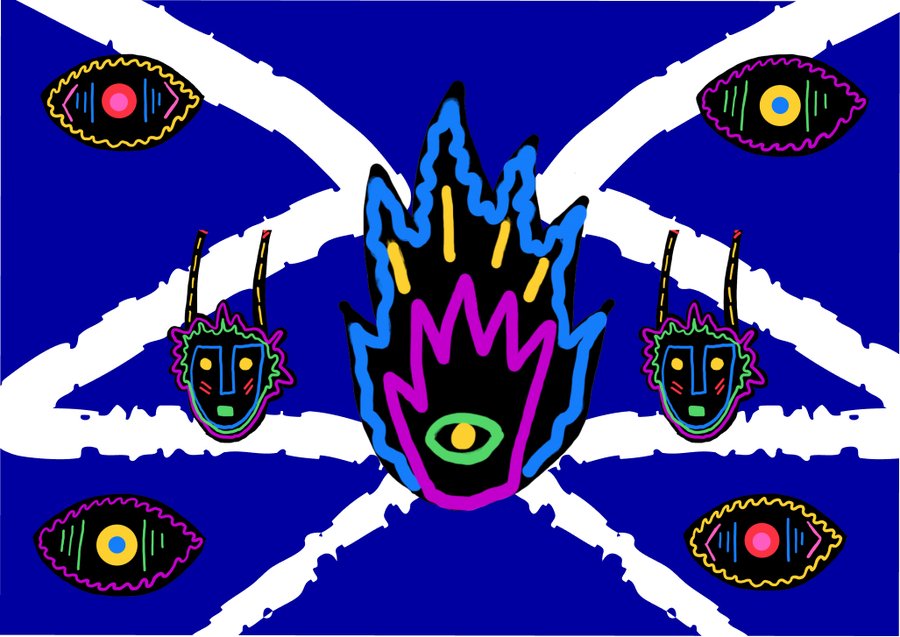
Флаги
Графические образы
Поиск логотипа
Исходный размер 3500x2480
Итоговый логотип
Исходный размер 3500x2480
Графические элементы
Исходный размер 3500x2480
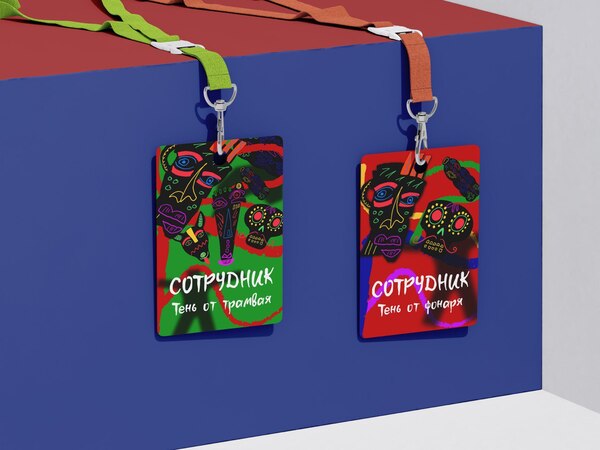
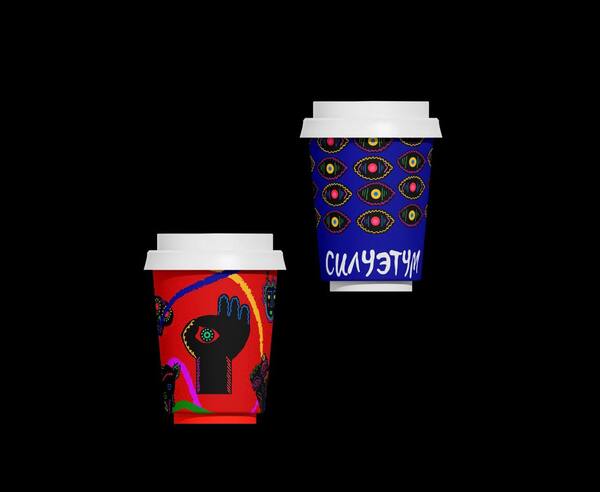
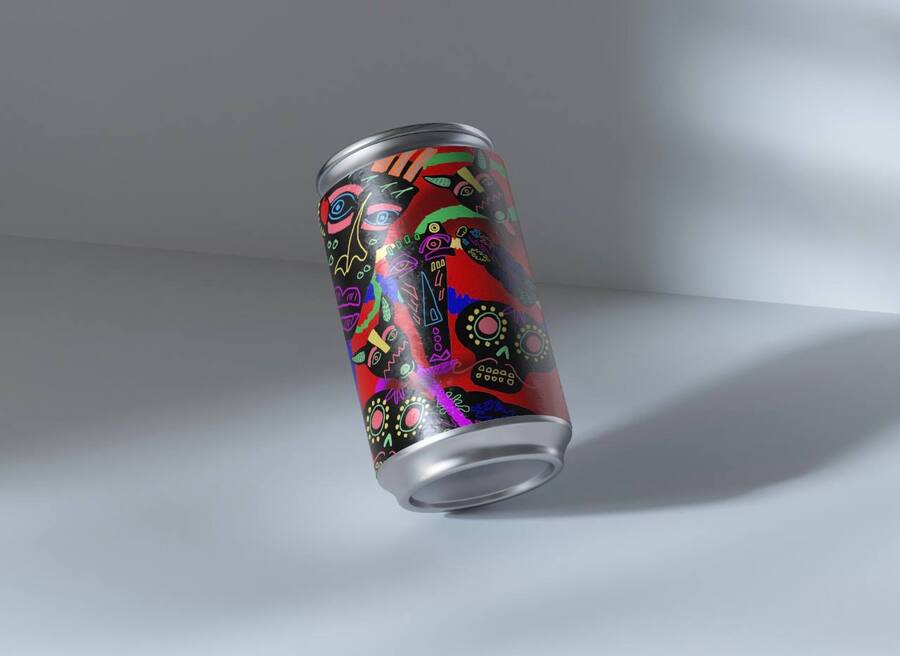
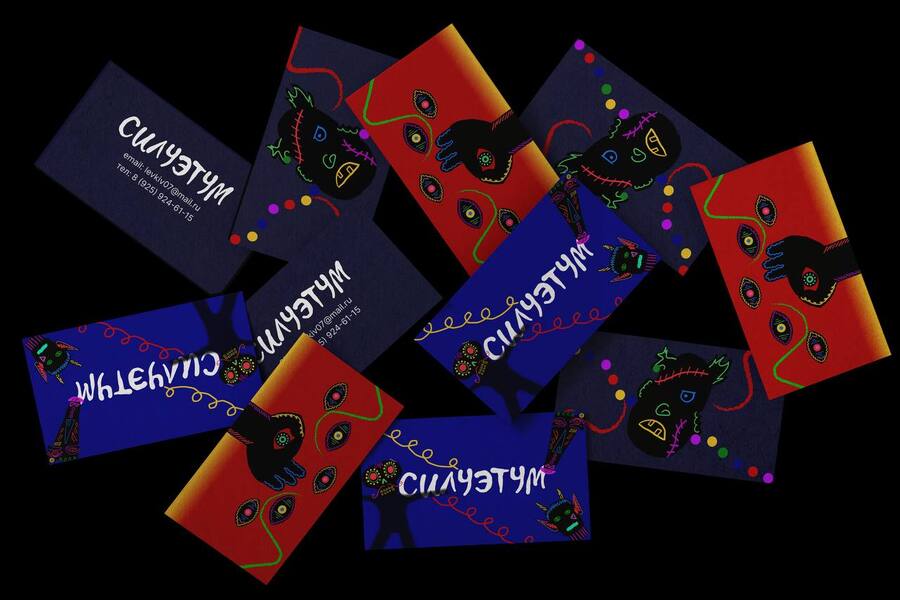
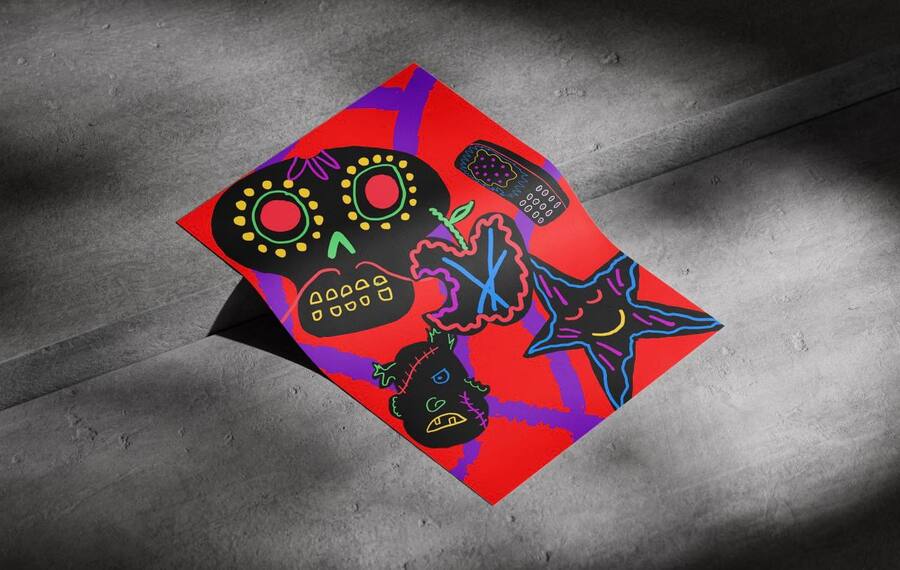
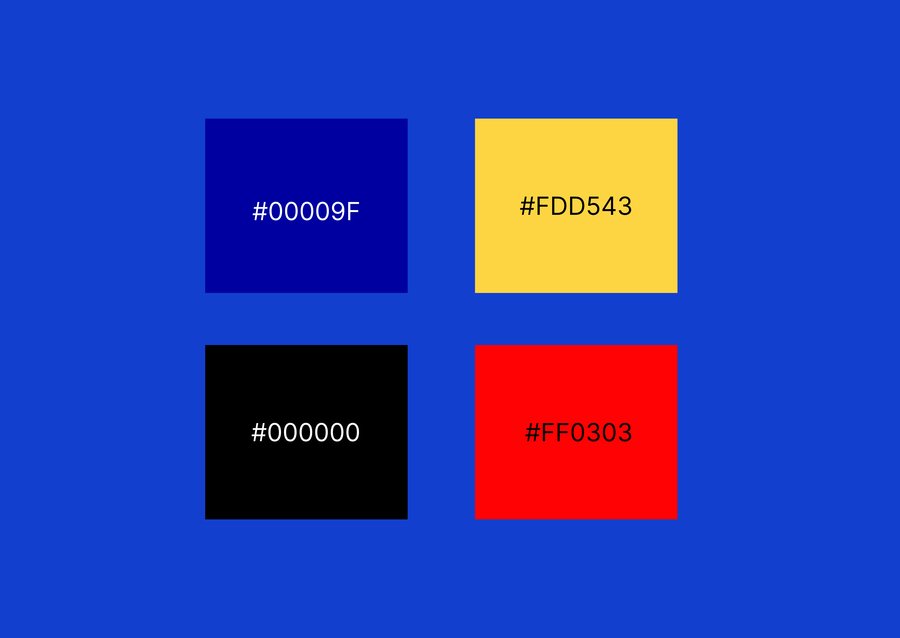
Мокапы
Исходный размер 1280x853
Исходный размер 1280x853
Исходный размер 1280x853
Исходный размер 1280x854
Поиски дизайна сайта
Исходный размер 3500x2480
Финальный дизайн сайта
Исходный размер 3500x2480
Особенности макета
Исходный размер 3884x583
Градиентовая полоска движется при скролле, создавая ощущение динамики и вовлечённости пользователя.
Она визуально «оживляет» страницу, добавляя глубину и акцент на контент.
Такой эффект подчёркивает современность дизайна и усиливает впечатление от взаимодействия с сайтом.
Исходный размер 1834x839
Цветные графические акценты напоминают игру света и движения, отражая идею свободы и самовыражения. Они превращают страницу не просто в интерфейс, а в пространство с характером.
Press space bar to start a drag.
When dragging you can use the arrow keys to move the item around and escape to cancel.
Some screen readers may require you to be in focus mode or to use your pass through key
Press space bar to start a drag.
When dragging you can use the arrow keys to move the item around and escape to cancel.
Some screen readers may require you to be in focus mode or to use your pass through key
Press space bar to start a drag.
When dragging you can use the arrow keys to move the item around and escape to cancel.
Some screen readers may require you to be in focus mode or to use your pass through key
Press space bar to start a drag.
When dragging you can use the arrow keys to move the item around and escape to cancel.
Some screen readers may require you to be in focus mode or to use your pass through key
Press space bar to start a drag.
When dragging you can use the arrow keys to move the item around and escape to cancel.
Some screen readers may require you to be in focus mode or to use your pass through key
Press space bar to start a drag.
When dragging you can use the arrow keys to move the item around and escape to cancel.
Some screen readers may require you to be in focus mode or to use your pass through key
Press space bar to start a drag.
When dragging you can use the arrow keys to move the item around and escape to cancel.
Some screen readers may require you to be in focus mode or to use your pass through key
Press space bar to start a drag.
When dragging you can use the arrow keys to move the item around and escape to cancel.
Some screen readers may require you to be in focus mode or to use your pass through key
Press space bar to start a drag.
When dragging you can use the arrow keys to move the item around and escape to cancel.
Some screen readers may require you to be in focus mode or to use your pass through key
Press space bar to start a drag.
When dragging you can use the arrow keys to move the item around and escape to cancel.
Some screen readers may require you to be in focus mode or to use your pass through key
Press space bar to start a drag.
When dragging you can use the arrow keys to move the item around and escape to cancel.
Some screen readers may require you to be in focus mode or to use your pass through key