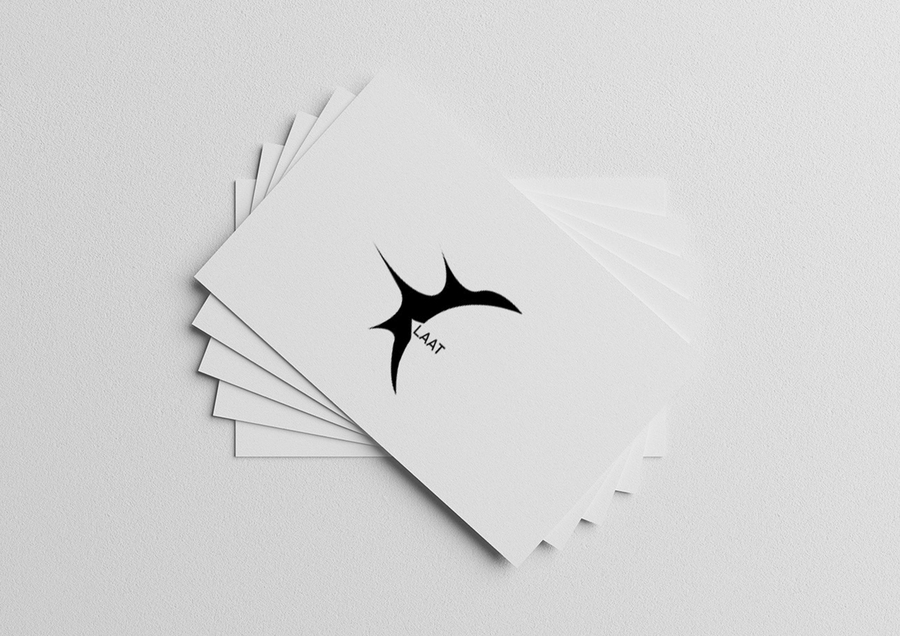
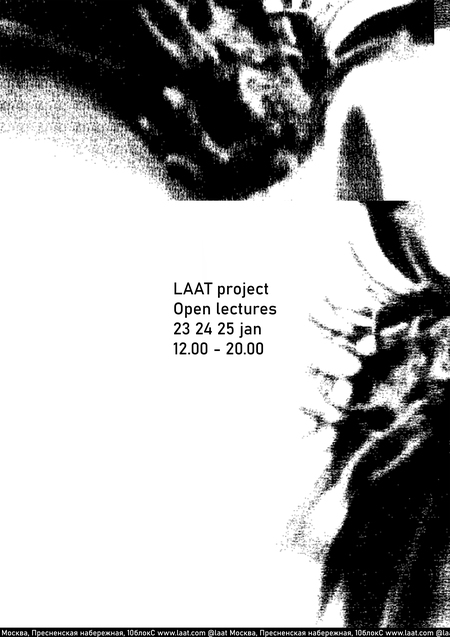
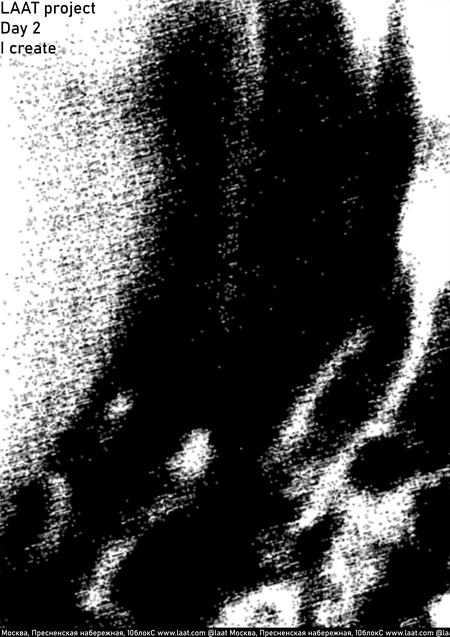
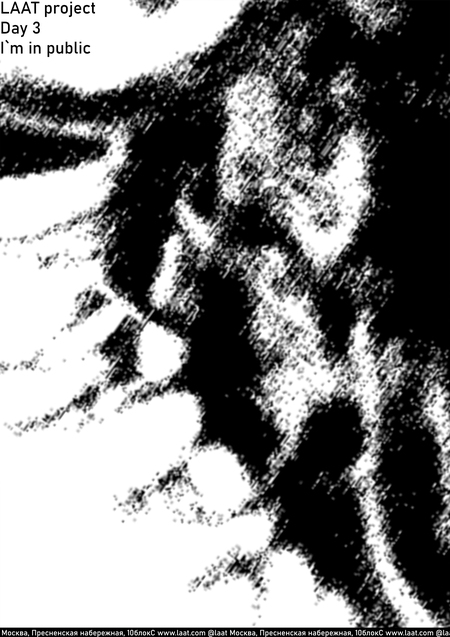
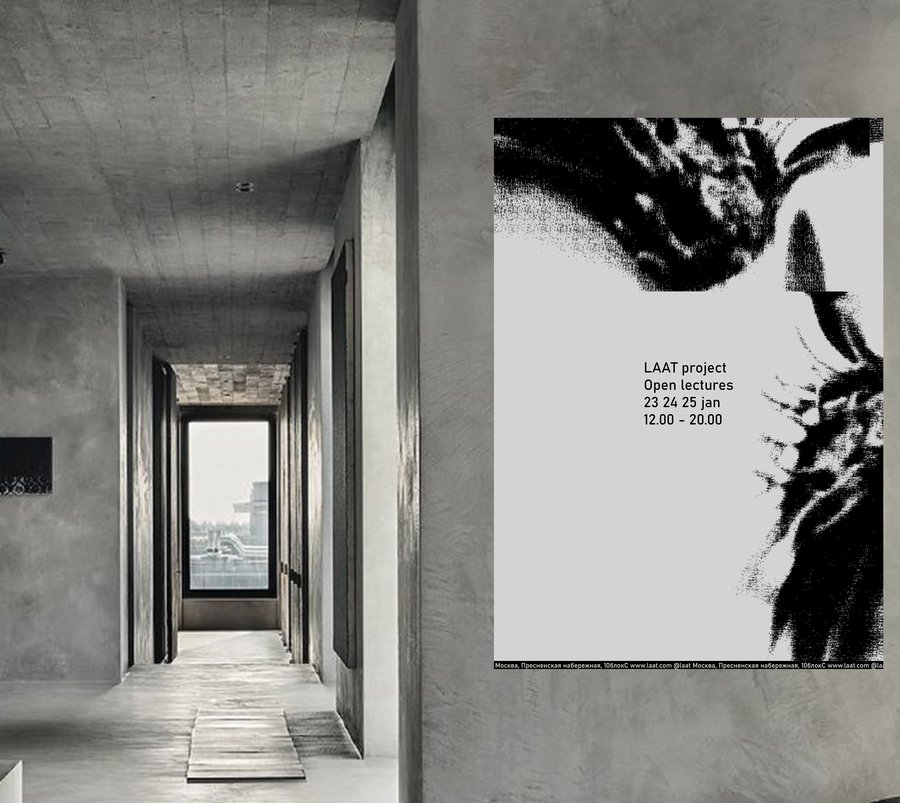
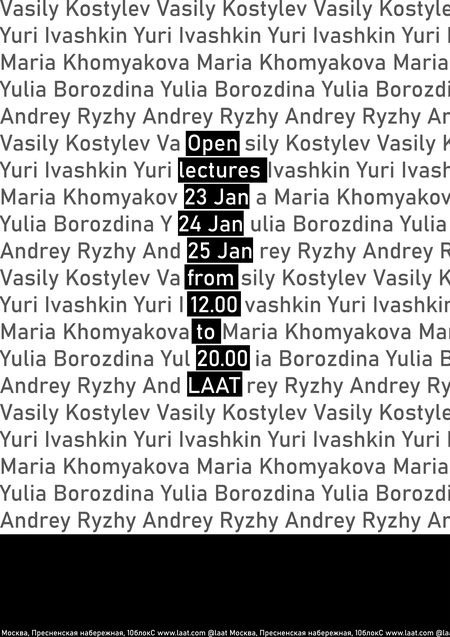
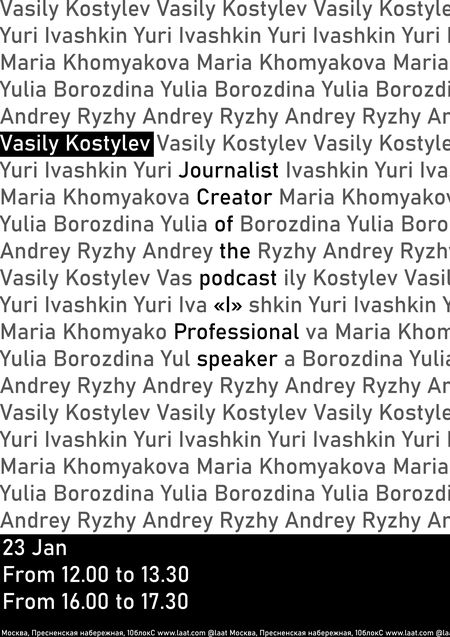
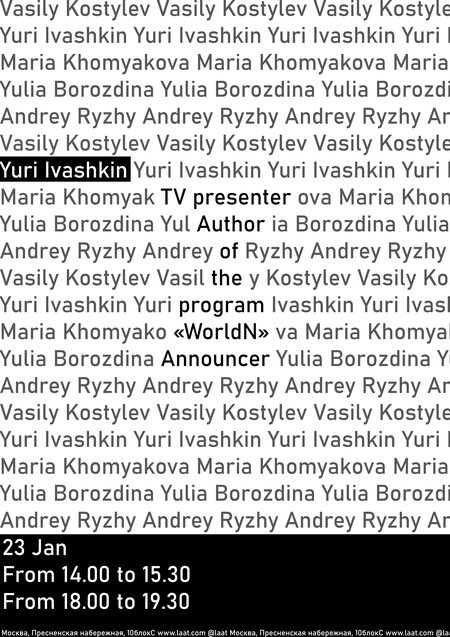
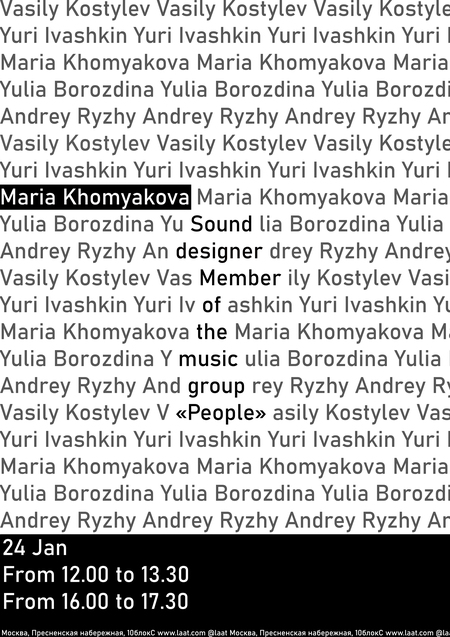
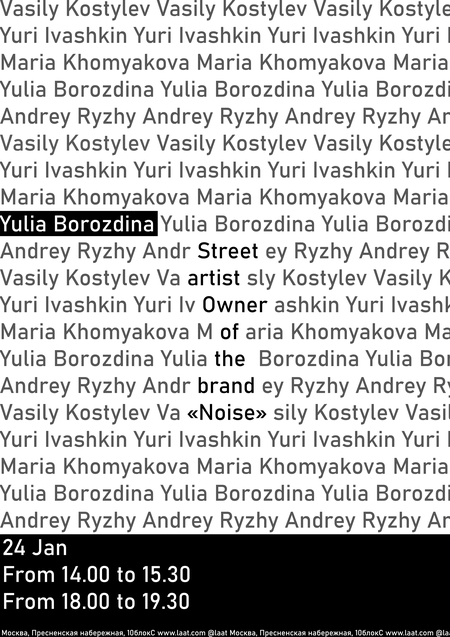
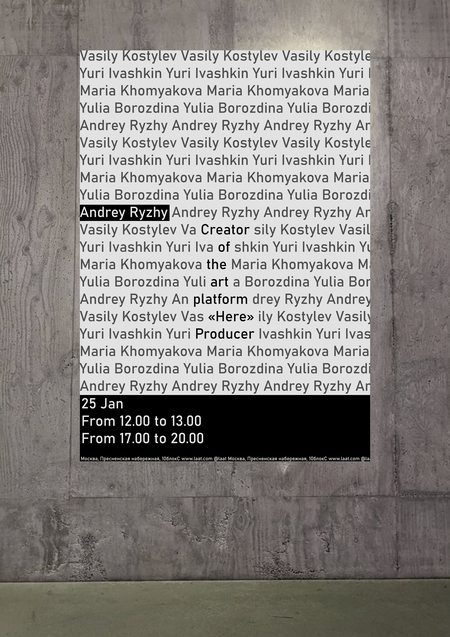
Проект создан для тех, кто хочет избавиться от ограничений глиссофобии. Через
интерактивные лекции и персонализированные консультации LAAT помогает участникам не
только понять природу страха публичных выступлений, но и преодолеть его. LAAT использует
творческое самовыражение как основную механику, предлагая безопасную платформу для
презентации своих идей и проектов.
Original size 5262x675
Original size 5262x3720
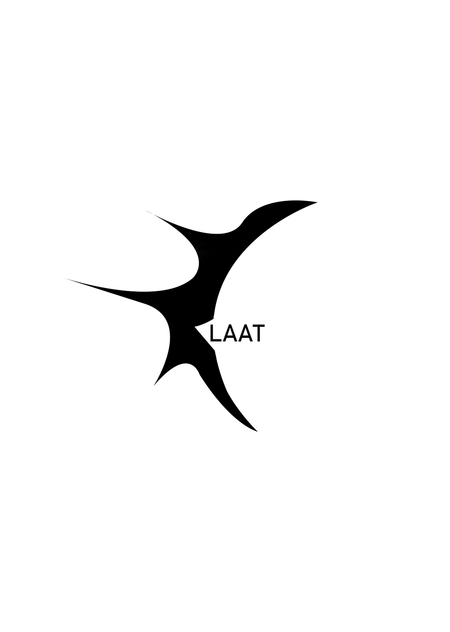
Название «LAAT» произошло от соединения первых двух букв слов «last» и «attempt»
HSE Animation is a platform where animation projects become visible to studios, production companies, media, partners, and audiences.
It brings together animators’ portfolios, educational programs, specialized contests, and key events from the professional community.
The platform was created in partnership with HSE Art and Design School and is developing a... Show more
best of the best
news and interviews
author's animation
for children
applied animation
information video
playlist
Press space bar to start a drag.
When dragging you can use the arrow keys to move the item around and escape to cancel.
Some screen readers may require you to be in focus mode or to use your pass through key
Press space bar to start a drag.
When dragging you can use the arrow keys to move the item around and escape to cancel.
Some screen readers may require you to be in focus mode or to use your pass through key
Press space bar to start a drag.
When dragging you can use the arrow keys to move the item around and escape to cancel.
Some screen readers may require you to be in focus mode or to use your pass through key
Press space bar to start a drag.
When dragging you can use the arrow keys to move the item around and escape to cancel.
Some screen readers may require you to be in focus mode or to use your pass through key
Press space bar to start a drag.
When dragging you can use the arrow keys to move the item around and escape to cancel.
Some screen readers may require you to be in focus mode or to use your pass through key
Press space bar to start a drag.
When dragging you can use the arrow keys to move the item around and escape to cancel.
Some screen readers may require you to be in focus mode or to use your pass through key