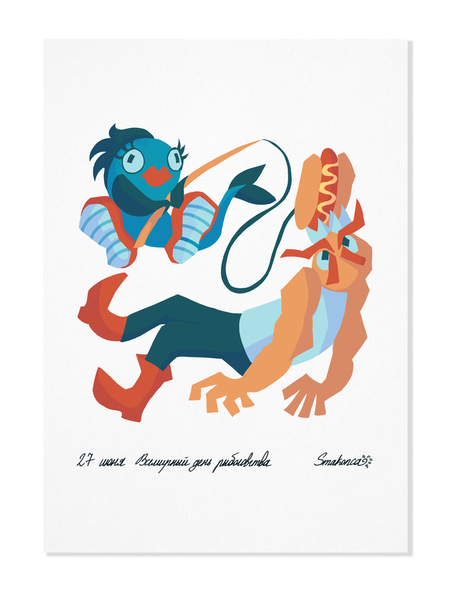
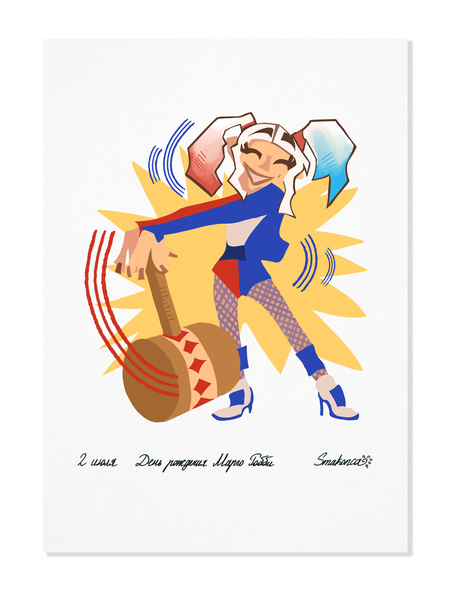
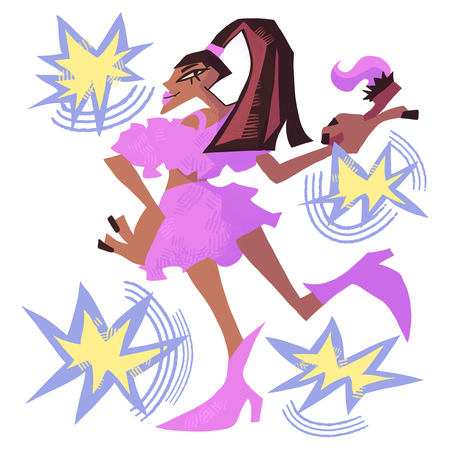
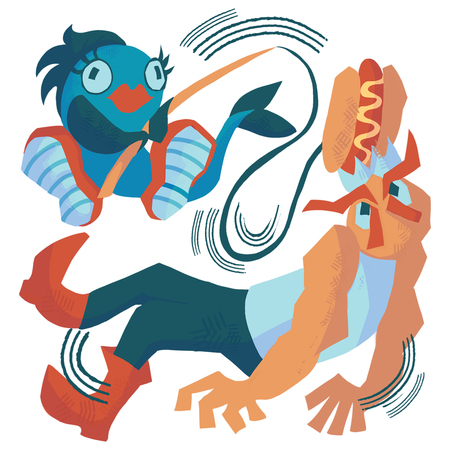
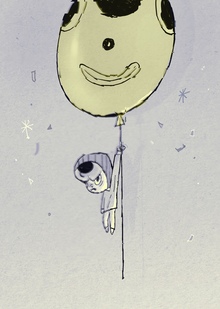
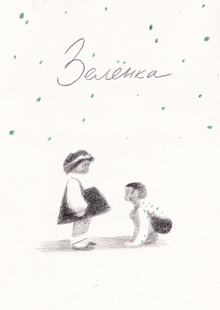
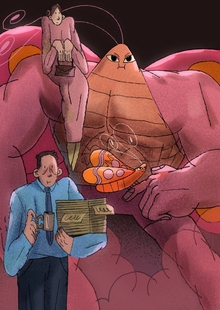
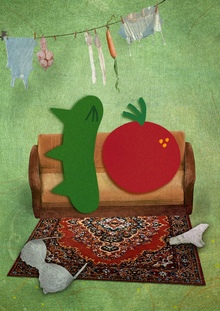
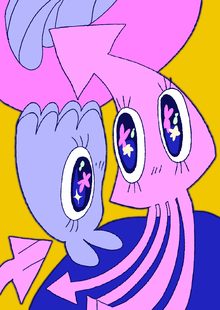
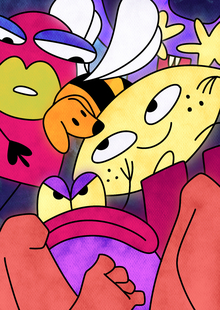
Серия из 21 иллюстрации для календаря. Каждая из иллюстраций — это определенная значимая дата или праздник с 26 июня по 16 июля. В иллюстрациях упор идет на лаконичность, серийность и юмористическую составляющую.
Мокапы
26 июня. День рождения Арианы Гранде/ 27 июня. Всемирный день рыболовства
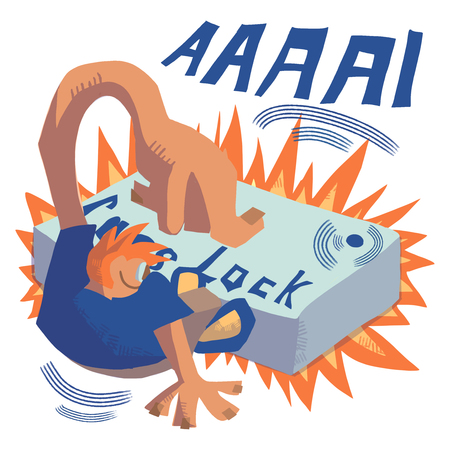
28 июня. День клавиши Caps Lock/ 29 июня. Всемирный день тропиков
30 июня. День разлетания одуванчиков/ 1 июля. День изобретения солнцезащитных очков
2 июля. День рождения Марго Робби/ 3 июля. День бросания камня
4 июля. День салата «Цезарь» / 5 июля. День разноцветных носков
6 июля. Всемирный день поцелуя/ 7 июля. День прогулки по парку
8 июля. День рождения Эндрю Гарфилда/ 9 июля. День веры в единорогов
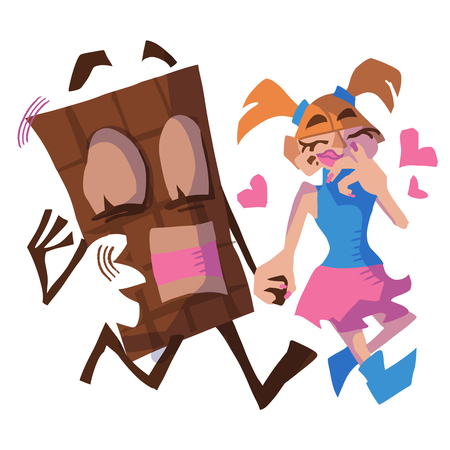
10 июля. День полета на воздушном шаре/ 11 июля. Всемирный день шоколада
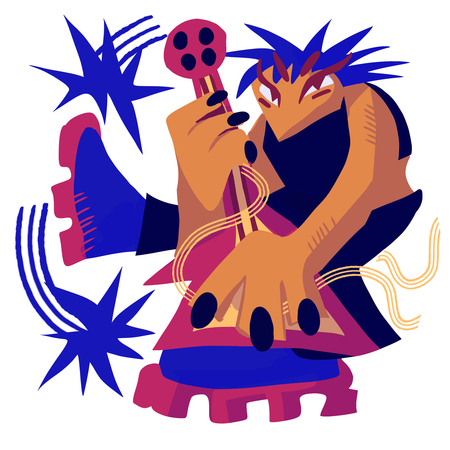
12 июля. День бумажного пакета/ 13 июля. День рока
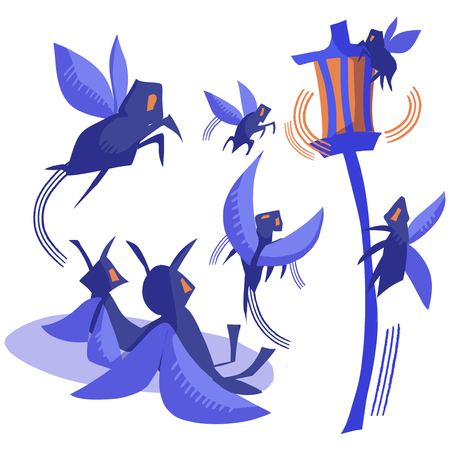
14 июля. День рождения Конора Маркгрегора/ 15 июля. День смотрения на фонари
Иллюстрации можно использовать как открытки и делать необычные и приятные подарки своим родным и друзьям!
HSE Animation is a platform where animation projects become visible to studios, production companies, media, partners, and audiences.
It brings together animators’ portfolios, educational programs, specialized contests, and key events from the professional community.
The platform was created in partnership with HSE Art and Design School and is developing a... Show more
Press space bar to start a drag.
When dragging you can use the arrow keys to move the item around and escape to cancel.
Some screen readers may require you to be in focus mode or to use your pass through key
Press space bar to start a drag.
When dragging you can use the arrow keys to move the item around and escape to cancel.
Some screen readers may require you to be in focus mode or to use your pass through key
Press space bar to start a drag.
When dragging you can use the arrow keys to move the item around and escape to cancel.
Some screen readers may require you to be in focus mode or to use your pass through key
Press space bar to start a drag.
When dragging you can use the arrow keys to move the item around and escape to cancel.
Some screen readers may require you to be in focus mode or to use your pass through key
Press space bar to start a drag.
When dragging you can use the arrow keys to move the item around and escape to cancel.
Some screen readers may require you to be in focus mode or to use your pass through key
Press space bar to start a drag.
When dragging you can use the arrow keys to move the item around and escape to cancel.
Some screen readers may require you to be in focus mode or to use your pass through key
Press space bar to start a drag.
When dragging you can use the arrow keys to move the item around and escape to cancel.
Some screen readers may require you to be in focus mode or to use your pass through key
Press space bar to start a drag.
When dragging you can use the arrow keys to move the item around and escape to cancel.
Some screen readers may require you to be in focus mode or to use your pass through key
Press space bar to start a drag.
When dragging you can use the arrow keys to move the item around and escape to cancel.
Some screen readers may require you to be in focus mode or to use your pass through key
Press space bar to start a drag.
When dragging you can use the arrow keys to move the item around and escape to cancel.
Some screen readers may require you to be in focus mode or to use your pass through key
Press space bar to start a drag.
When dragging you can use the arrow keys to move the item around and escape to cancel.
Some screen readers may require you to be in focus mode or to use your pass through key