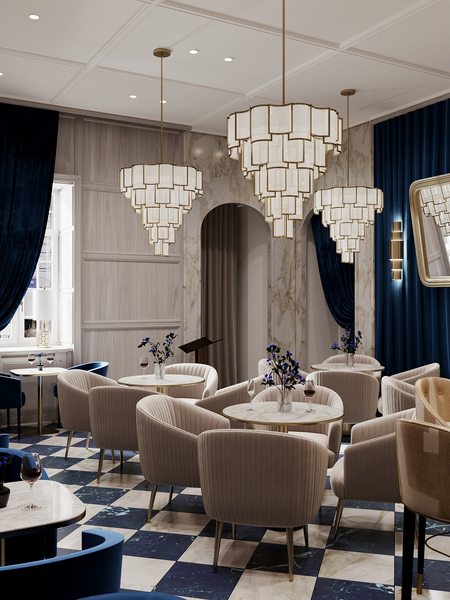
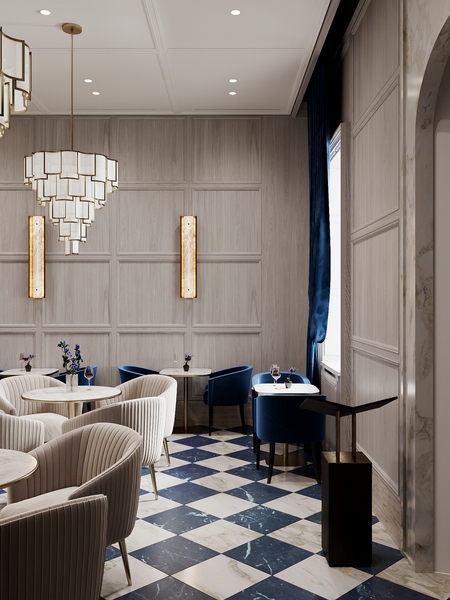
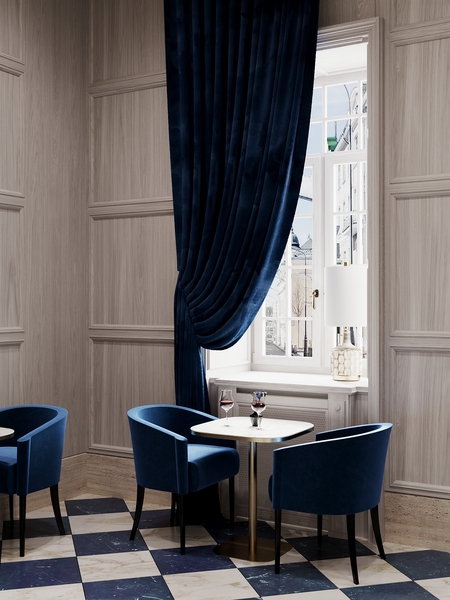
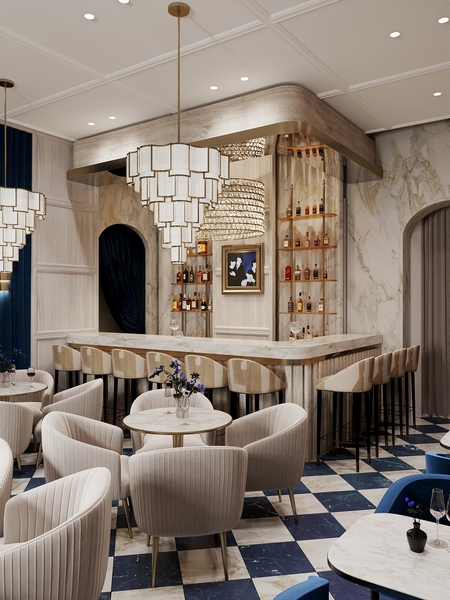
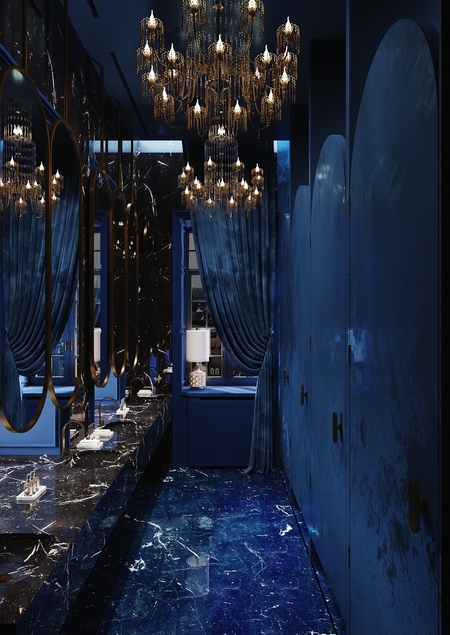
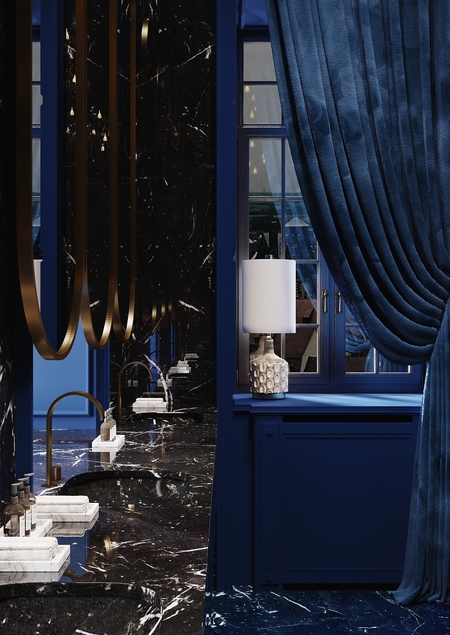
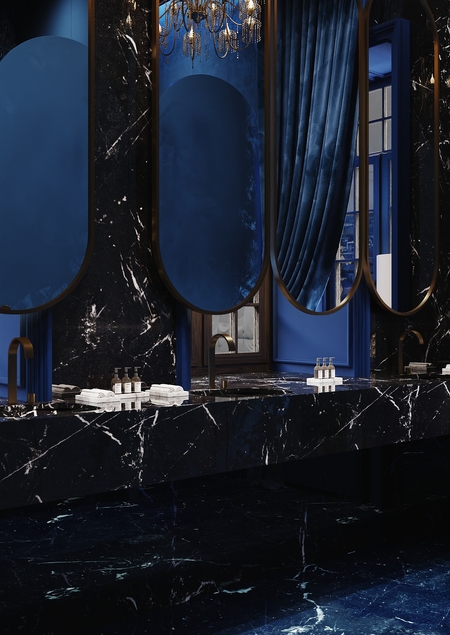
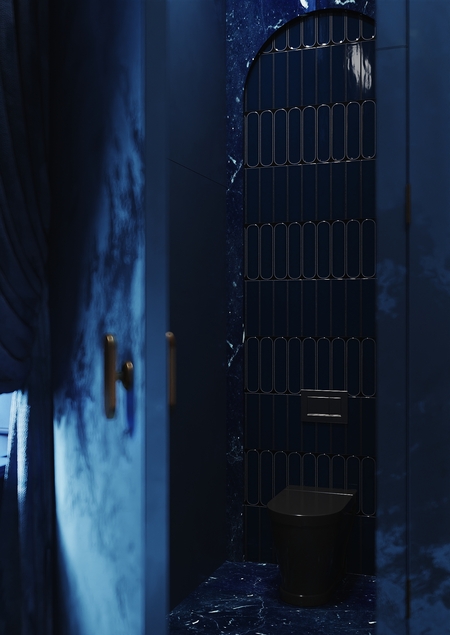
Концепция кабаре-ресторана: «Зеркальный гламур в ночной тишине»
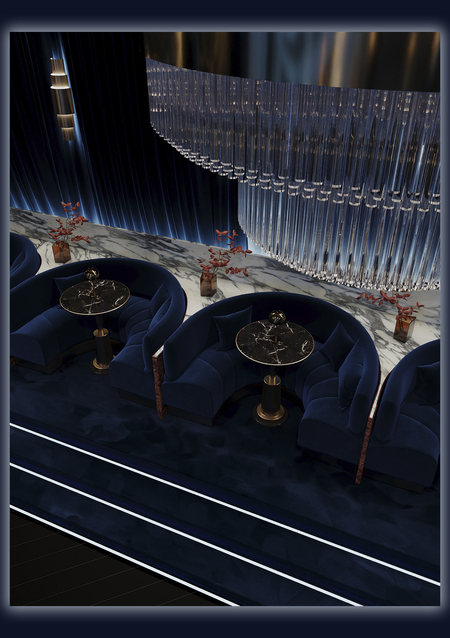
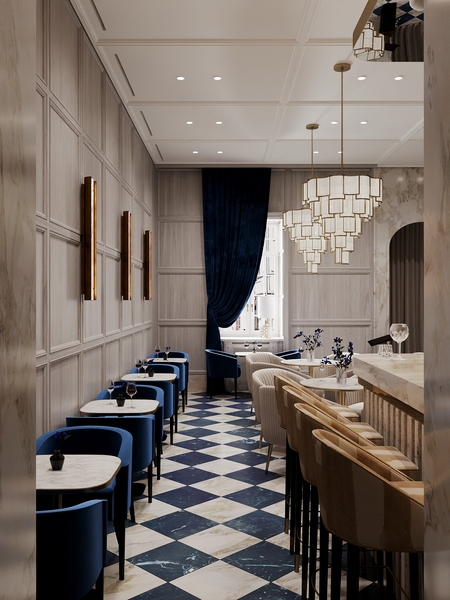
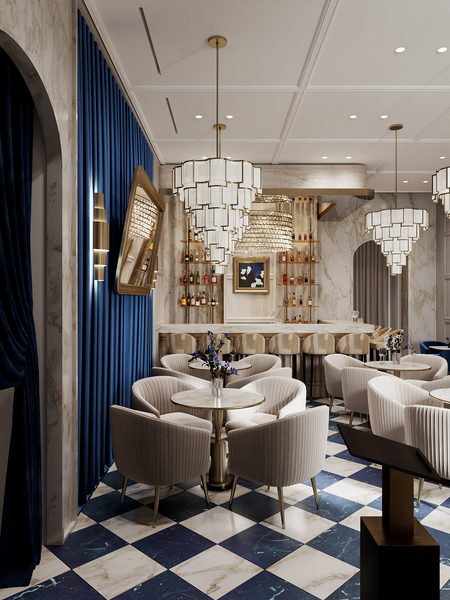
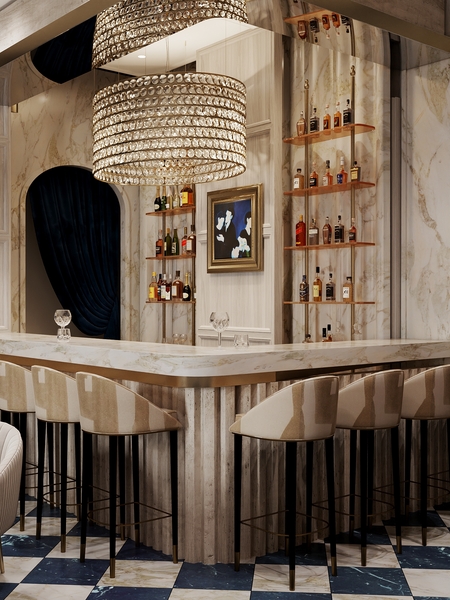
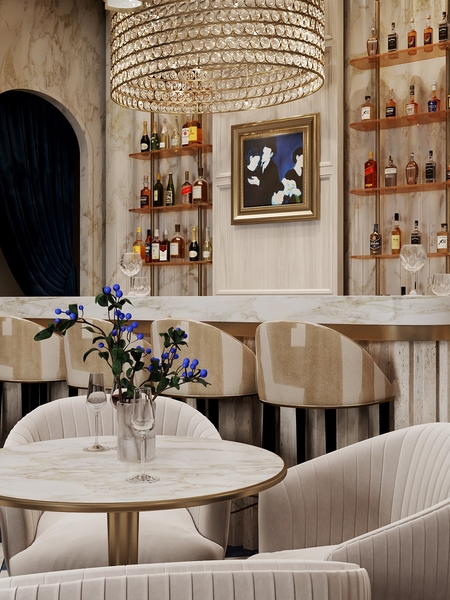
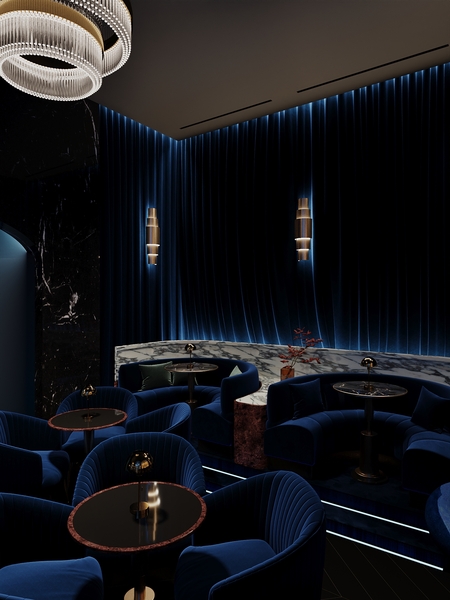
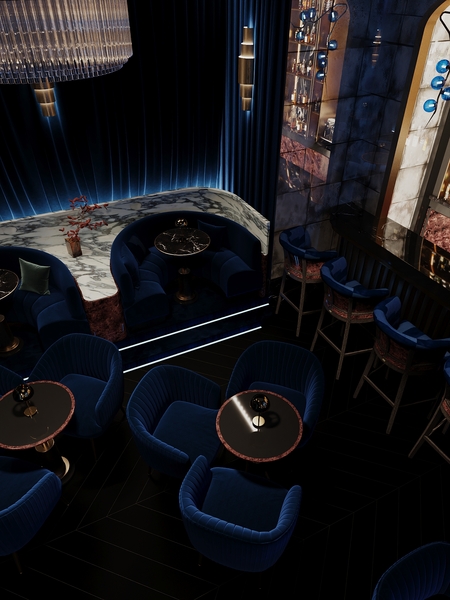
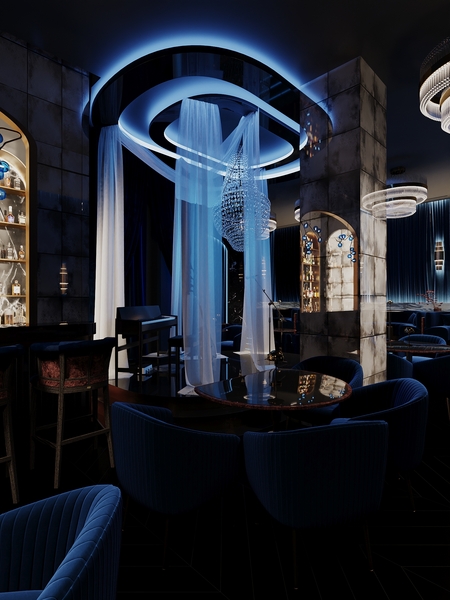
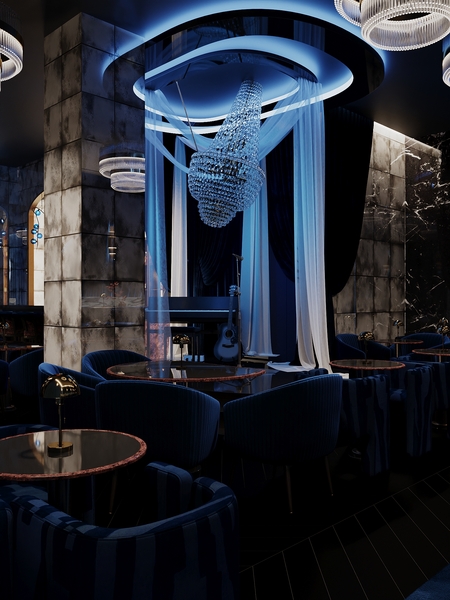
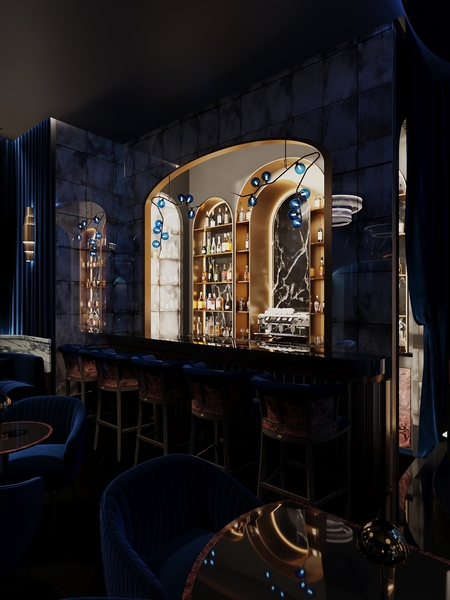
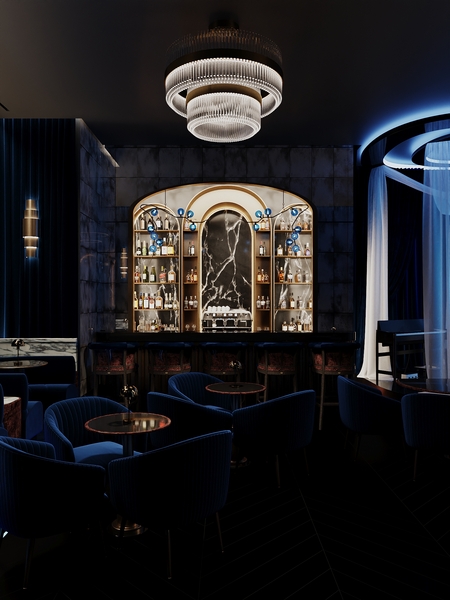
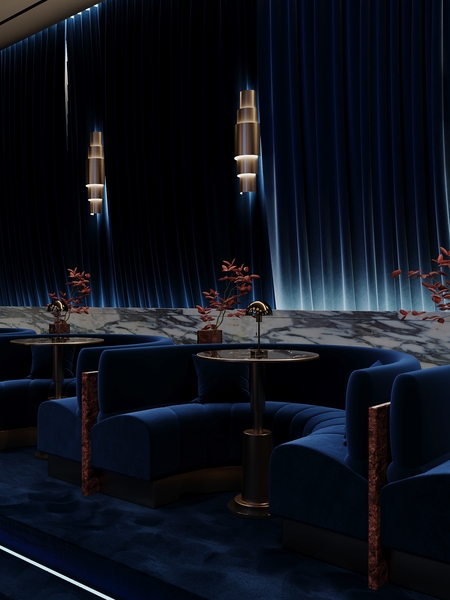
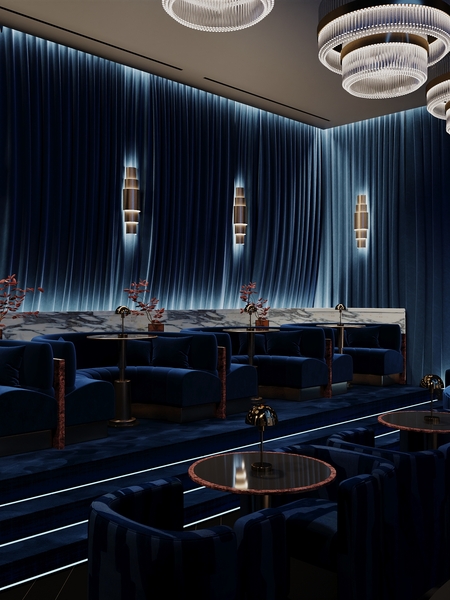
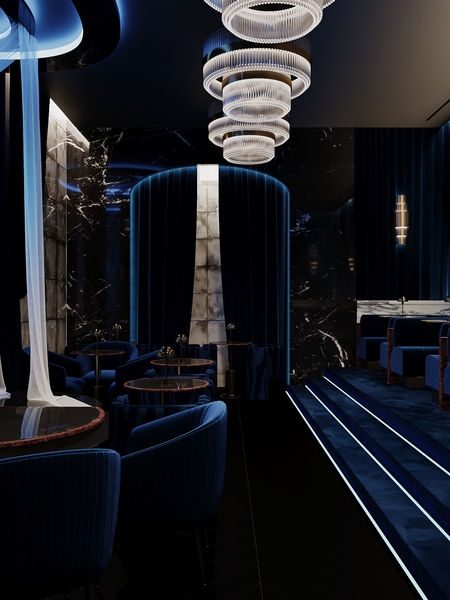
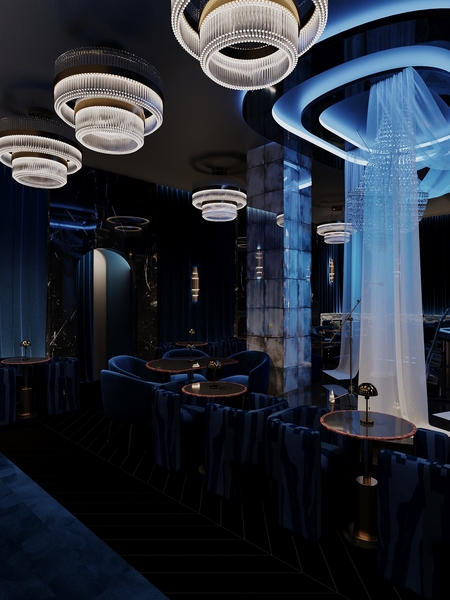
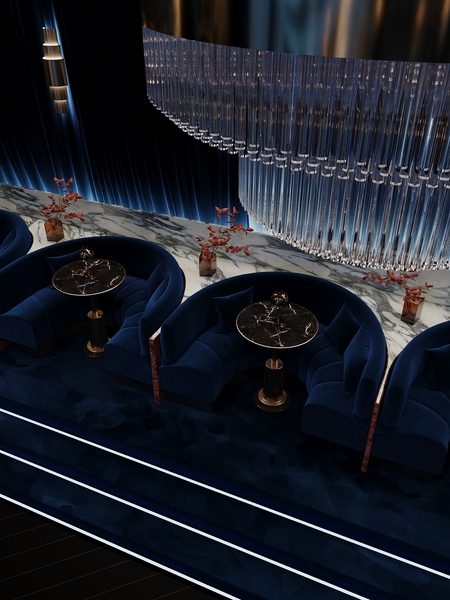
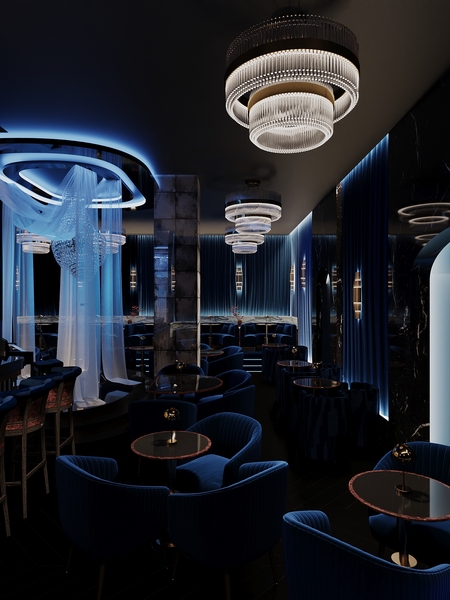
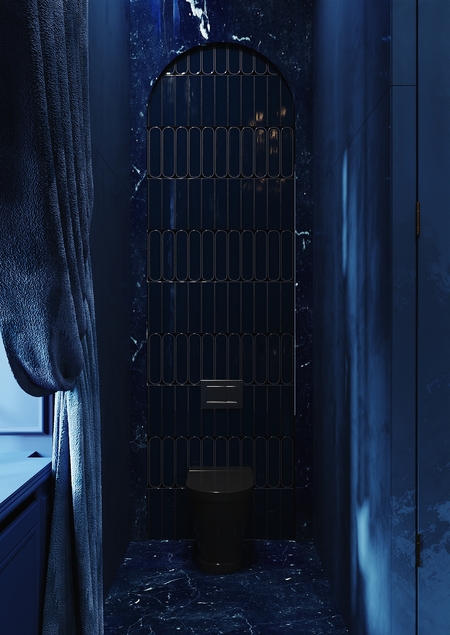
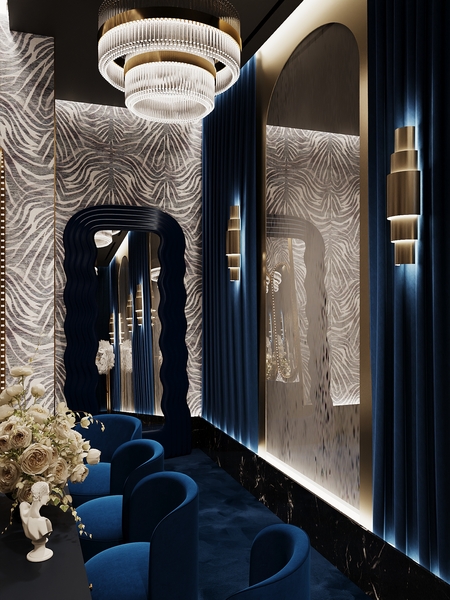
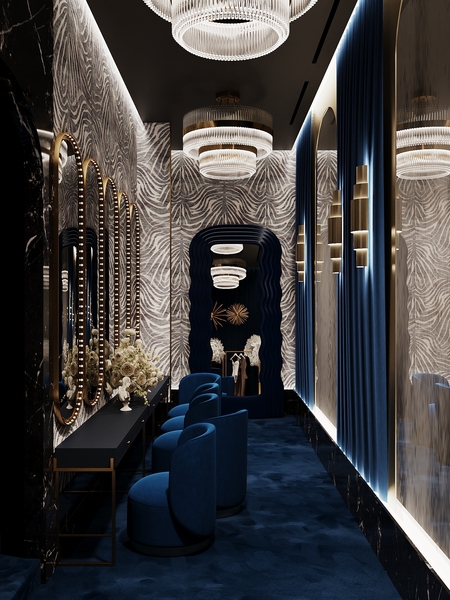
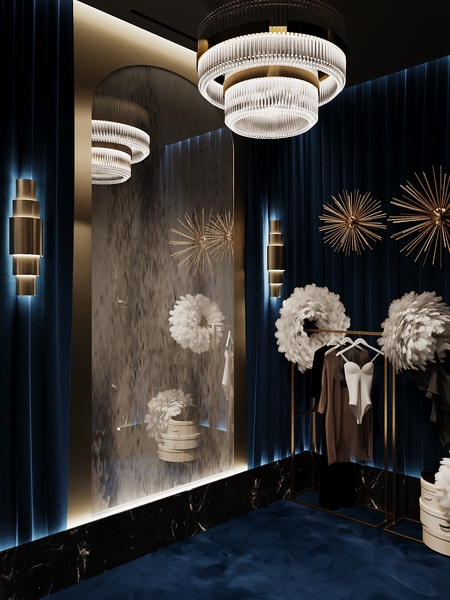
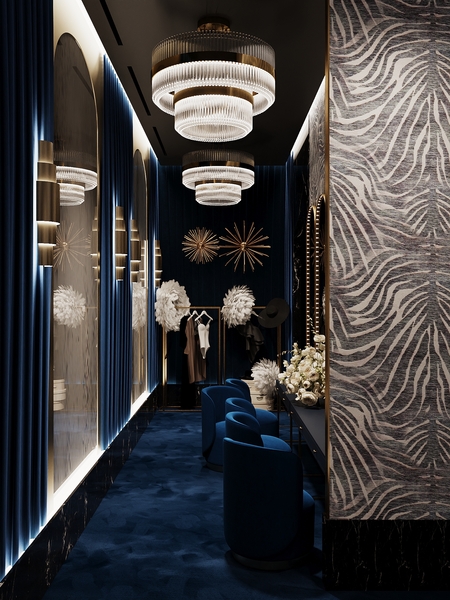
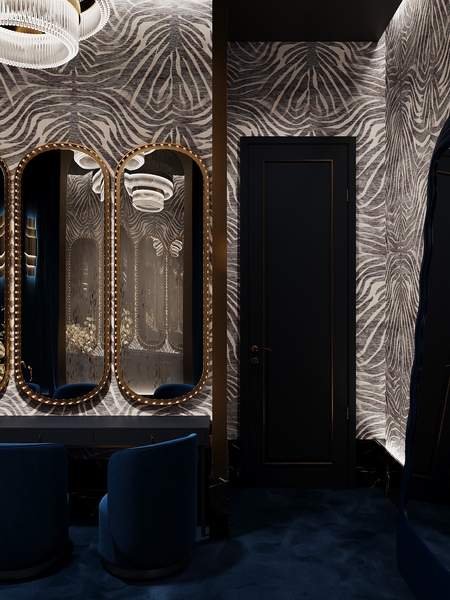
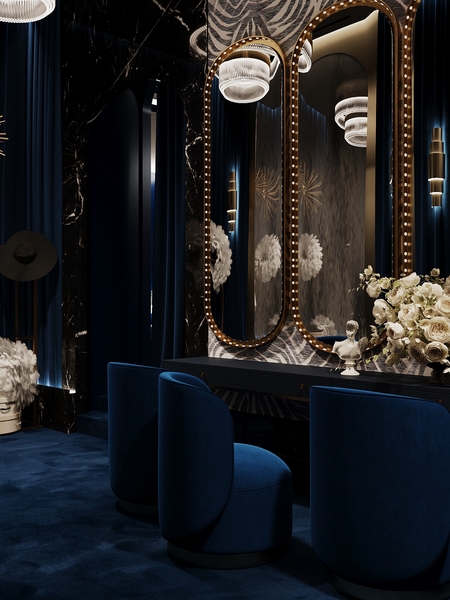
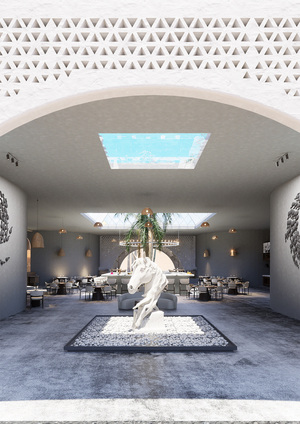
Вдохновленная атмосферой роскоши и мистики, эта концепция объединяет изысканный гламур и уединенность ночи. Основной элемент — эффектная хрустальная люстра в центре зала второго жтажа, создающая иллюзию звездного неба и подчеркивающая элегантность пространства. Темные глубокие оттенки в сочетании с мягким голубым и серебристым освещением придают интерьеру таинственный и притягательный характер.
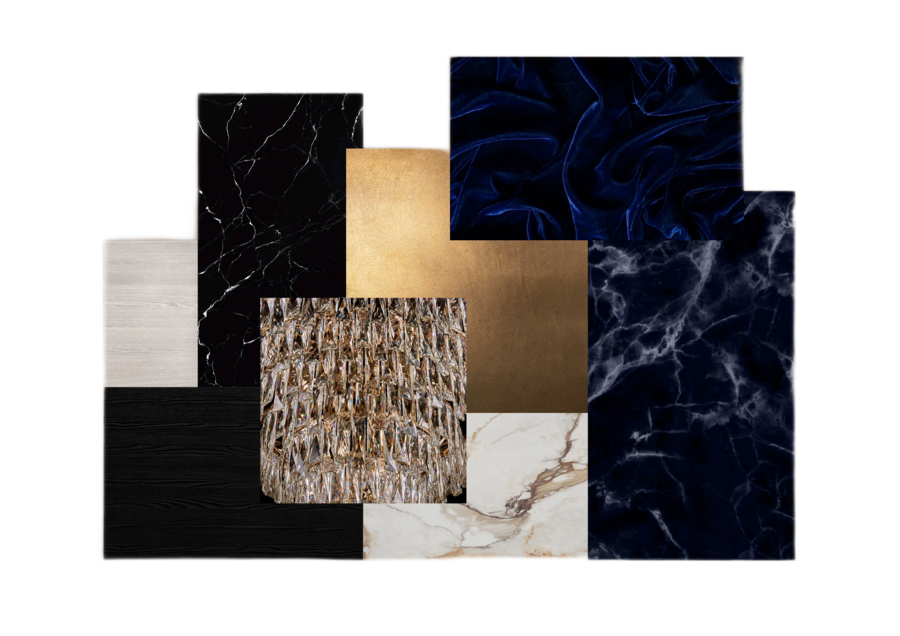
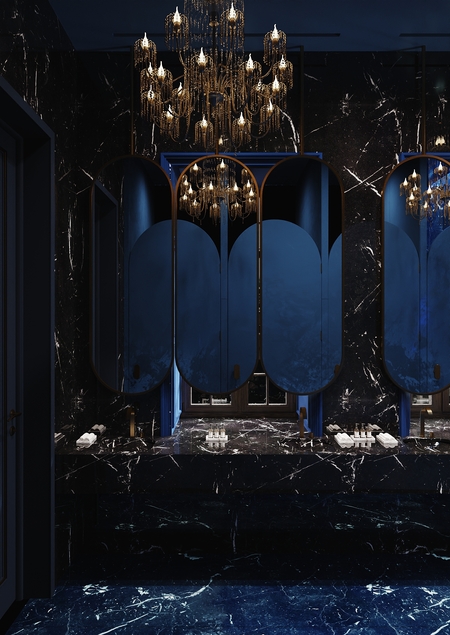
На сцене — пианино и гитара, символы музыкального искусства, приглашающие гостей погрузиться в атмосферу живого выступления. Обилие зеркальных и мраморных поверхностей усиливает эффект роскоши, а мягкие шторы разделяют зоны, создавая интимную атмосферу для каждого гостя.
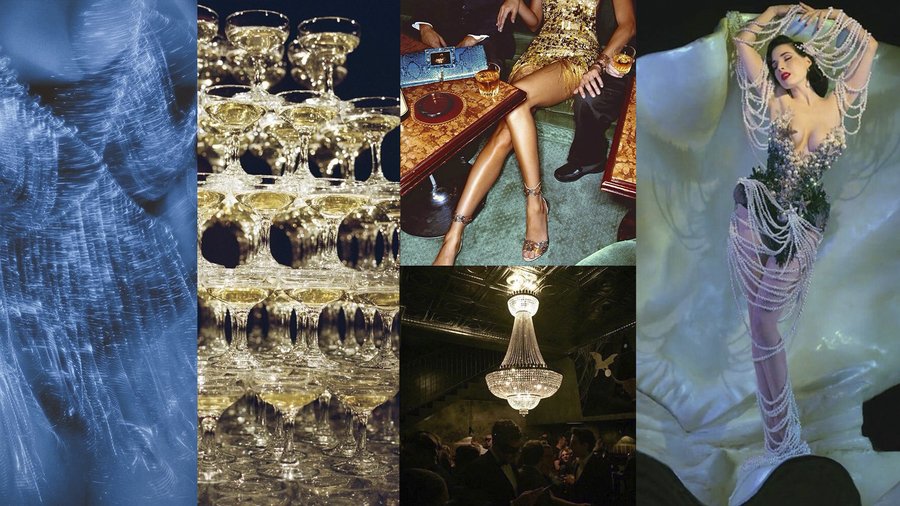
Эта концепция вдохновлена классикой кабаре и велюровых театров 1920-х — времён, когда каждый вечер превращался в камерное шоу с атмосферой гламура и загадочности. Она приглашает погрузиться в атмосферу эксклюзивности, тайны и искусства, превращая обычный вечер в незабываемое путешествие в ночную магию.
HSE Animation is a platform where animation projects become visible to studios, production companies, media, partners, and audiences.
It brings together animators’ portfolios, educational programs, specialized contests, and key events from the professional community.
The platform was created in partnership with HSE Art and Design School and is developing a... Show more
Confirm your ageProject contains information not suitable for individuals under the age of 18
I am already 18 years old
Cancel
Confirm
Press space bar to start a drag.
When dragging you can use the arrow keys to move the item around and escape to cancel.
Some screen readers may require you to be in focus mode or to use your pass through key
Press space bar to start a drag.
When dragging you can use the arrow keys to move the item around and escape to cancel.
Some screen readers may require you to be in focus mode or to use your pass through key
Press space bar to start a drag.
When dragging you can use the arrow keys to move the item around and escape to cancel.
Some screen readers may require you to be in focus mode or to use your pass through key
Press space bar to start a drag.
When dragging you can use the arrow keys to move the item around and escape to cancel.
Some screen readers may require you to be in focus mode or to use your pass through key
Press space bar to start a drag.
When dragging you can use the arrow keys to move the item around and escape to cancel.
Some screen readers may require you to be in focus mode or to use your pass through key
Press space bar to start a drag.
When dragging you can use the arrow keys to move the item around and escape to cancel.
Some screen readers may require you to be in focus mode or to use your pass through key
Press space bar to start a drag.
When dragging you can use the arrow keys to move the item around and escape to cancel.
Some screen readers may require you to be in focus mode or to use your pass through key
Press space bar to start a drag.
When dragging you can use the arrow keys to move the item around and escape to cancel.
Some screen readers may require you to be in focus mode or to use your pass through key
Press space bar to start a drag.
When dragging you can use the arrow keys to move the item around and escape to cancel.
Some screen readers may require you to be in focus mode or to use your pass through key
Press space bar to start a drag.
When dragging you can use the arrow keys to move the item around and escape to cancel.
Some screen readers may require you to be in focus mode or to use your pass through key
Press space bar to start a drag.
When dragging you can use the arrow keys to move the item around and escape to cancel.
Some screen readers may require you to be in focus mode or to use your pass through key
Press space bar to start a drag.
When dragging you can use the arrow keys to move the item around and escape to cancel.
Some screen readers may require you to be in focus mode or to use your pass through key
Press space bar to start a drag.
When dragging you can use the arrow keys to move the item around and escape to cancel.
Some screen readers may require you to be in focus mode or to use your pass through key
Press space bar to start a drag.
When dragging you can use the arrow keys to move the item around and escape to cancel.
Some screen readers may require you to be in focus mode or to use your pass through key
Press space bar to start a drag.
When dragging you can use the arrow keys to move the item around and escape to cancel.
Some screen readers may require you to be in focus mode or to use your pass through key
Press space bar to start a drag.
When dragging you can use the arrow keys to move the item around and escape to cancel.
Some screen readers may require you to be in focus mode or to use your pass through key