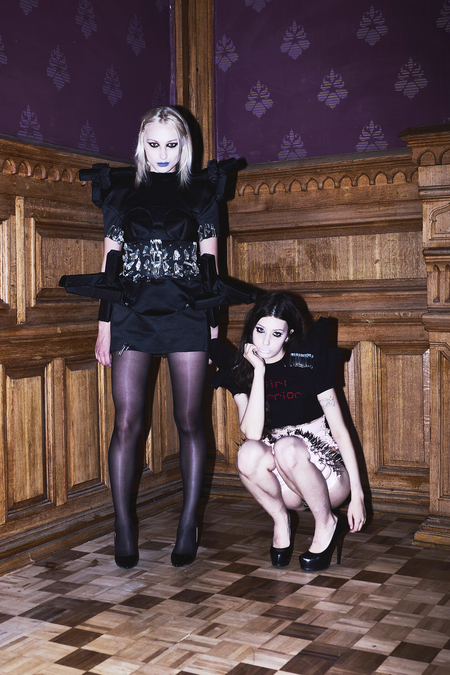
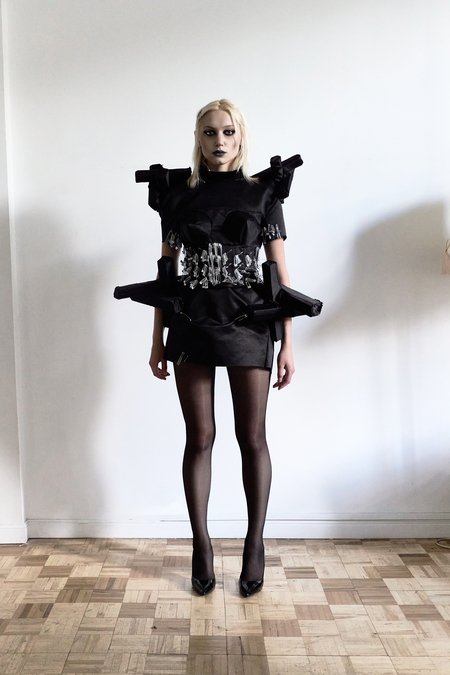
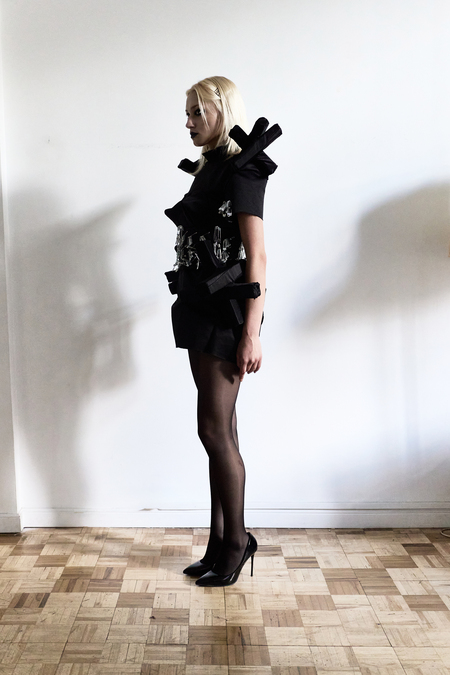
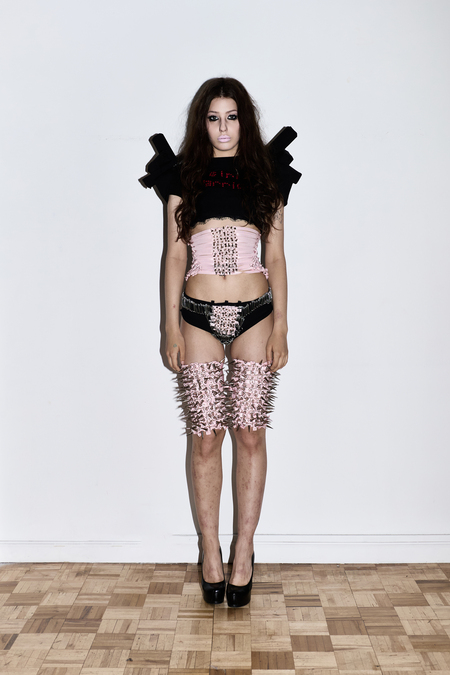
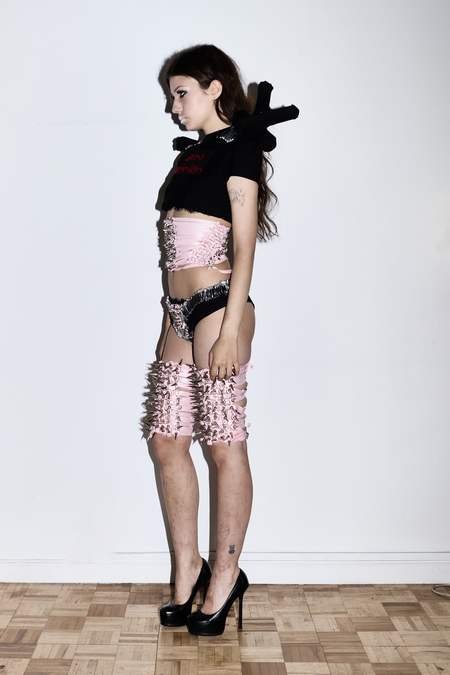
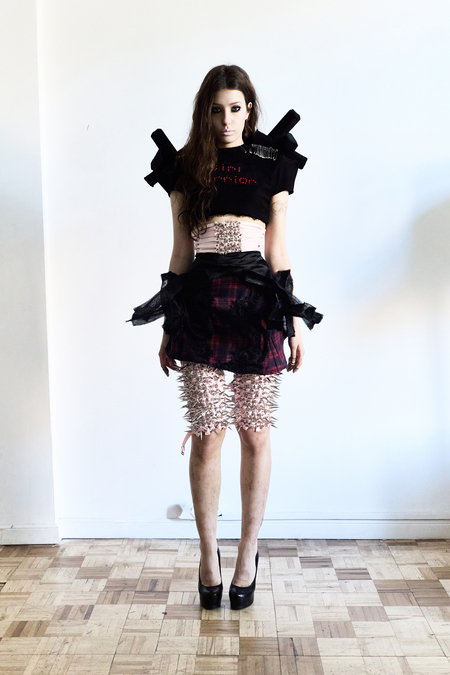
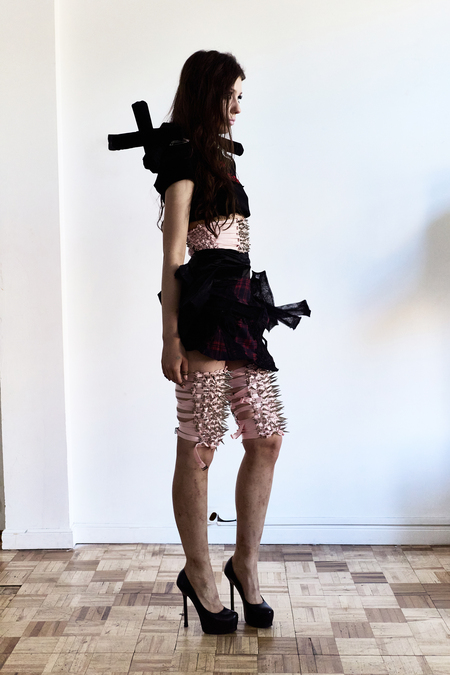
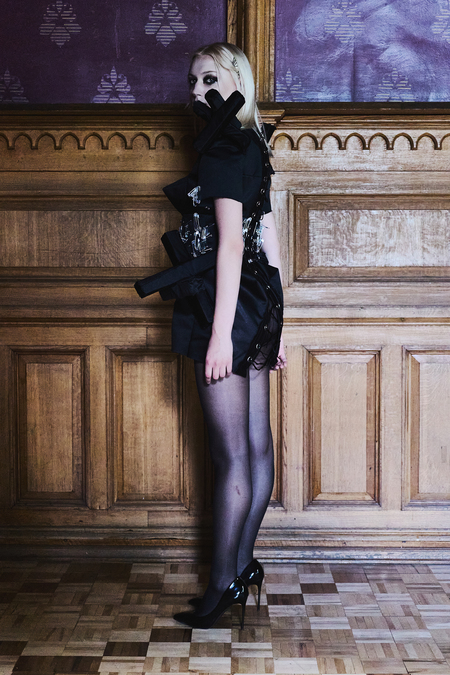
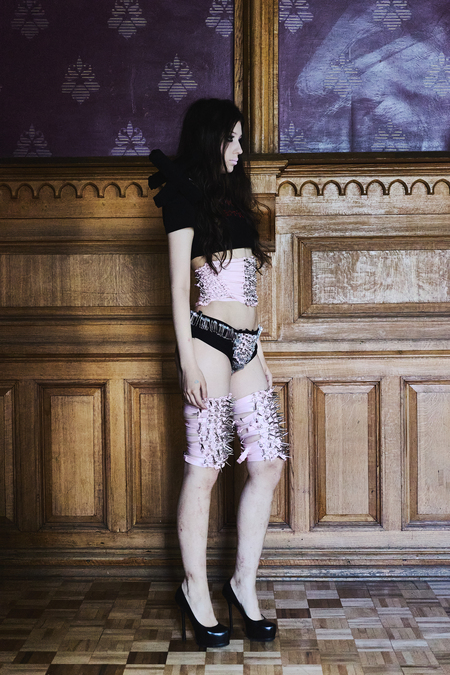
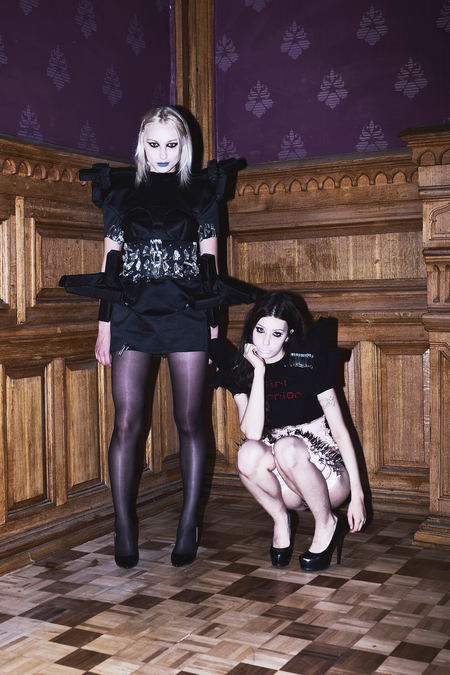
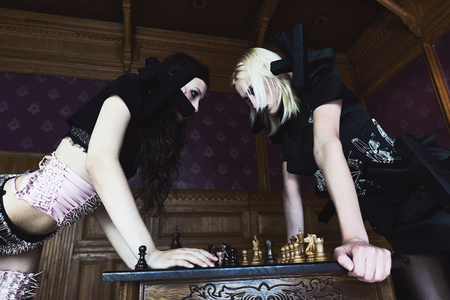
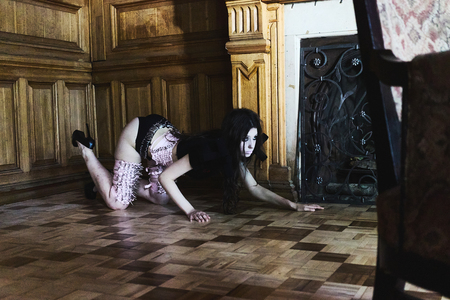
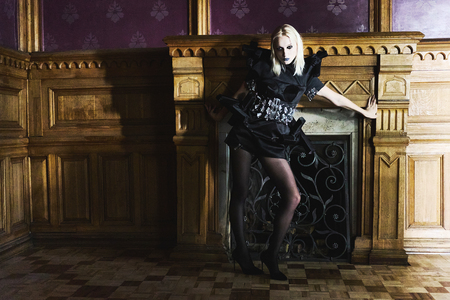
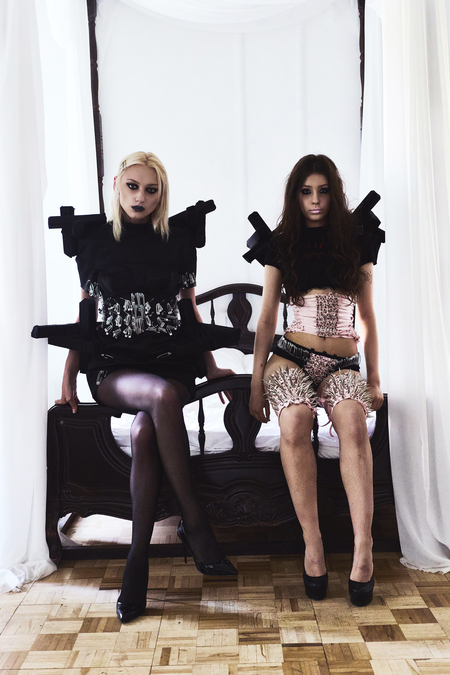
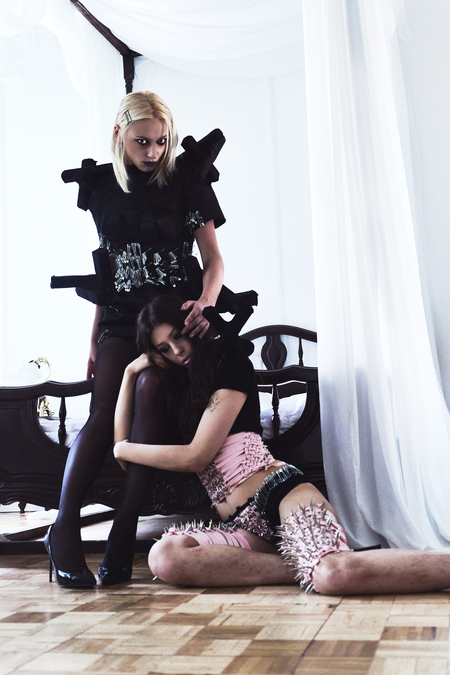
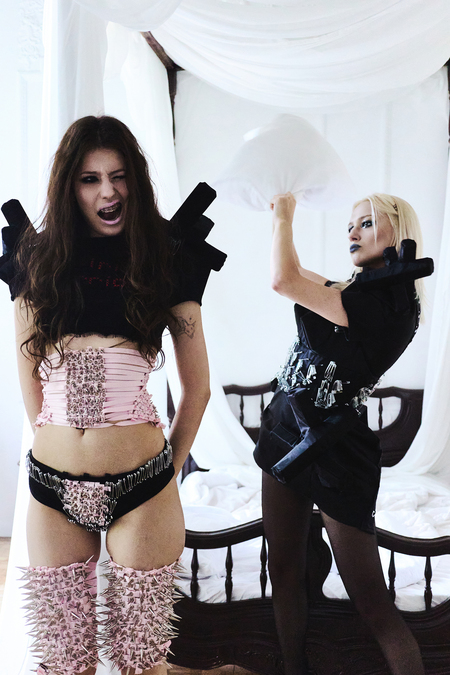
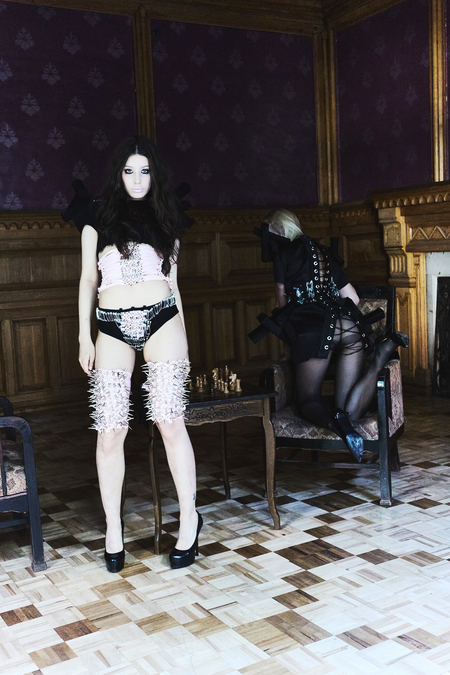
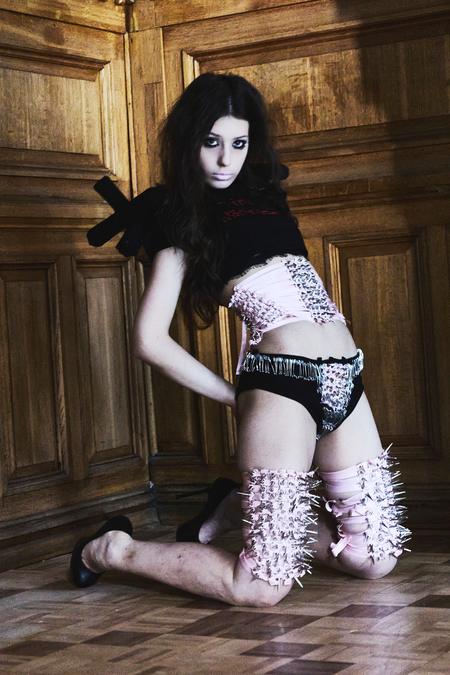
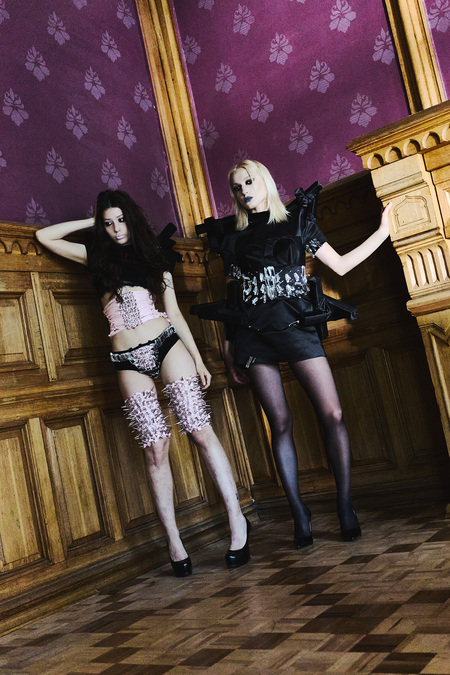
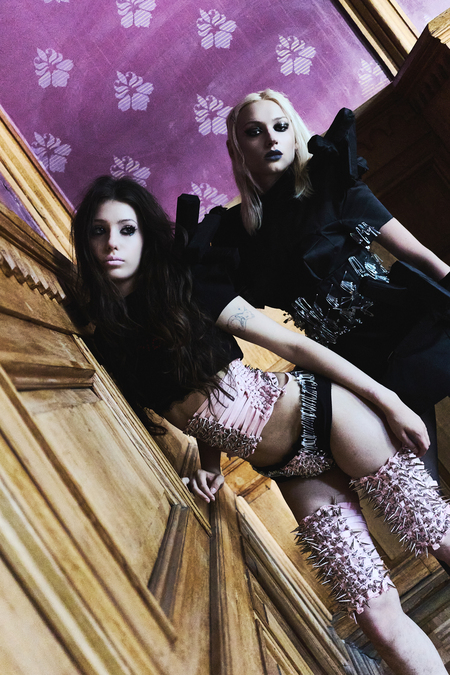
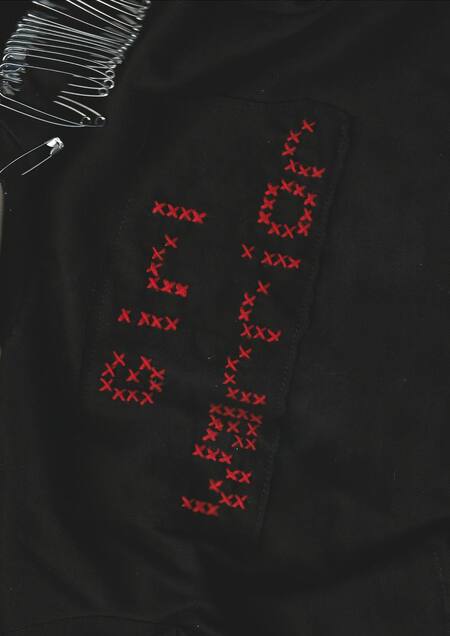
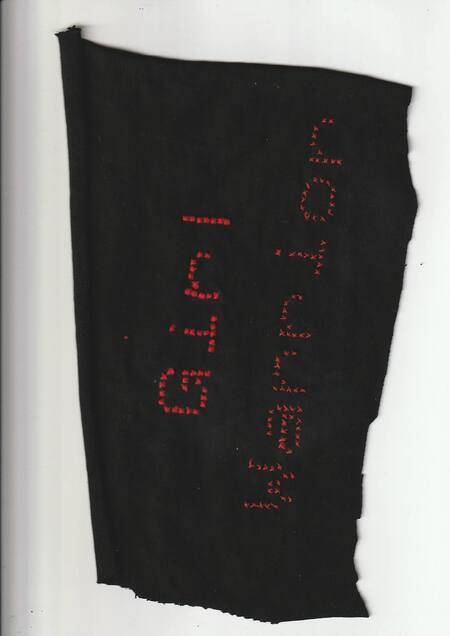
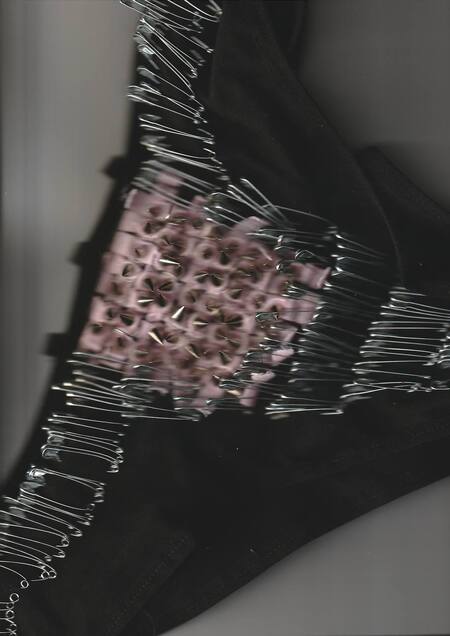
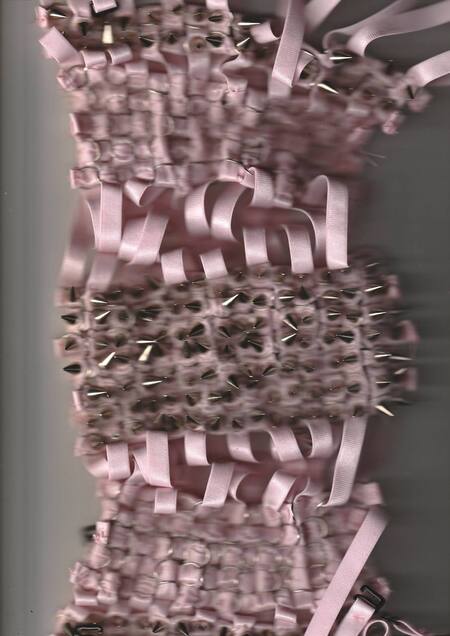
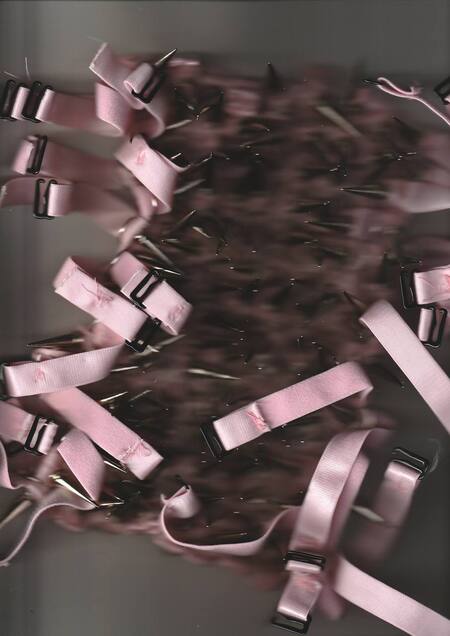
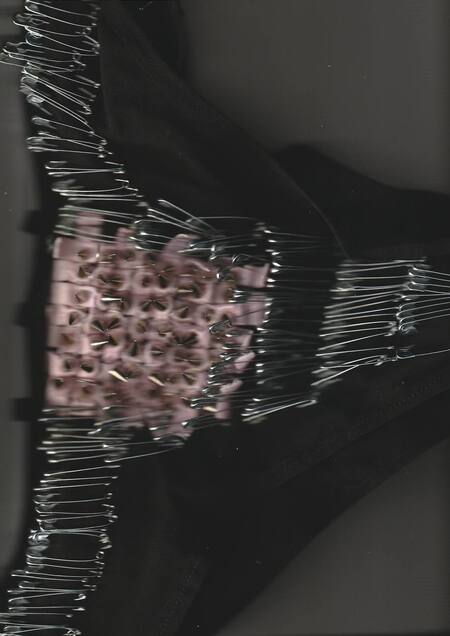
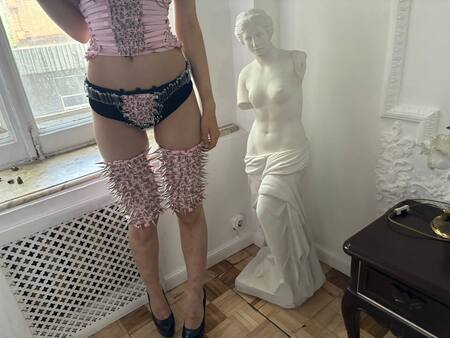
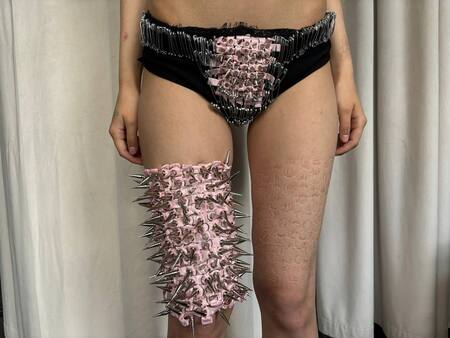
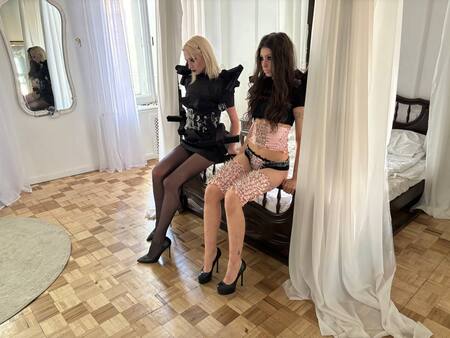
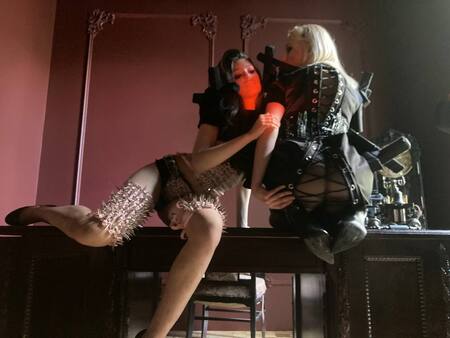
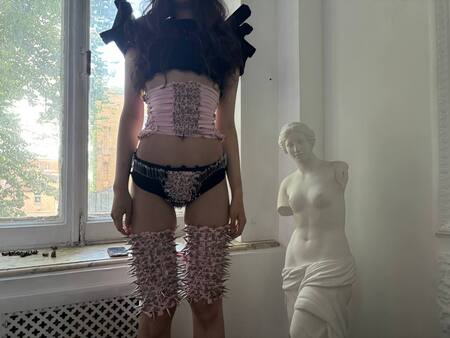
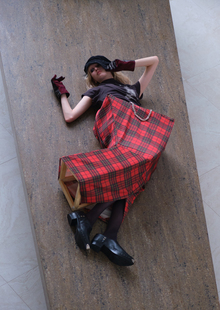
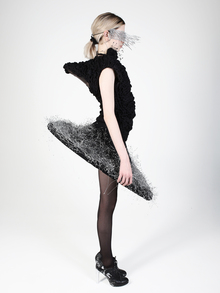
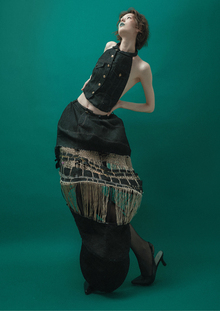
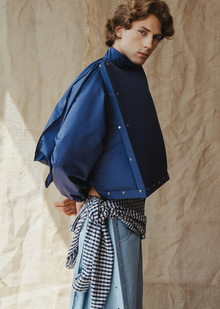
«Мы злы на общество, которое говорит нам, что девушка = глупая, девушка = недостаточно хороша, девушка = слабая… Мы всем сердцем верим, что девчонки обладают той душевной силой, которая может изменить мир, совершить революцию», — говорится в манифесте Riot Grrrl 1991 года. Героини проекта «Эстетика Сопротивления» — это далеко не хрупкие и слабые девушки. Они воины, которые каждый день борются со стереотипами и жизненными трудностями.
Do you know what it feels like for a girl?
Lookbook
Final shooting
Исходный размер 3500x2333
Исходный размер 3500x2333
Исходный размер 3500x2333
Исходный размер 3500x2333
Исходный размер 3500x2333
Исходный размер 3500x2333
Исходный размер 3500x2333
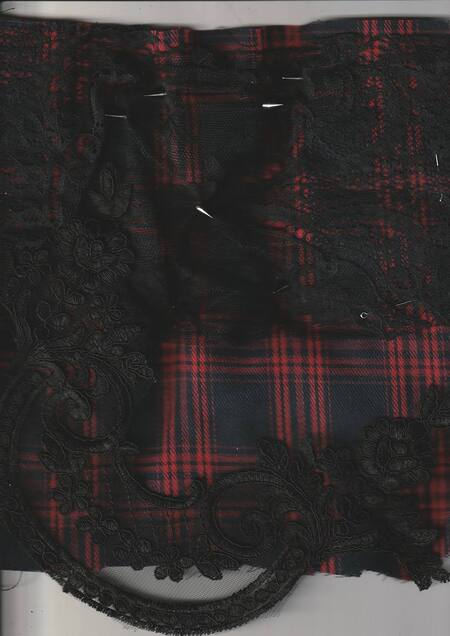
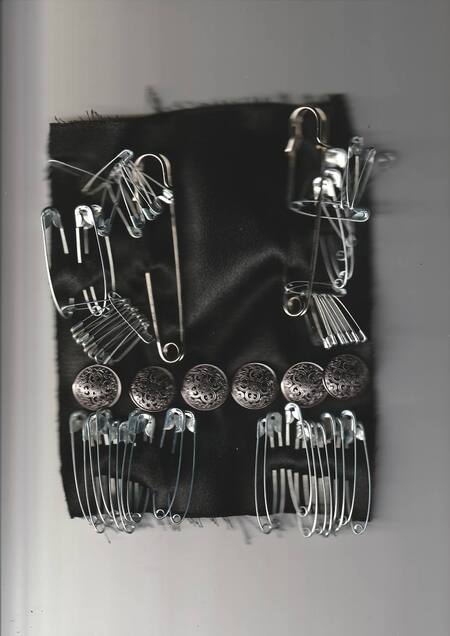
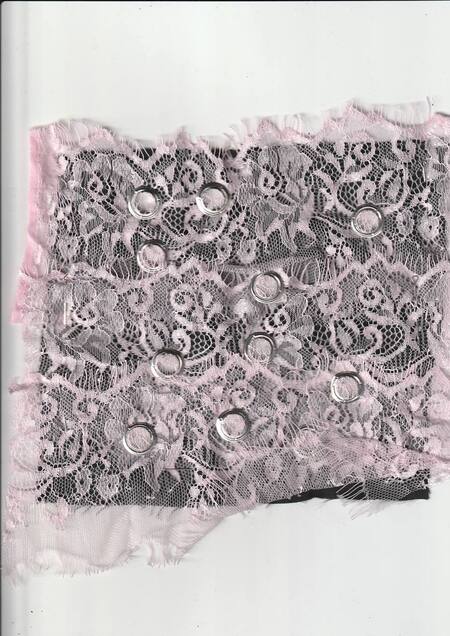
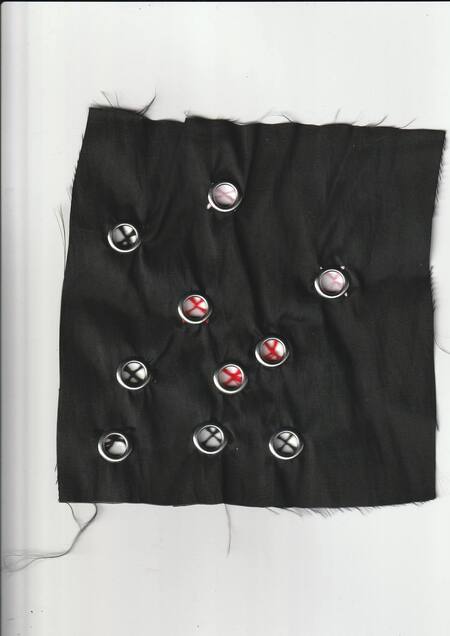
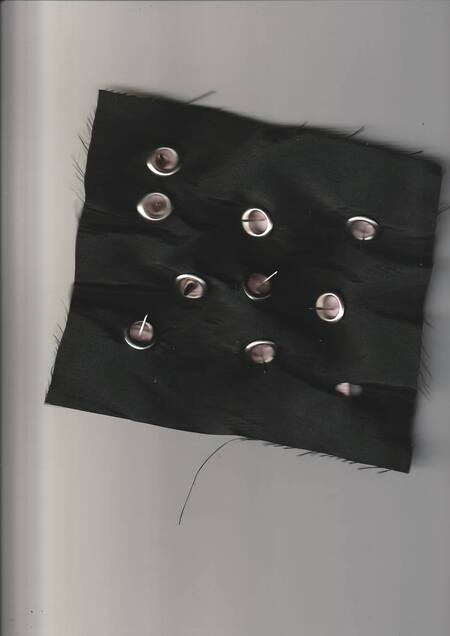
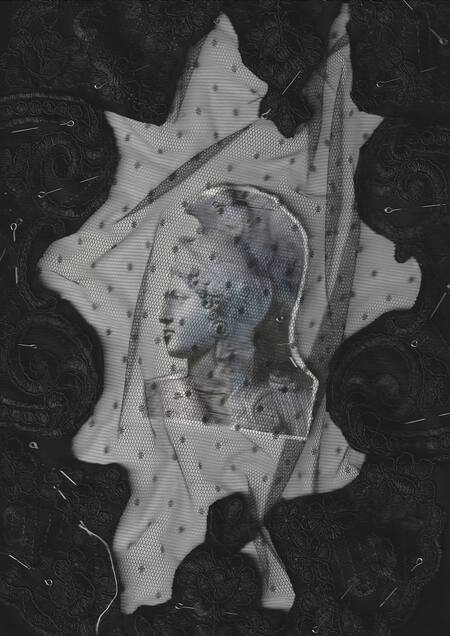
Textile samples
Items close-up
Backstage
Исходный размер 1280x720
Исходный размер 1280x720
Исходный размер 1280x960
«We got a fucking right to be hostile, and I’m not gonna sit around and be peace and love with somebody’s boots on my neck.» — Kathleen Hanna
Исходный размер 353x266
Credits: Ph: @lezosoma my love <3 My lovely models: @everyonelovesevaa @nastazeee__ Muah: @slavinamua best of the best <3 lushes idea: @vagurinaaa
Special thanks to the best men of the World: my dad for being the most supportive parent and helping me with project Volodya for moral support and big help <3 @astahov_makc for help <3
Big thanks to @sashamartyunicheva @nastazeee__ Vova
Press space bar to start a drag.
When dragging you can use the arrow keys to move the item around and escape to cancel.
Some screen readers may require you to be in focus mode or to use your pass through key
Press space bar to start a drag.
When dragging you can use the arrow keys to move the item around and escape to cancel.
Some screen readers may require you to be in focus mode or to use your pass through key
Press space bar to start a drag.
When dragging you can use the arrow keys to move the item around and escape to cancel.
Some screen readers may require you to be in focus mode or to use your pass through key
Press space bar to start a drag.
When dragging you can use the arrow keys to move the item around and escape to cancel.
Some screen readers may require you to be in focus mode or to use your pass through key
Press space bar to start a drag.
When dragging you can use the arrow keys to move the item around and escape to cancel.
Some screen readers may require you to be in focus mode or to use your pass through key
Press space bar to start a drag.
When dragging you can use the arrow keys to move the item around and escape to cancel.
Some screen readers may require you to be in focus mode or to use your pass through key
Press space bar to start a drag.
When dragging you can use the arrow keys to move the item around and escape to cancel.
Some screen readers may require you to be in focus mode or to use your pass through key
Press space bar to start a drag.
When dragging you can use the arrow keys to move the item around and escape to cancel.
Some screen readers may require you to be in focus mode or to use your pass through key
Press space bar to start a drag.
When dragging you can use the arrow keys to move the item around and escape to cancel.
Some screen readers may require you to be in focus mode or to use your pass through key
Press space bar to start a drag.
When dragging you can use the arrow keys to move the item around and escape to cancel.
Some screen readers may require you to be in focus mode or to use your pass through key
Press space bar to start a drag.
When dragging you can use the arrow keys to move the item around and escape to cancel.
Some screen readers may require you to be in focus mode or to use your pass through key
Press space bar to start a drag.
When dragging you can use the arrow keys to move the item around and escape to cancel.
Some screen readers may require you to be in focus mode or to use your pass through key
Press space bar to start a drag.
When dragging you can use the arrow keys to move the item around and escape to cancel.
Some screen readers may require you to be in focus mode or to use your pass through key
Press space bar to start a drag.
When dragging you can use the arrow keys to move the item around and escape to cancel.
Some screen readers may require you to be in focus mode or to use your pass through key
Press space bar to start a drag.
When dragging you can use the arrow keys to move the item around and escape to cancel.
Some screen readers may require you to be in focus mode or to use your pass through key
Press space bar to start a drag.
When dragging you can use the arrow keys to move the item around and escape to cancel.
Some screen readers may require you to be in focus mode or to use your pass through key
Press space bar to start a drag.
When dragging you can use the arrow keys to move the item around and escape to cancel.
Some screen readers may require you to be in focus mode or to use your pass through key
Press space bar to start a drag.
When dragging you can use the arrow keys to move the item around and escape to cancel.
Some screen readers may require you to be in focus mode or to use your pass through key
Press space bar to start a drag.
When dragging you can use the arrow keys to move the item around and escape to cancel.
Some screen readers may require you to be in focus mode or to use your pass through key
Press space bar to start a drag.
When dragging you can use the arrow keys to move the item around and escape to cancel.
Some screen readers may require you to be in focus mode or to use your pass through key
Press space bar to start a drag.
When dragging you can use the arrow keys to move the item around and escape to cancel.
Some screen readers may require you to be in focus mode or to use your pass through key