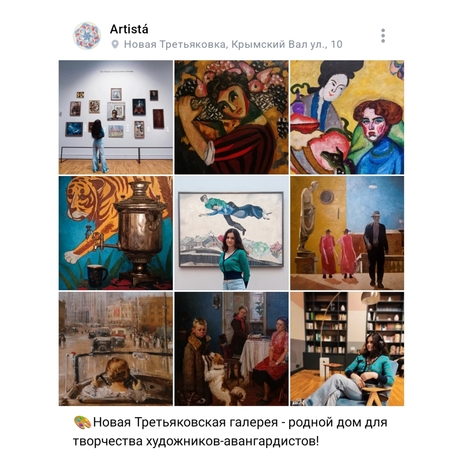
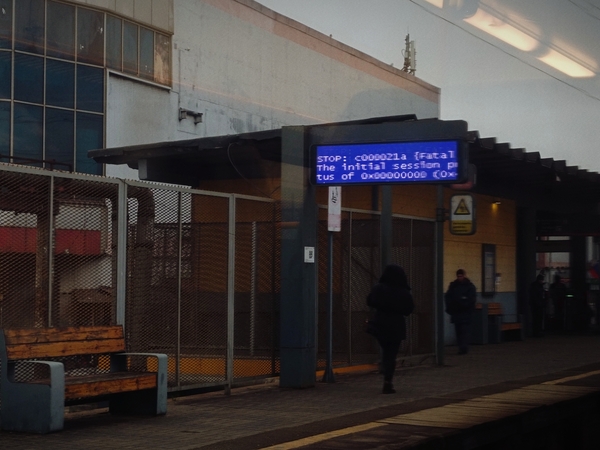
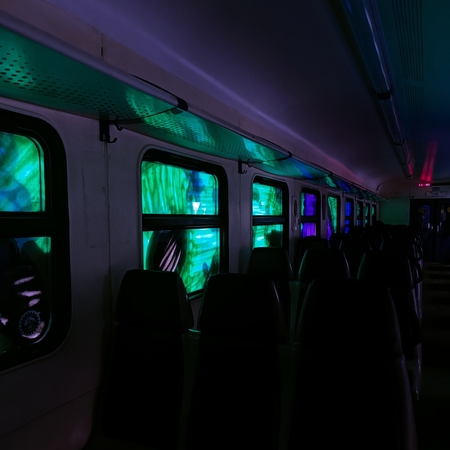
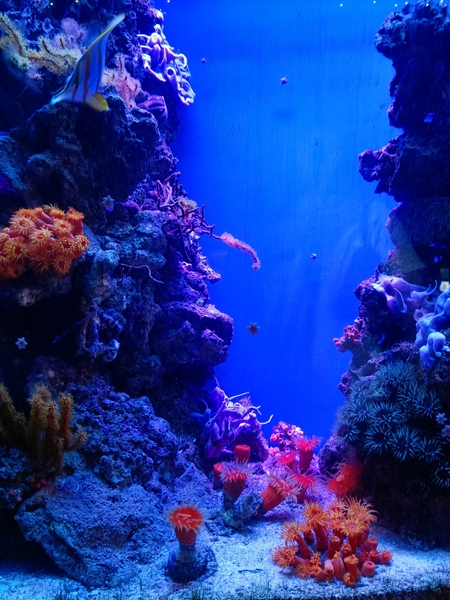
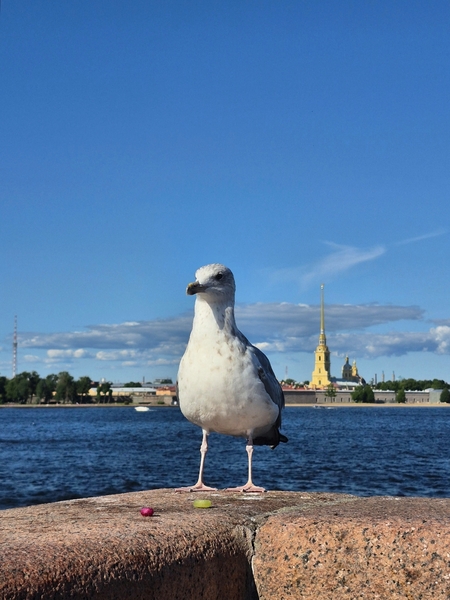
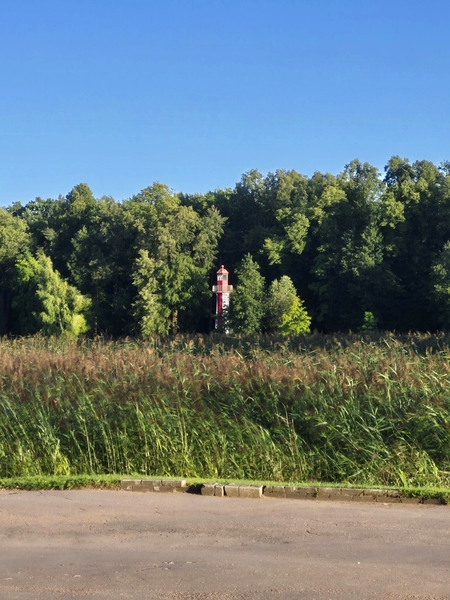
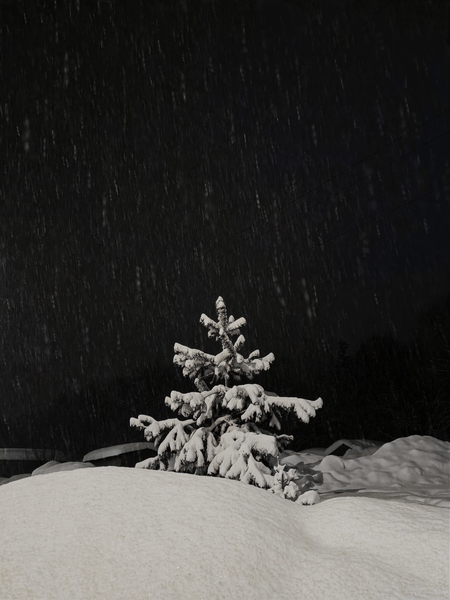
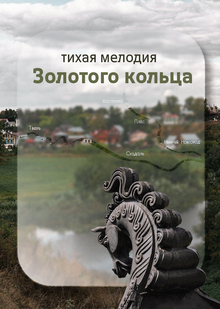
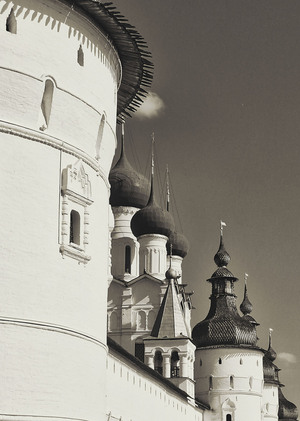
Artistá (с исп. художница) — авторский мобильный фотопроект и творческая платформа на базе сообщества «ВКонтакте», объединяющая визуальную практику, культурную навигацию и генерацию творческих идей. Проект ведётся одним автором и функционирует, как публичный дневник наблюдения, исследования и вдохновения.
Концепция
Artistá строится на одном убеждении: способность художественно видеть — это навык, а не талант. И этот навык тренируется везде: на улице по дороге домой, в музейном зале, в момент, когда ты решаешь не просто посмотреть, а сделать.
Original size 2560x1920
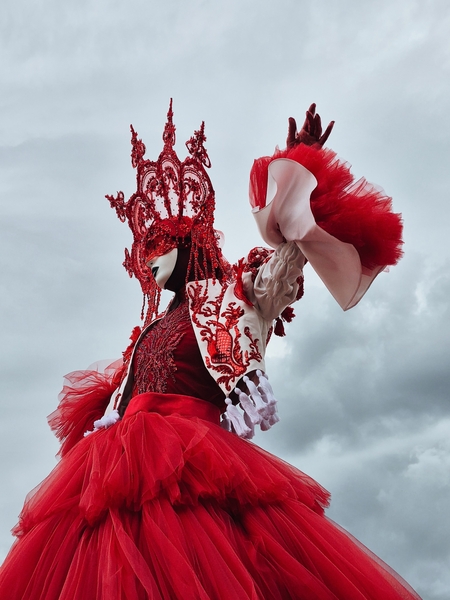
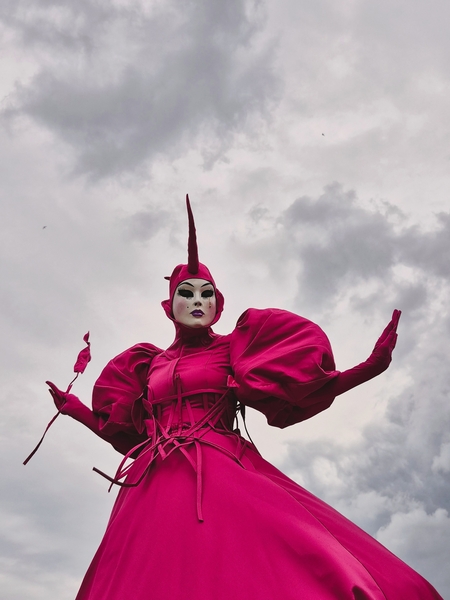
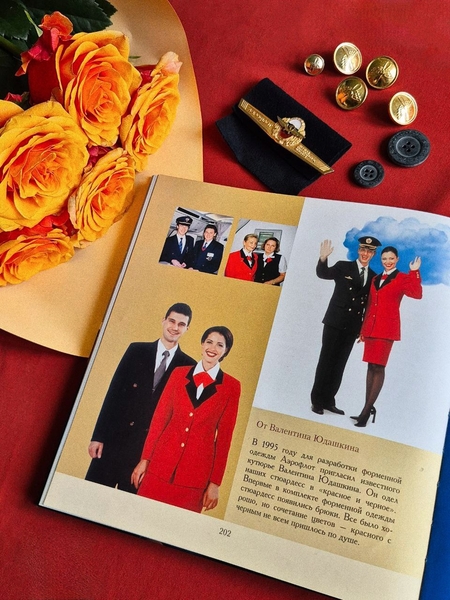
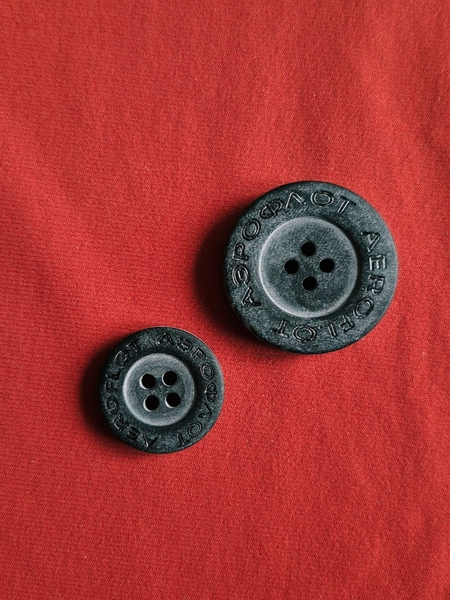
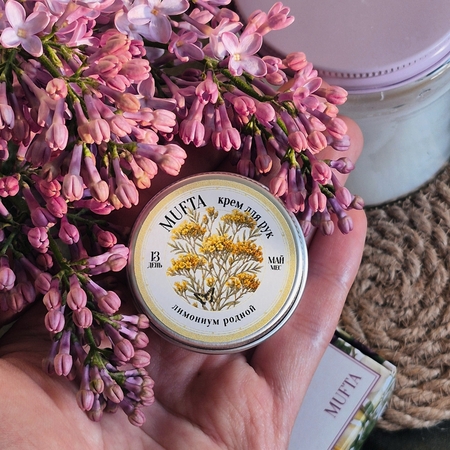
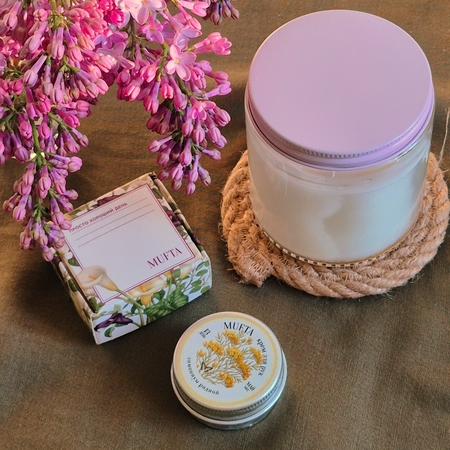
Только мобильная съёмка, без ИИ, без профессиональной оптики. Проект фиксирует красоту, существующую в текущий момент времени. Порой, в один миг.
Структура
Artistá включает три направления, работающие как единая система:
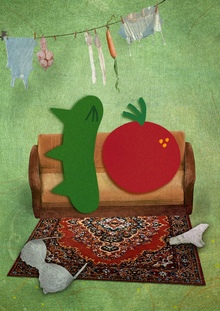
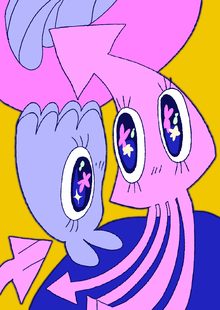
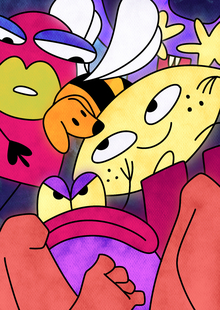
HSE Animation is a platform where animation projects become visible to studios, production companies, media, partners, and audiences.
It brings together animators’ portfolios, educational programs, specialized contests, and key events from the professional community.
The platform was created in partnership with HSE Art and Design School and is developing a... Show more
Press space bar to start a drag.
When dragging you can use the arrow keys to move the item around and escape to cancel.
Some screen readers may require you to be in focus mode or to use your pass through key
Press space bar to start a drag.
When dragging you can use the arrow keys to move the item around and escape to cancel.
Some screen readers may require you to be in focus mode or to use your pass through key
Press space bar to start a drag.
When dragging you can use the arrow keys to move the item around and escape to cancel.
Some screen readers may require you to be in focus mode or to use your pass through key
Press space bar to start a drag.
When dragging you can use the arrow keys to move the item around and escape to cancel.
Some screen readers may require you to be in focus mode or to use your pass through key
Press space bar to start a drag.
When dragging you can use the arrow keys to move the item around and escape to cancel.
Some screen readers may require you to be in focus mode or to use your pass through key
Press space bar to start a drag.
When dragging you can use the arrow keys to move the item around and escape to cancel.
Some screen readers may require you to be in focus mode or to use your pass through key
Press space bar to start a drag.
When dragging you can use the arrow keys to move the item around and escape to cancel.
Some screen readers may require you to be in focus mode or to use your pass through key
Press space bar to start a drag.
When dragging you can use the arrow keys to move the item around and escape to cancel.
Some screen readers may require you to be in focus mode or to use your pass through key
Press space bar to start a drag.
When dragging you can use the arrow keys to move the item around and escape to cancel.
Some screen readers may require you to be in focus mode or to use your pass through key
Press space bar to start a drag.
When dragging you can use the arrow keys to move the item around and escape to cancel.
Some screen readers may require you to be in focus mode or to use your pass through key
Press space bar to start a drag.
When dragging you can use the arrow keys to move the item around and escape to cancel.
Some screen readers may require you to be in focus mode or to use your pass through key
Press space bar to start a drag.
When dragging you can use the arrow keys to move the item around and escape to cancel.
Some screen readers may require you to be in focus mode or to use your pass through key
Press space bar to start a drag.
When dragging you can use the arrow keys to move the item around and escape to cancel.
Some screen readers may require you to be in focus mode or to use your pass through key