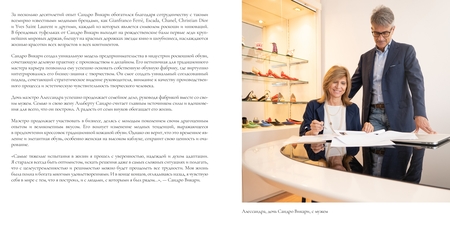
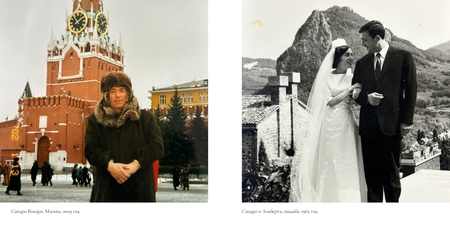
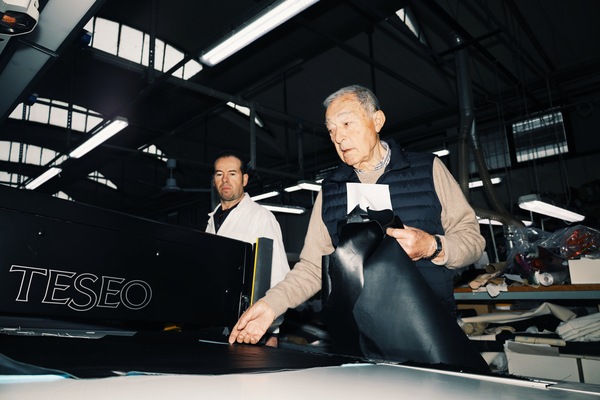
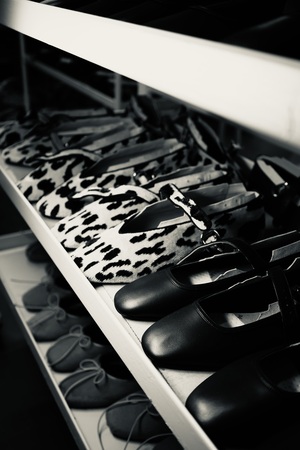
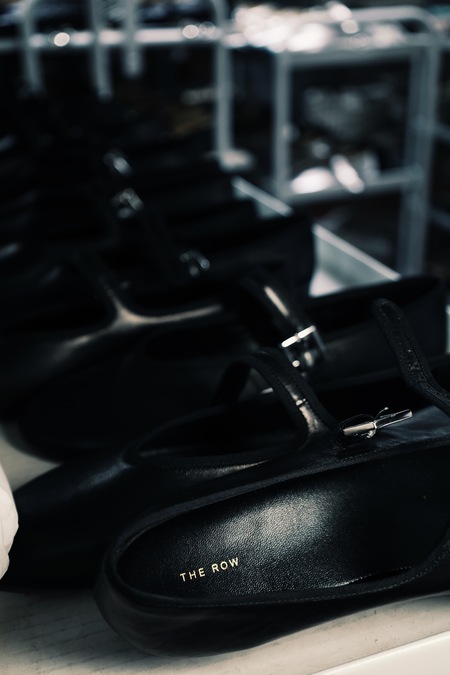
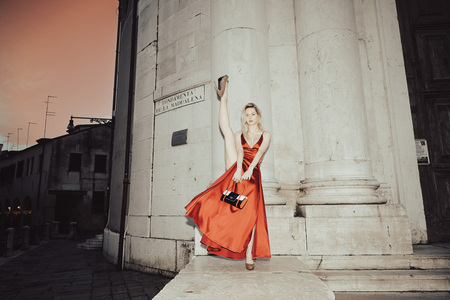
Эта книга посвящена вдохновляющей истории маленького мальчика из простой итальянской семьи, прошедшего большой путь от рабочего обувной фабрики до предпринимателя с мировым именем.
Его упорный труд, преданность ремеслу
и безграничное желание развиваться
привели его к успеху.
Деликатно раскрывая биографию мастера, погрузимся в итальянскую культуру.
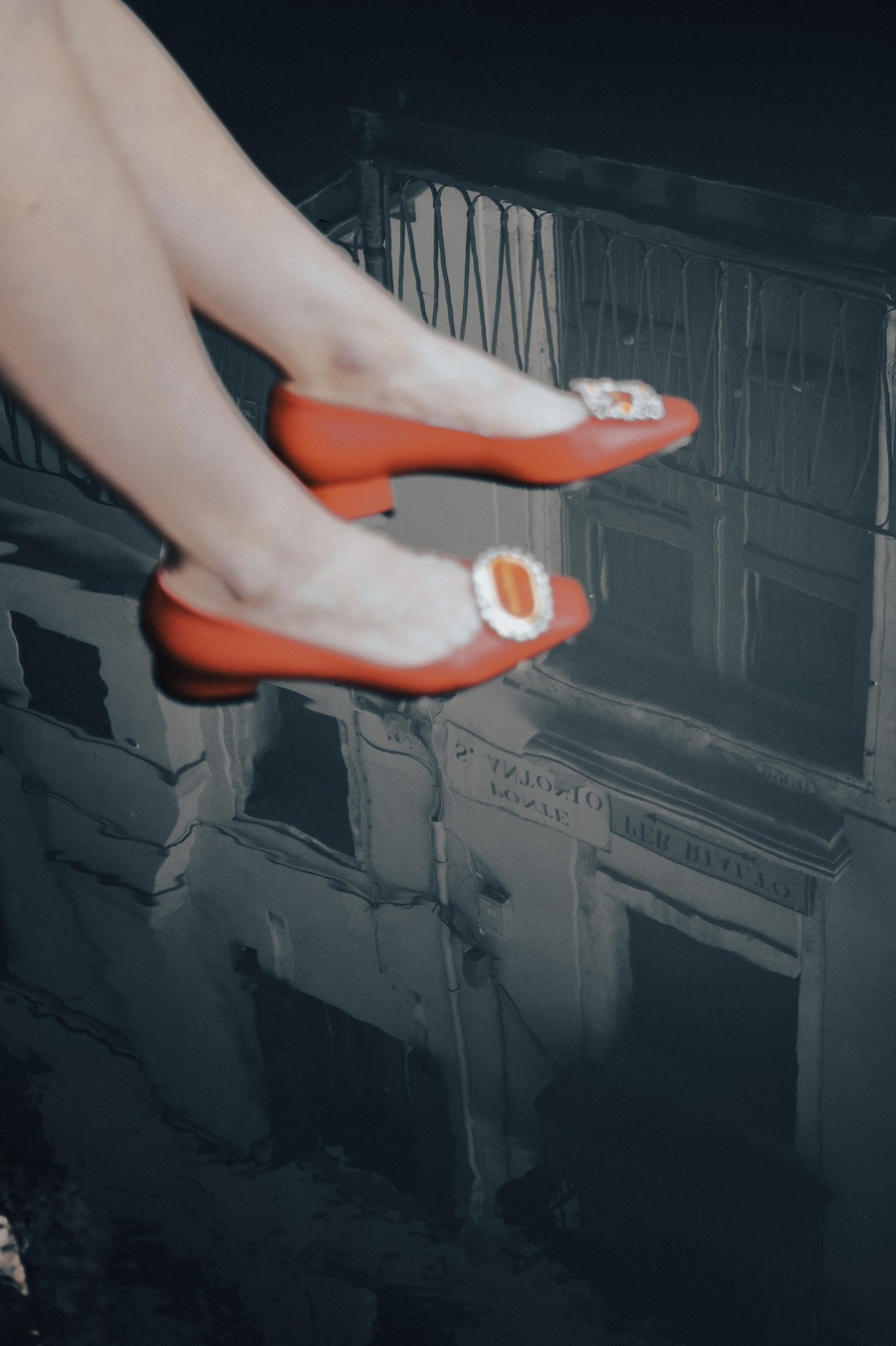
Прикоснемся к секретам завораживающего мастерства итальянских ремесленников. Насладимся красотой Венеции — музой региона Ривьера дель Брента, формировавшего современный ландшафт обувной индустрии.
Надеюсь, что эта книга станет свидетельством вклада Сандро Викари в мир роскошной обуви, предлагая эмоциональный фотографический взгляд на жизнь маэстро, его творчество и его уникальное влияние на итальянскую обувную моду.
Sandro Vicari
Вдохновение в каждой строчке. История успеха и путь к мечте.
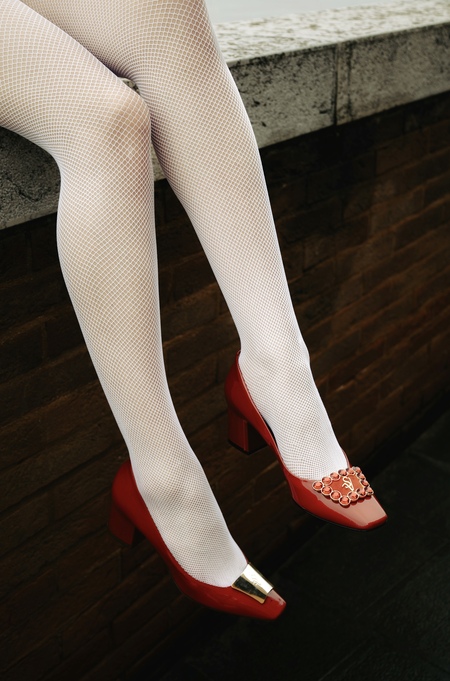
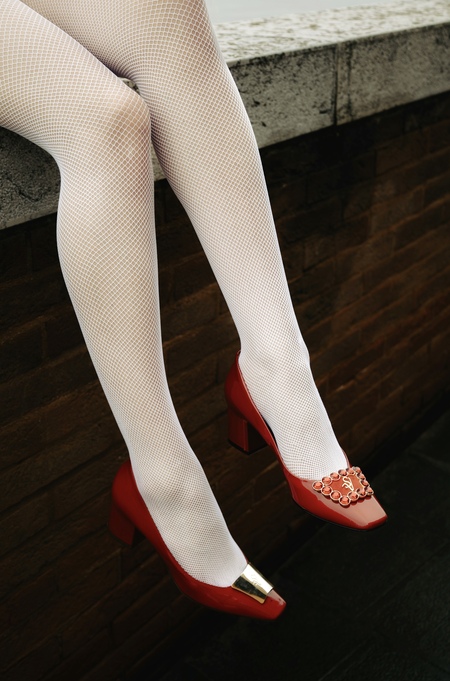
Алиса Дресвянникова создала фотокнигу, посвящённую истории итальянского дизайнера Sandro Vicari и его пути к успеху. Проект представляет собой печатную версию в твердом переплете, включающую визуальное исследование итальянской обувной культуры.
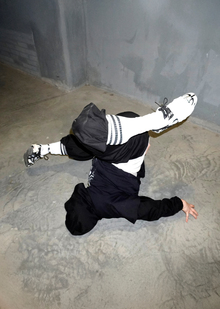
Ева Верченко подготовила тексты о роли женщин в спорте и исторических стереотипах, связанных с их физической активностью. Проект включает статьи с упоминанием спортивного фестиваля «Мастера спорта» и сотрудничеством с фитнес-клубами.
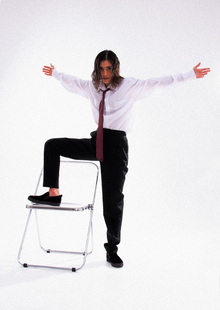
Карина Тренчева создала текст, исследующий диалог между человеческим телом и городской средой, где оба адаптируются друг к другу. Проект включает в себя пост с подробным описанием взаимодействия тела и города как экосистемы, сопровождаемый списком участников и креативных специалистов.
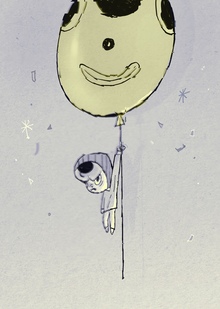
HSE Animation is a platform where animation projects become visible to studios, production companies, media, partners, and audiences.
It brings together animators’ portfolios, educational programs, specialized contests, and key events from the professional community.
The platform was created in partnership with HSE Art and Design School and is developing a... Show more
Press space bar to start a drag.
When dragging you can use the arrow keys to move the item around and escape to cancel.
Some screen readers may require you to be in focus mode or to use your pass through key
Press space bar to start a drag.
When dragging you can use the arrow keys to move the item around and escape to cancel.
Some screen readers may require you to be in focus mode or to use your pass through key
Press space bar to start a drag.
When dragging you can use the arrow keys to move the item around and escape to cancel.
Some screen readers may require you to be in focus mode or to use your pass through key
Press space bar to start a drag.
When dragging you can use the arrow keys to move the item around and escape to cancel.
Some screen readers may require you to be in focus mode or to use your pass through key
Press space bar to start a drag.
When dragging you can use the arrow keys to move the item around and escape to cancel.
Some screen readers may require you to be in focus mode or to use your pass through key
Press space bar to start a drag.
When dragging you can use the arrow keys to move the item around and escape to cancel.
Some screen readers may require you to be in focus mode or to use your pass through key
Press space bar to start a drag.
When dragging you can use the arrow keys to move the item around and escape to cancel.
Some screen readers may require you to be in focus mode or to use your pass through key
Press space bar to start a drag.
When dragging you can use the arrow keys to move the item around and escape to cancel.
Some screen readers may require you to be in focus mode or to use your pass through key
Press space bar to start a drag.
When dragging you can use the arrow keys to move the item around and escape to cancel.
Some screen readers may require you to be in focus mode or to use your pass through key
Press space bar to start a drag.
When dragging you can use the arrow keys to move the item around and escape to cancel.
Some screen readers may require you to be in focus mode or to use your pass through key
Press space bar to start a drag.
When dragging you can use the arrow keys to move the item around and escape to cancel.
Some screen readers may require you to be in focus mode or to use your pass through key
Press space bar to start a drag.
When dragging you can use the arrow keys to move the item around and escape to cancel.
Some screen readers may require you to be in focus mode or to use your pass through key