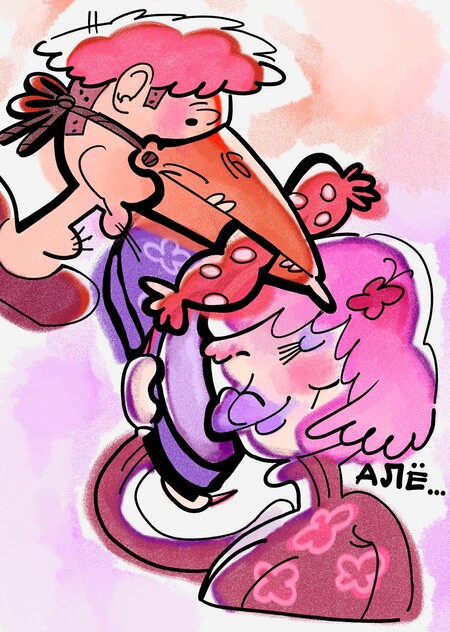
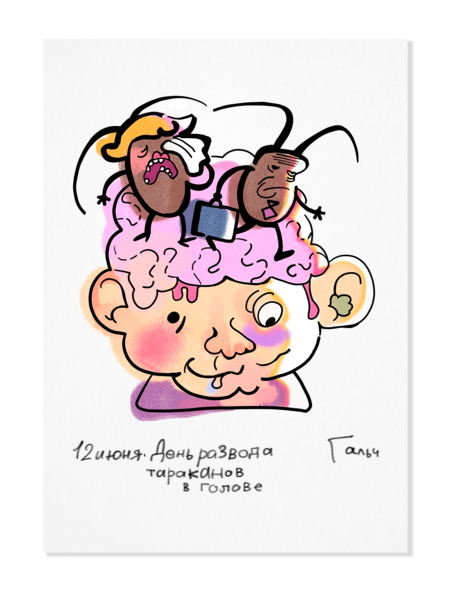
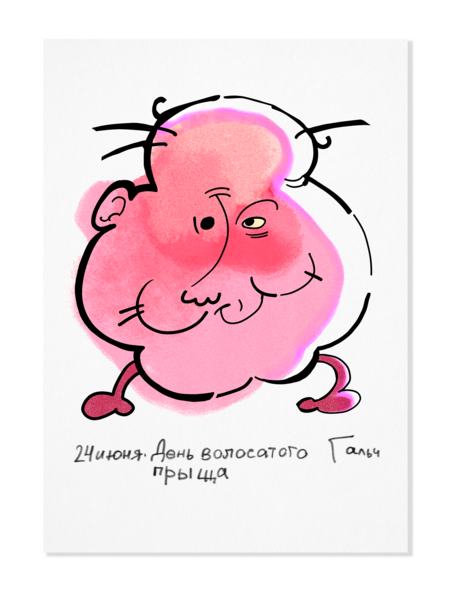
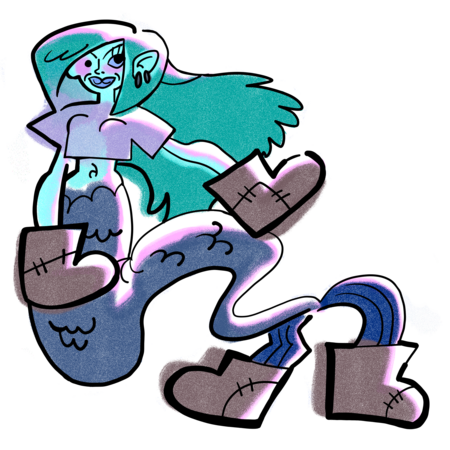
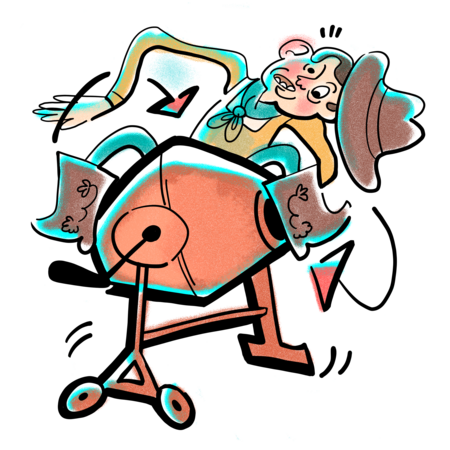
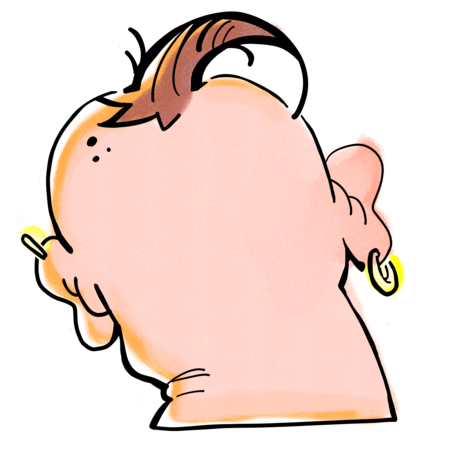
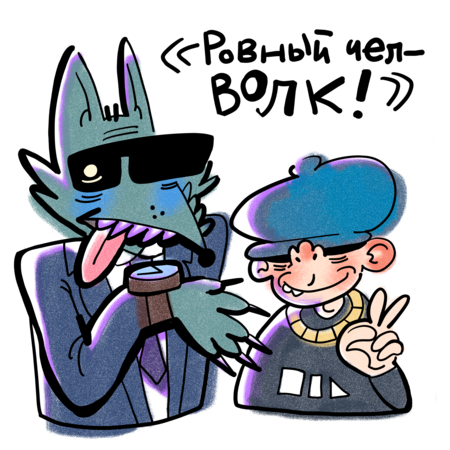
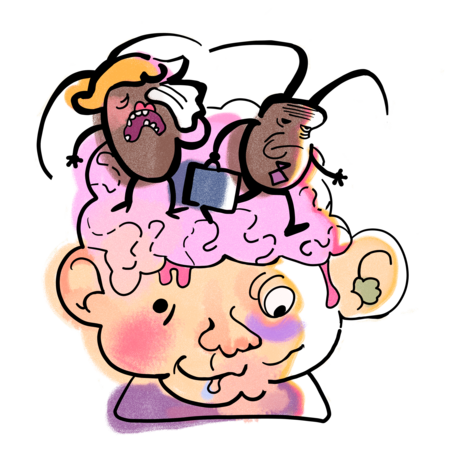
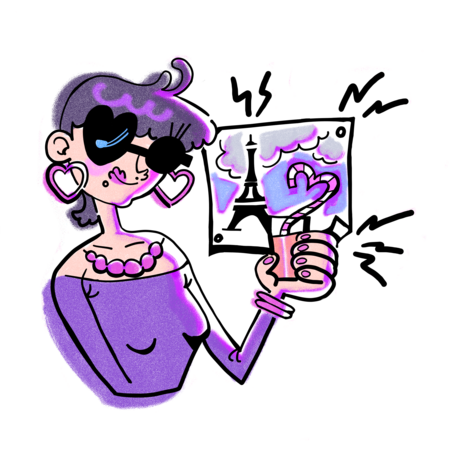
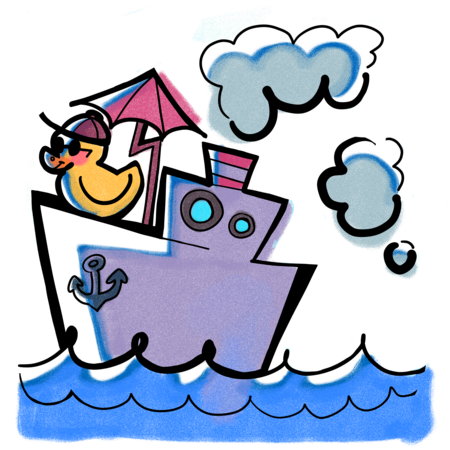
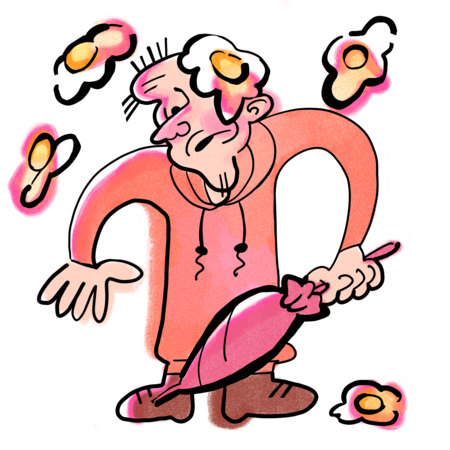
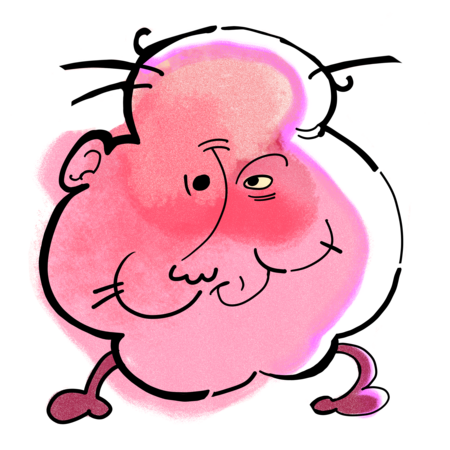
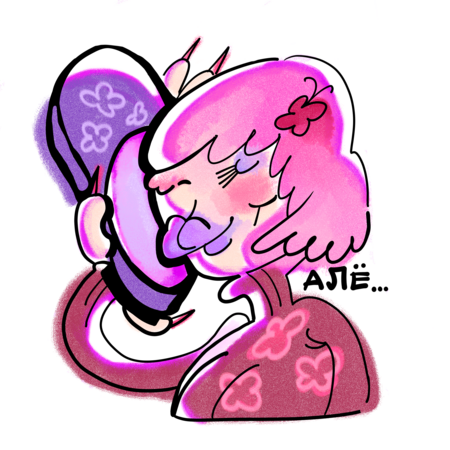
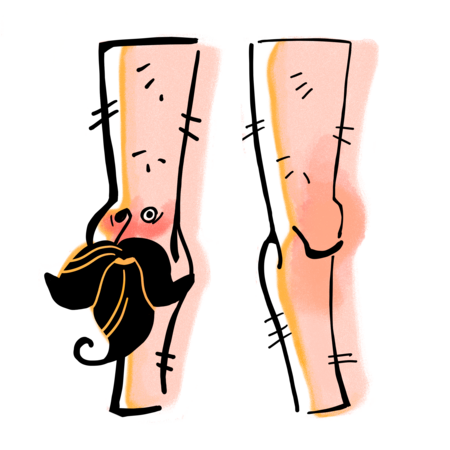
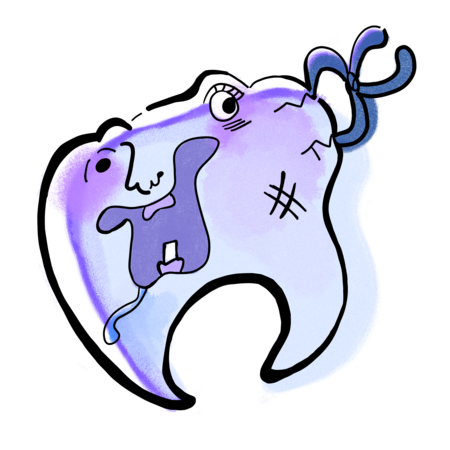
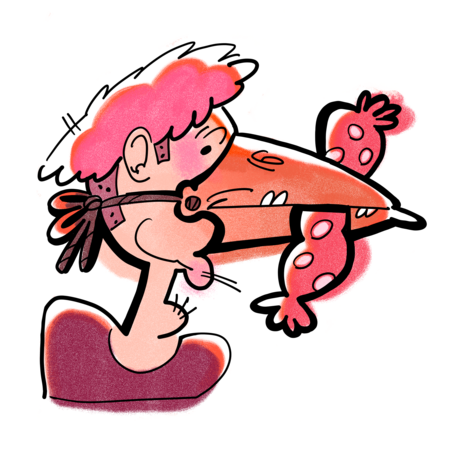
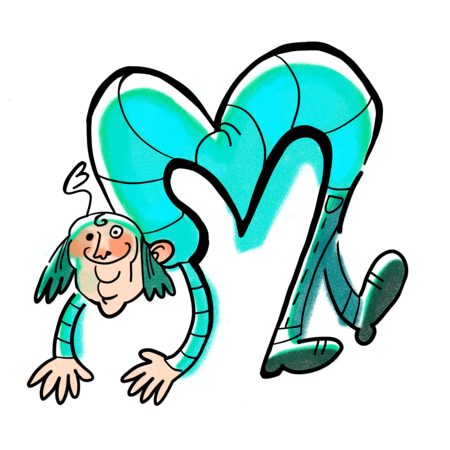
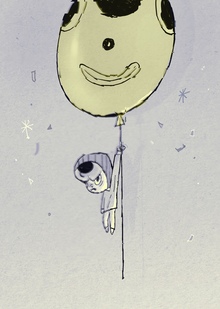
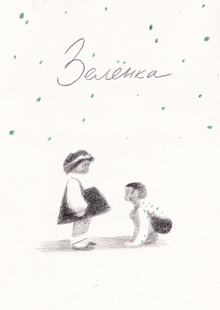
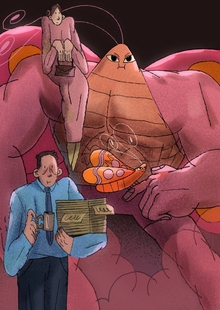
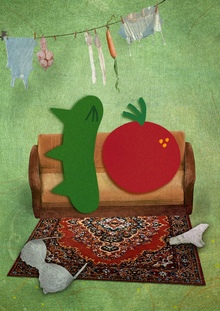
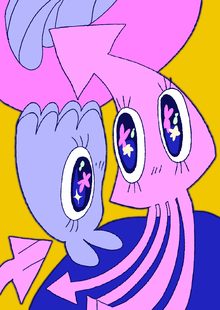
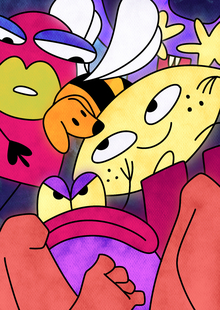
Серия из 22 иллюстраций, встроенных в календарь. Каждая работа посвящена шуточным дням с 8 по 29 июня. Главная задача проекта — поддержать серийность, находя лёгкую и точную метафорическую интонацию для каждого образа.
Мокапы
8 июня. День валенок для русалок. 9 июня. День катания на бетономешалке
10 июня. День волосинки на лысине. 11 июня. День пацанских цитат
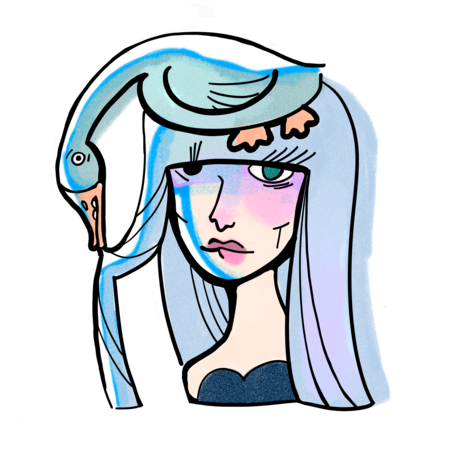
12 июня. День развода тараканов в голове. 13 июня. День Леди и Гаги
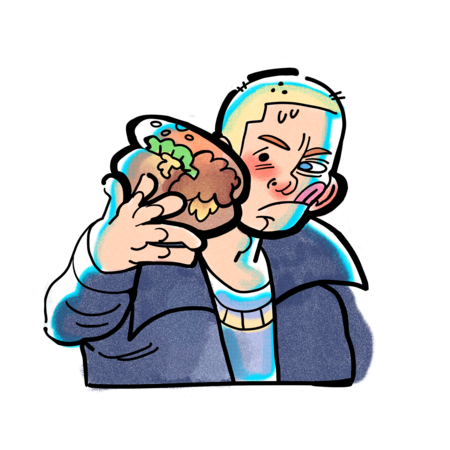
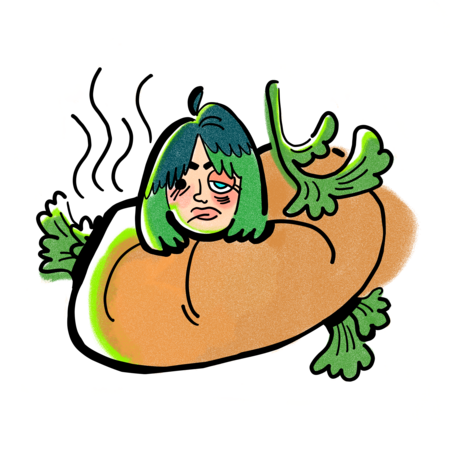
14 июня. День Ема-Эминема. 15 июня. День Беляш Айлиш
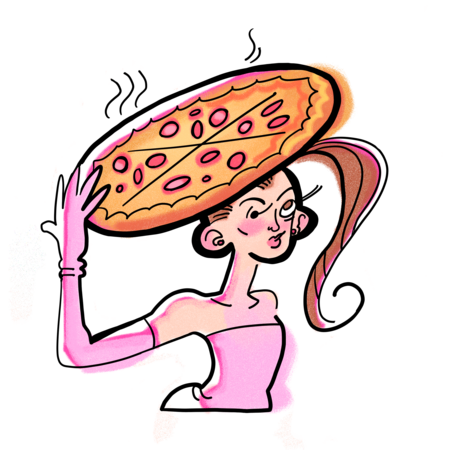
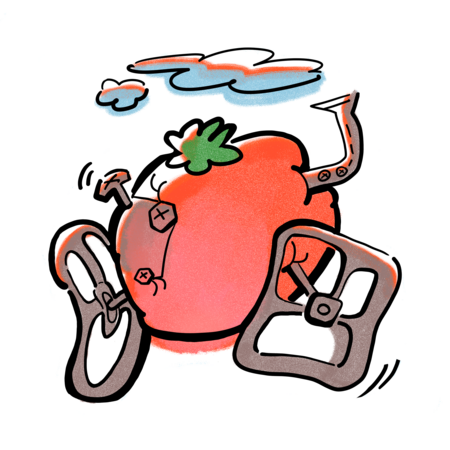
16 июня. День Арианы Гранд-пиццы. 17 июня. День помидора на колёсах
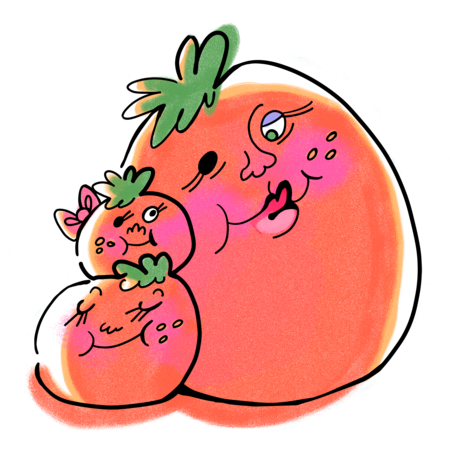
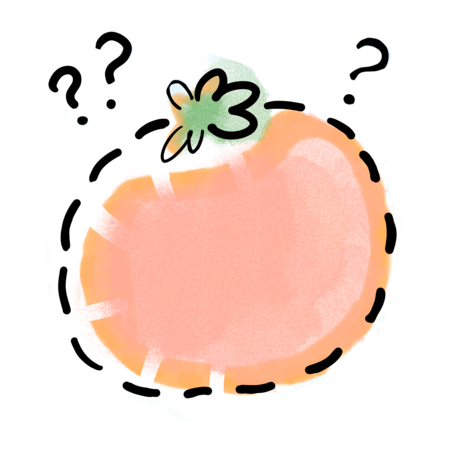
18 июня. День помидора с помидорятами. 19 июня. День помидора без помидора
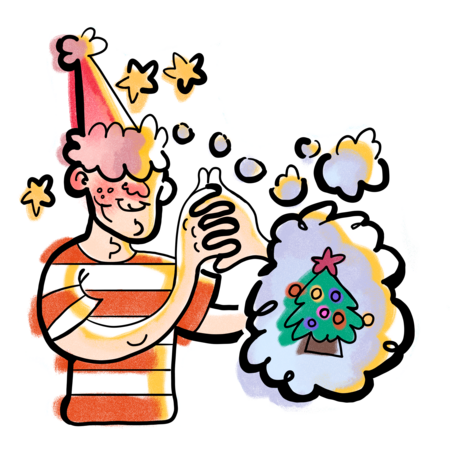
20 июня. День ожидания Нового Года. 21 июня. День воображаемого путешествия
22 июня. День круиза в домашних условиях. 23 июня. День яичного дождя
24 июня. День волосатого прыща. 25 июня. День звонков по тапку
26 июня. День бородатой коленки. 27 июня. День зуба тупости
28 июня. День ловли колбасы клювом. 29 июня. День позы сердечка
HSE Animation is a platform where animation projects become visible to studios, production companies, media, partners, and audiences.
It brings together animators’ portfolios, educational programs, specialized contests, and key events from the professional community.
The platform was created in partnership with HSE Art and Design School and is developing a... Show more
Press space bar to start a drag.
When dragging you can use the arrow keys to move the item around and escape to cancel.
Some screen readers may require you to be in focus mode or to use your pass through key
Press space bar to start a drag.
When dragging you can use the arrow keys to move the item around and escape to cancel.
Some screen readers may require you to be in focus mode or to use your pass through key
Press space bar to start a drag.
When dragging you can use the arrow keys to move the item around and escape to cancel.
Some screen readers may require you to be in focus mode or to use your pass through key
Press space bar to start a drag.
When dragging you can use the arrow keys to move the item around and escape to cancel.
Some screen readers may require you to be in focus mode or to use your pass through key
Press space bar to start a drag.
When dragging you can use the arrow keys to move the item around and escape to cancel.
Some screen readers may require you to be in focus mode or to use your pass through key
Press space bar to start a drag.
When dragging you can use the arrow keys to move the item around and escape to cancel.
Some screen readers may require you to be in focus mode or to use your pass through key
Press space bar to start a drag.
When dragging you can use the arrow keys to move the item around and escape to cancel.
Some screen readers may require you to be in focus mode or to use your pass through key
Press space bar to start a drag.
When dragging you can use the arrow keys to move the item around and escape to cancel.
Some screen readers may require you to be in focus mode or to use your pass through key
Press space bar to start a drag.
When dragging you can use the arrow keys to move the item around and escape to cancel.
Some screen readers may require you to be in focus mode or to use your pass through key
Press space bar to start a drag.
When dragging you can use the arrow keys to move the item around and escape to cancel.
Some screen readers may require you to be in focus mode or to use your pass through key
Press space bar to start a drag.
When dragging you can use the arrow keys to move the item around and escape to cancel.
Some screen readers may require you to be in focus mode or to use your pass through key
Press space bar to start a drag.
When dragging you can use the arrow keys to move the item around and escape to cancel.
Some screen readers may require you to be in focus mode or to use your pass through key